







What can a VPN do?
Show Me
5 ways to use your VPN
See Them NowDevices that are incompatible with the ExpressVPN app can be manually configured to run a VPN. This guide will show you how to find the credentials and server addresses you need for manual configuration setups.
To find credentials you need for manual VPN setups:
- Go to the ExpressVPN manual configuration setup page.
- If prompted, log into your ExpressVPN account with your email and verification code or passkey.
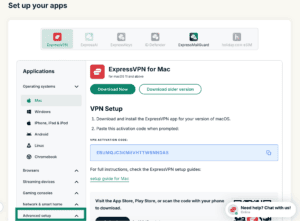
- Under Applications (or Show other devices), click Advanced setup.

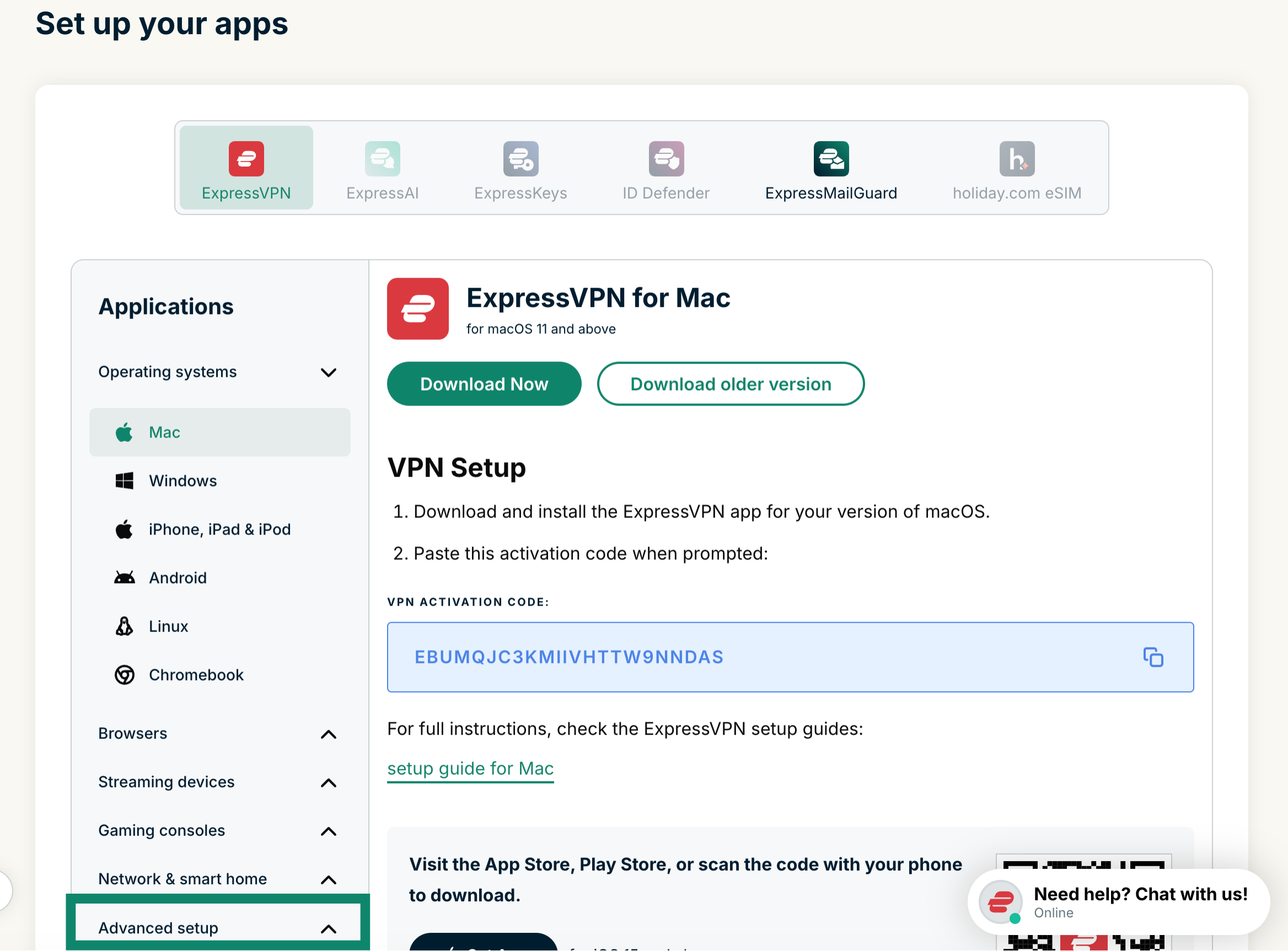
- Click Manual configuration.


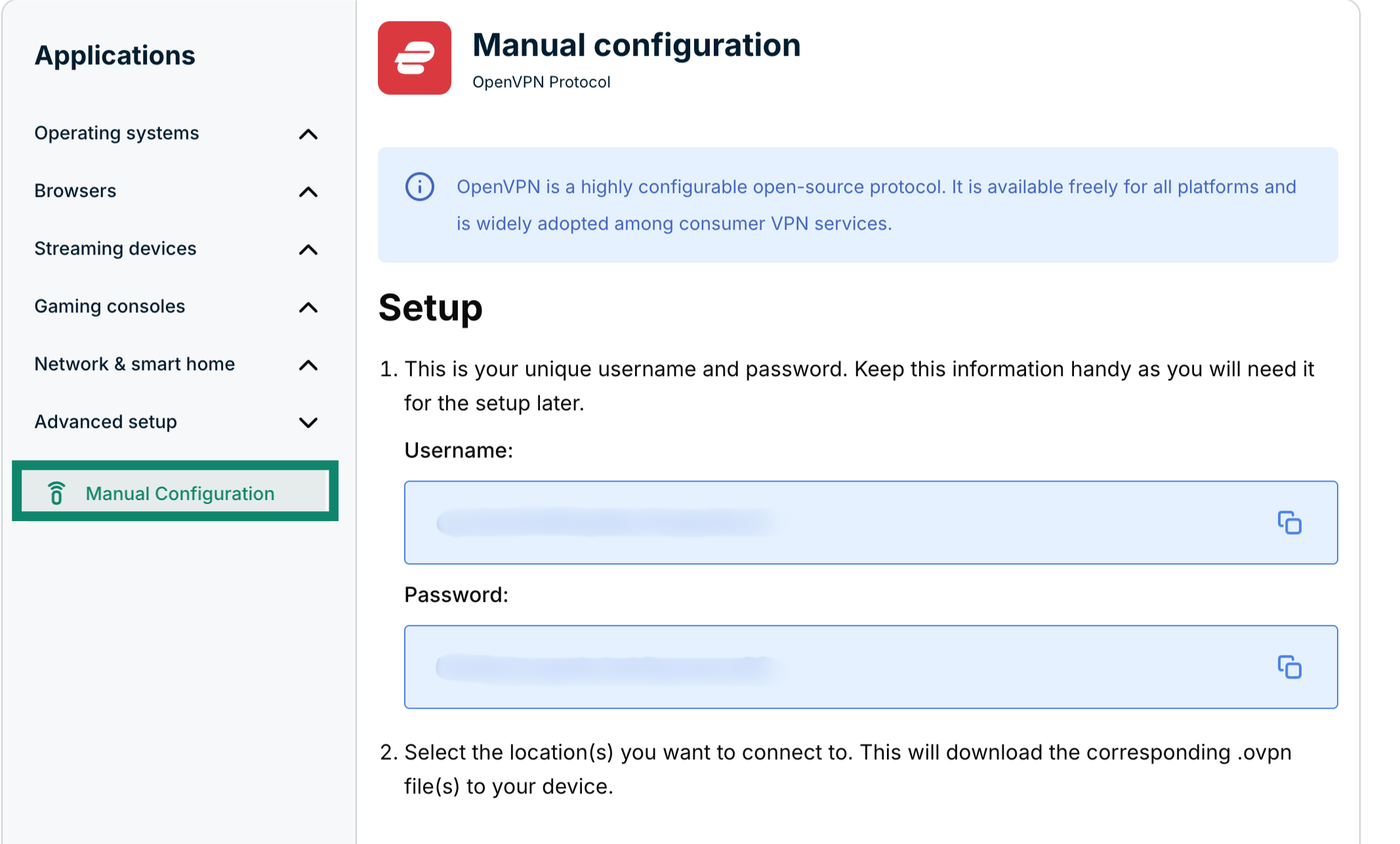
- You’ll see your username and password on the right side under Setup in step 1.

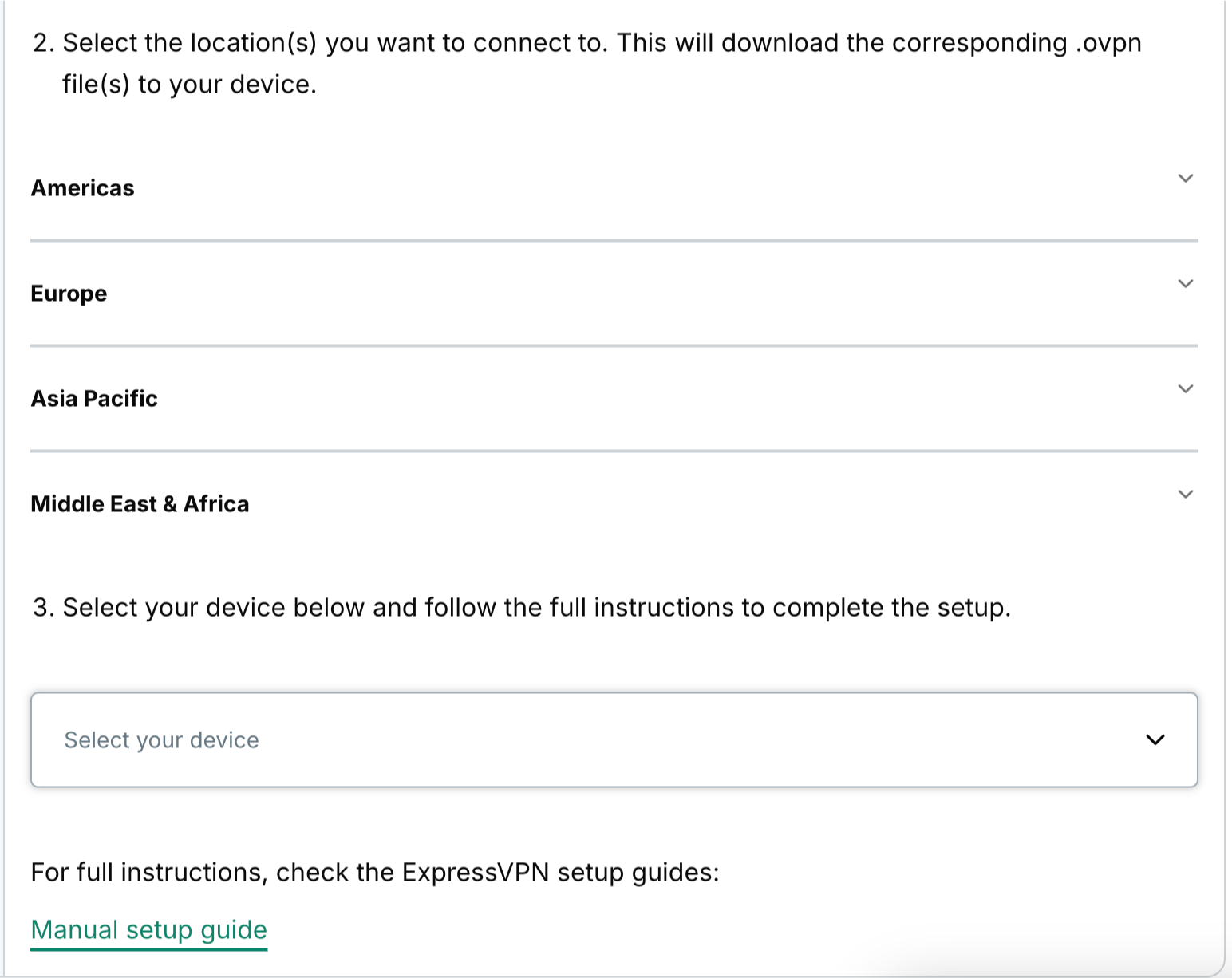
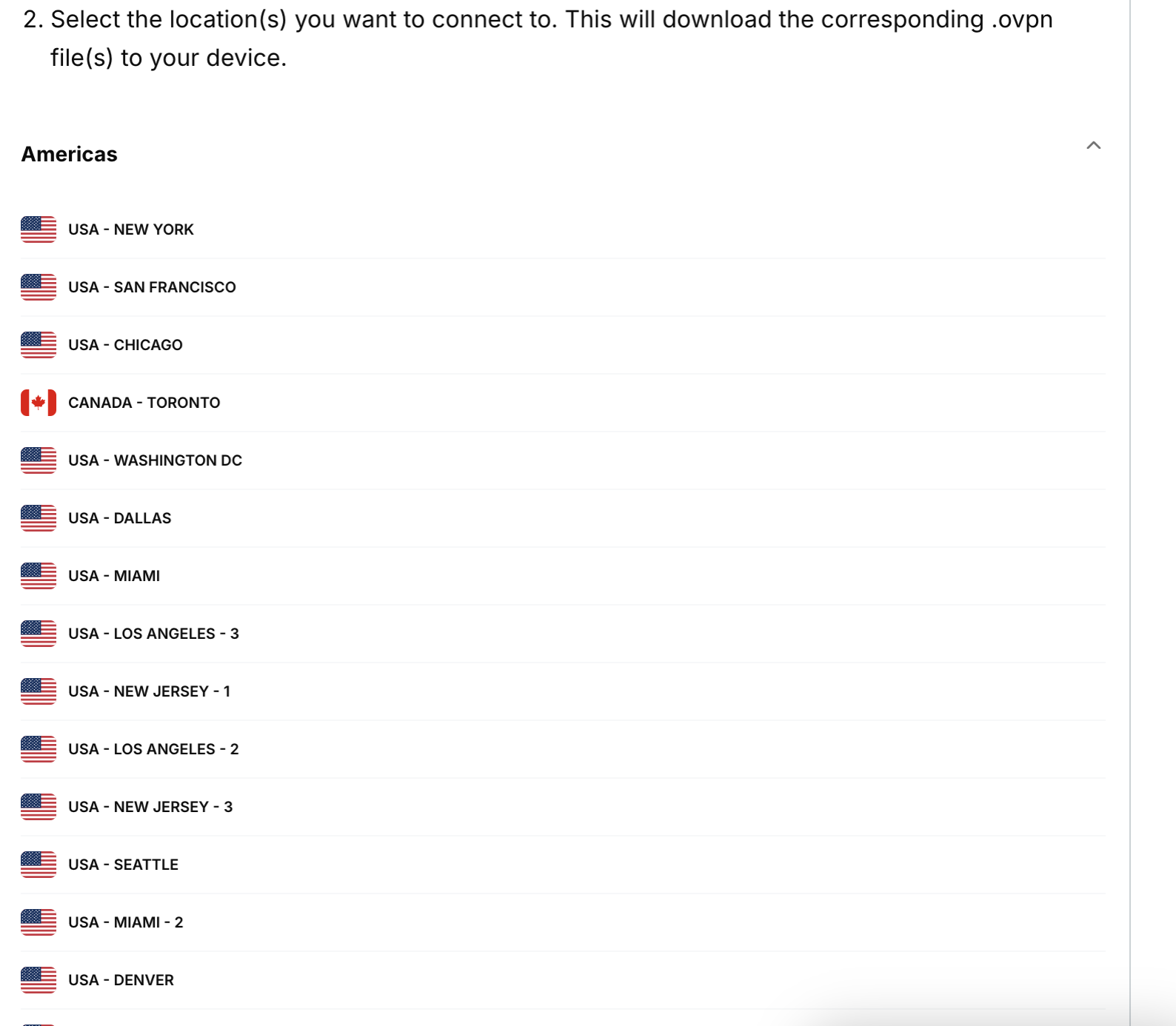
- Scroll down to step 2 to see the available regions. Click a region to open a dropdown menu and see the available locations.


- Click a location and the file will start downloading automatically.


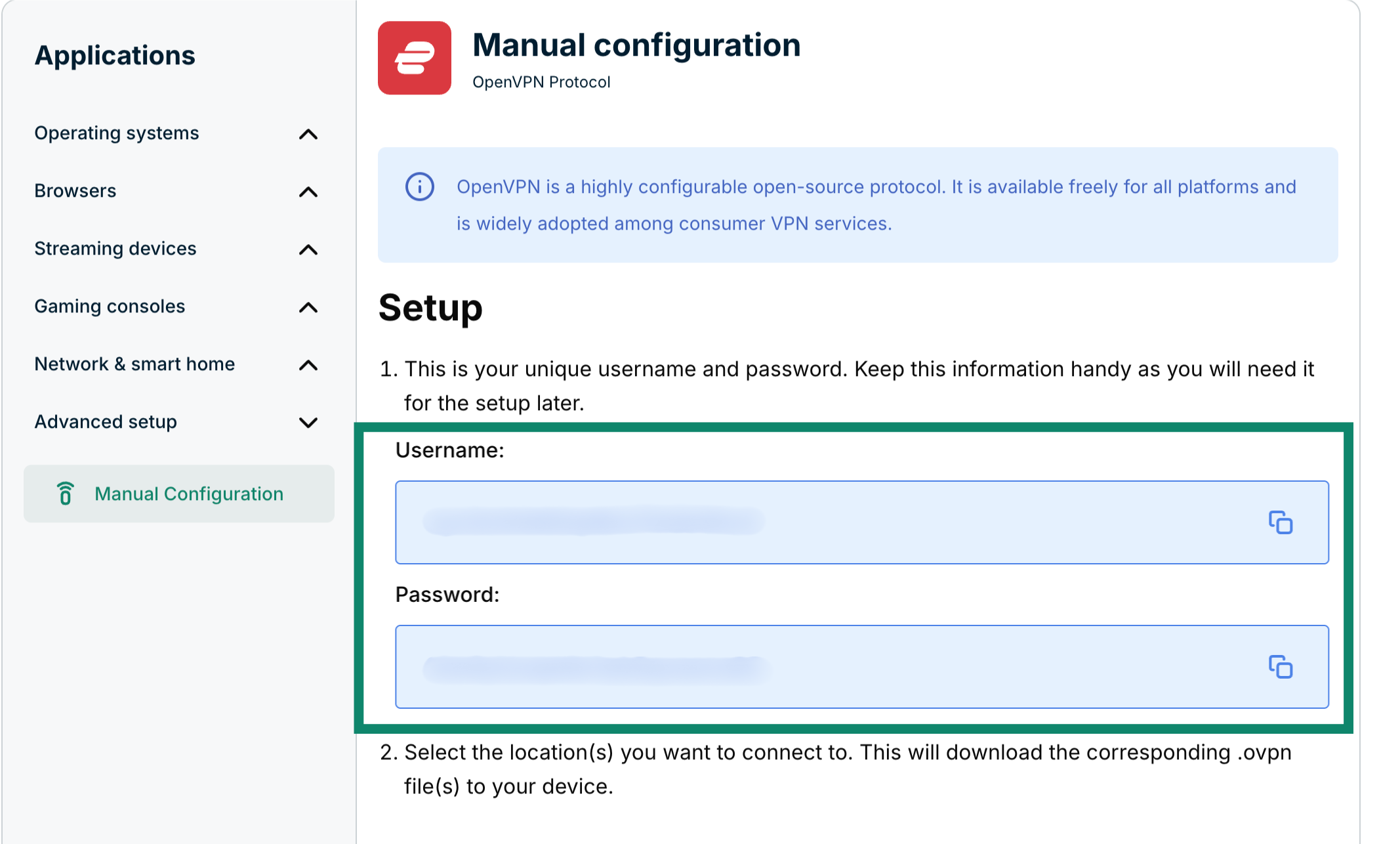
Keep this browser window open during the manual configuration setup process for ease of reference.
Need help? Contact the ExpressVPN Support Team for immediate assistance.