



Para utilizar nossos aplicativos e configurações, por favor, primeiro crie uma conta na ExpressVPN.
To reset a lost or forgotten password, you can visit our reset password page. The instructions below outline how to change your password from there.
If you remember your ExpressVPN account password and want to change it, visit our guide on how to change your password.
Jump to section
Change your password via email
Change your password via the ExpressVPN app
Change your password via email
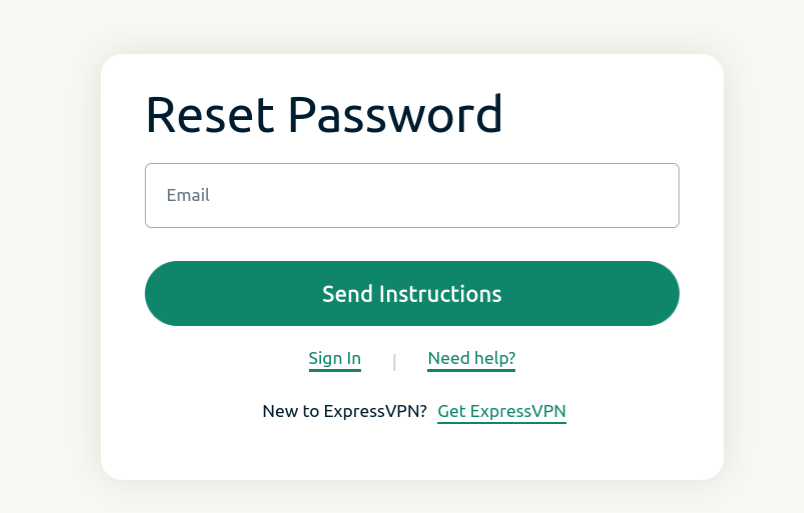
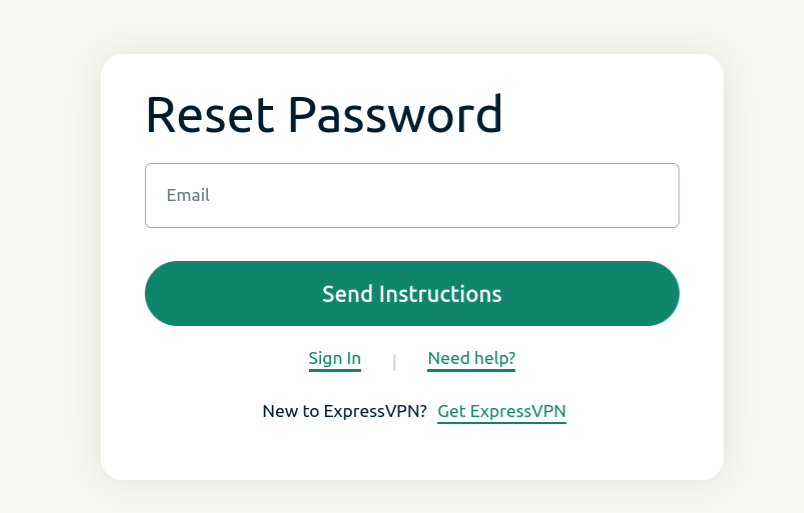
- Visit the password reset page and enter the email address associated with your account. Click Send Instructions.


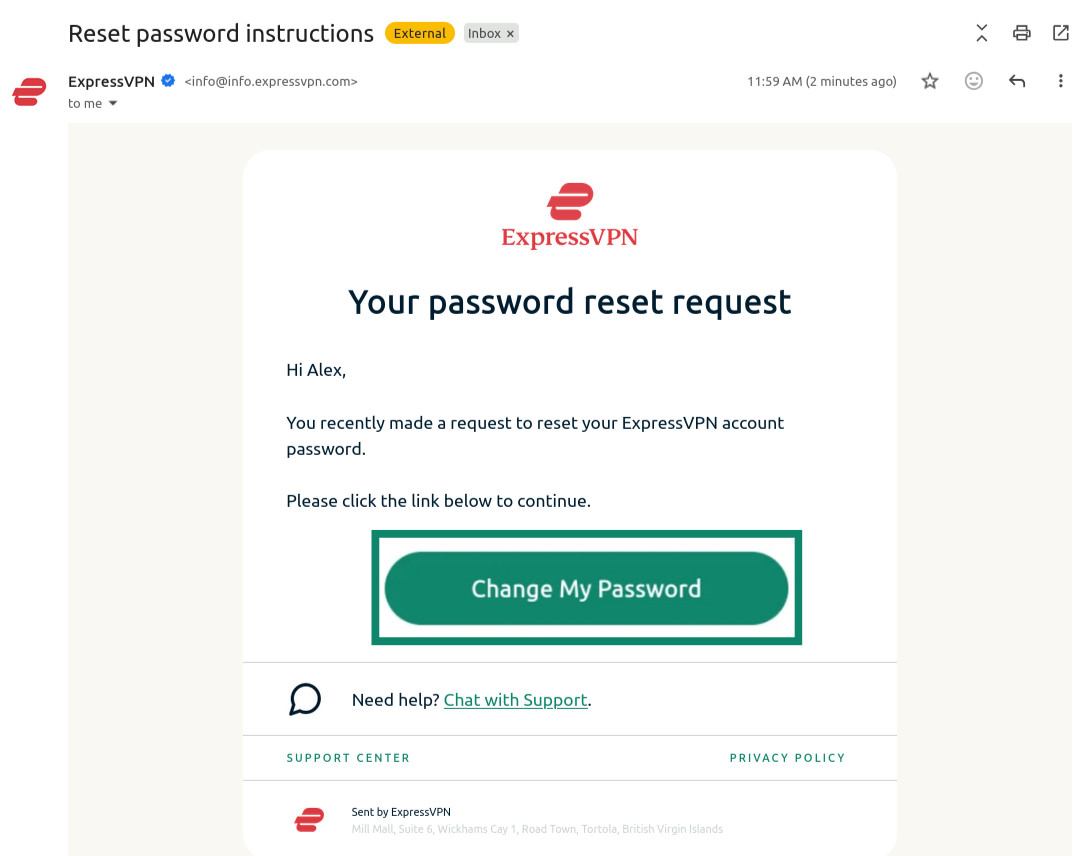
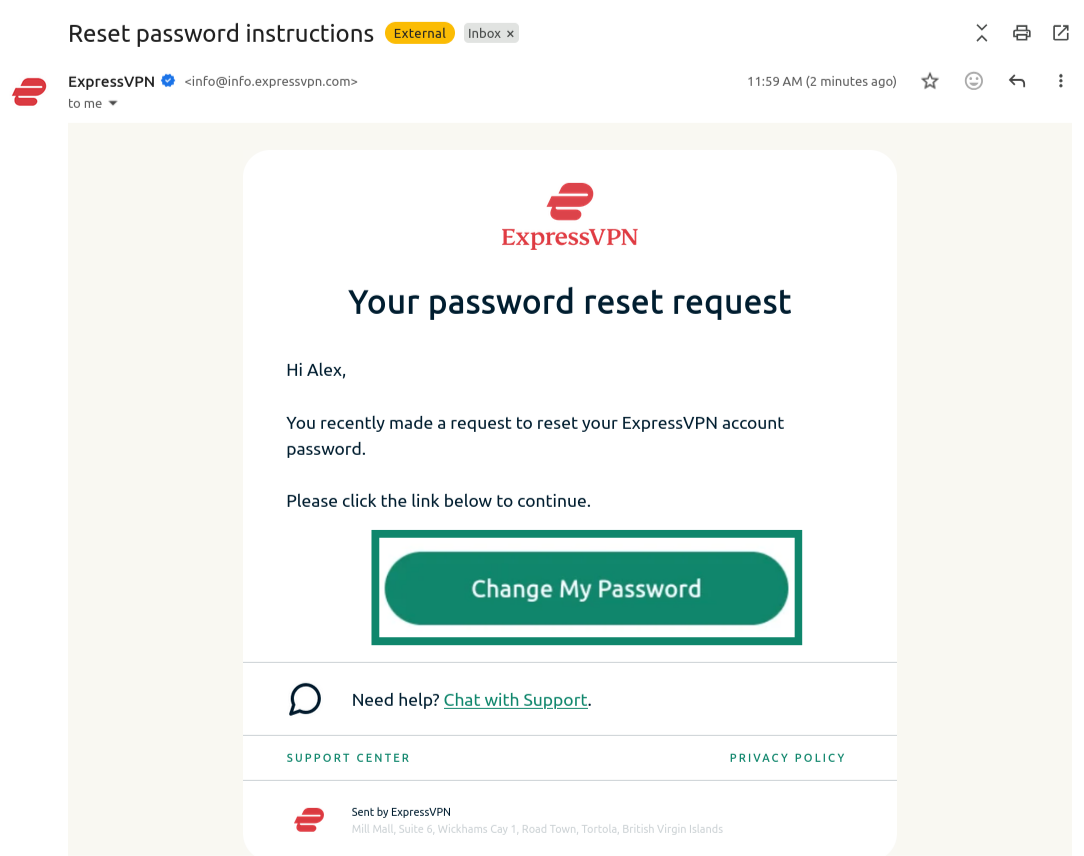
- Open the new email you received and click the Change My Password button.


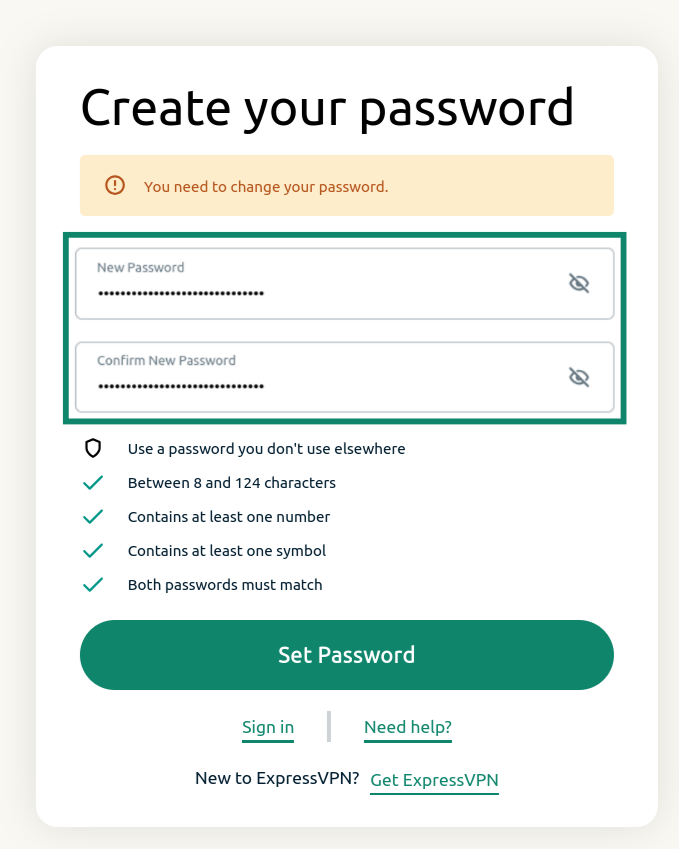
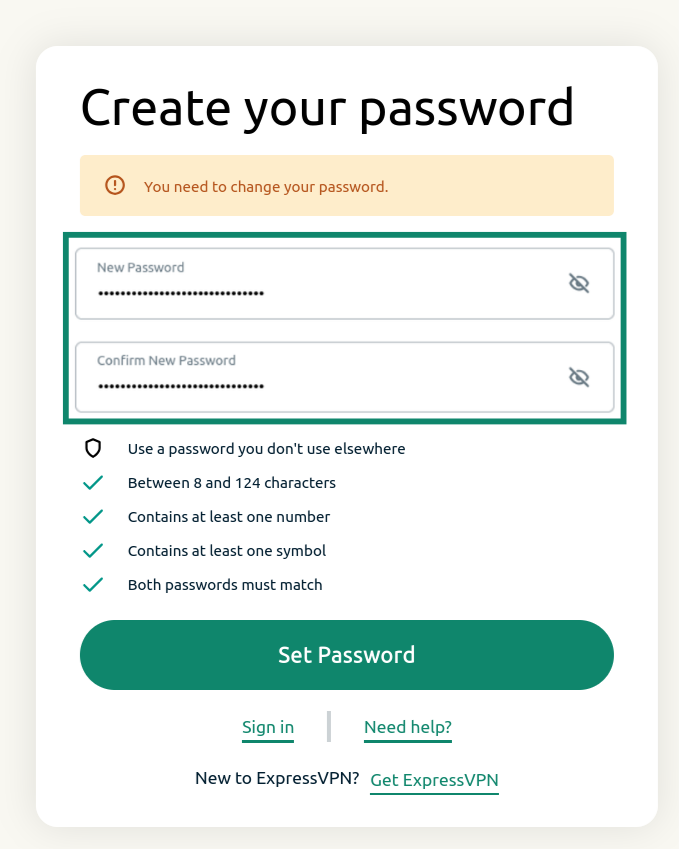
- Enter a new password, confirm it, and click Set Password.


You will receive a notification saying that your account has been updated. Your password should now be reset.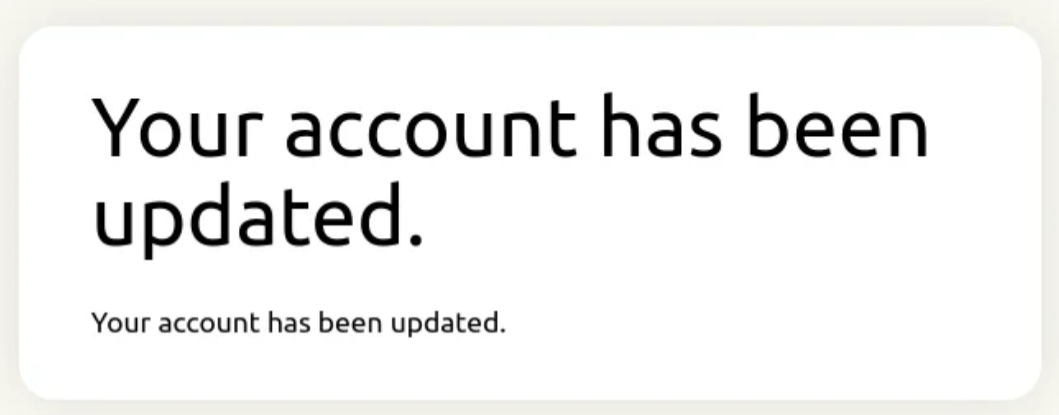
Need help? Contact the ExpressVPN Support Team for immediate assistance.
Change your password via the ExpressVPN app
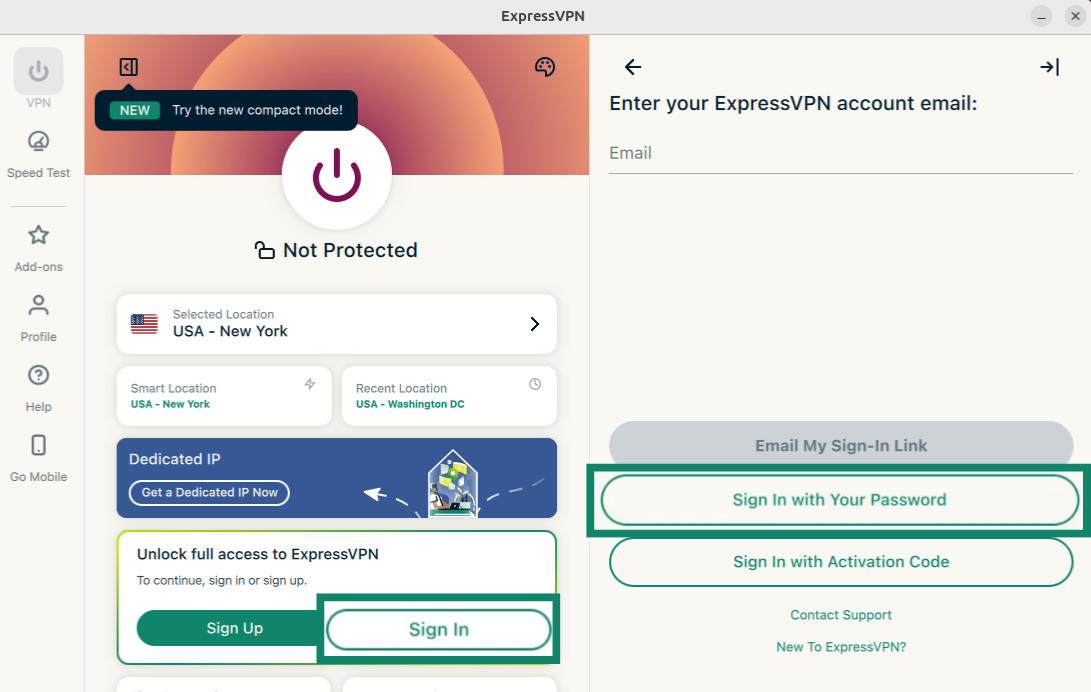
- Open the ExpressVPN app and select Sign In.
- Select Sign in with Your Password.


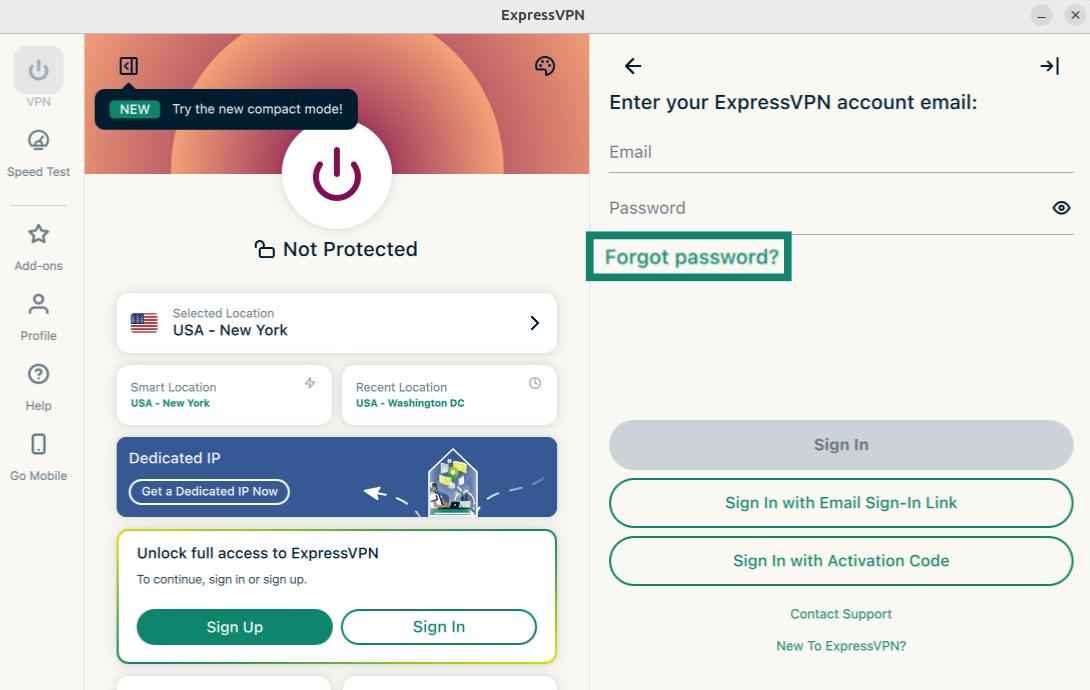
- Click Forgot password?


- The password reset page will open. Enter the email address associated with your ExpressVPN account and click Send Instructions.

- Open the new email you received and click the Change My Password button.

- Enter a new password, confirm it, and click Set Password.

Your password should now be reset.
Need help? Contact the ExpressVPN Support Team via Live Chat for immediate assistance.