




Vous avez besoin d'un VPN ou d'un DNS ?
Essayez ExpressVPN maintenantUn compte ExpressVPN. Tous les appareils.
Essayez les applis gratuitementCe guide vous explique comment configurer MediaStreamer sur des routeurs DD-WRT.
MediaStreamer est un service DNS conçu pour améliorer votre expérience de streaming. Si votre appareil n’est pas compatible avec les VPN, la fonctionnalité MediaStreamer constitue une excellente alternative pour la pratique du streaming.
Pour l’utiliser de manière optimale, vous devez enregistrer votre adresse IP sur le site Web d’ExpressVPN. Cela permet à ExpressVPN de reconnaître votre adresse IP et d’autoriser votre appareil à accéder à MediaStreamer.
Remarque : MediaStreamer n’est pas un service VPN et n’offre pas les mêmes avantages en matière de confidentialité et de sécurité. Vous ne pouvez pas changer de localisation avec MediaStreamer.
Aller à…
1. Enregistrez votre adresse IP sur le site Internet d’ExpressVPN
2. Obtenez vos adresses IP MediaStreamer
3. Configurez MediaStreamer sur votre routeur DD-WRT
1. Enregistrez votre adresse IP sur le site Internet d’ExpressVPN
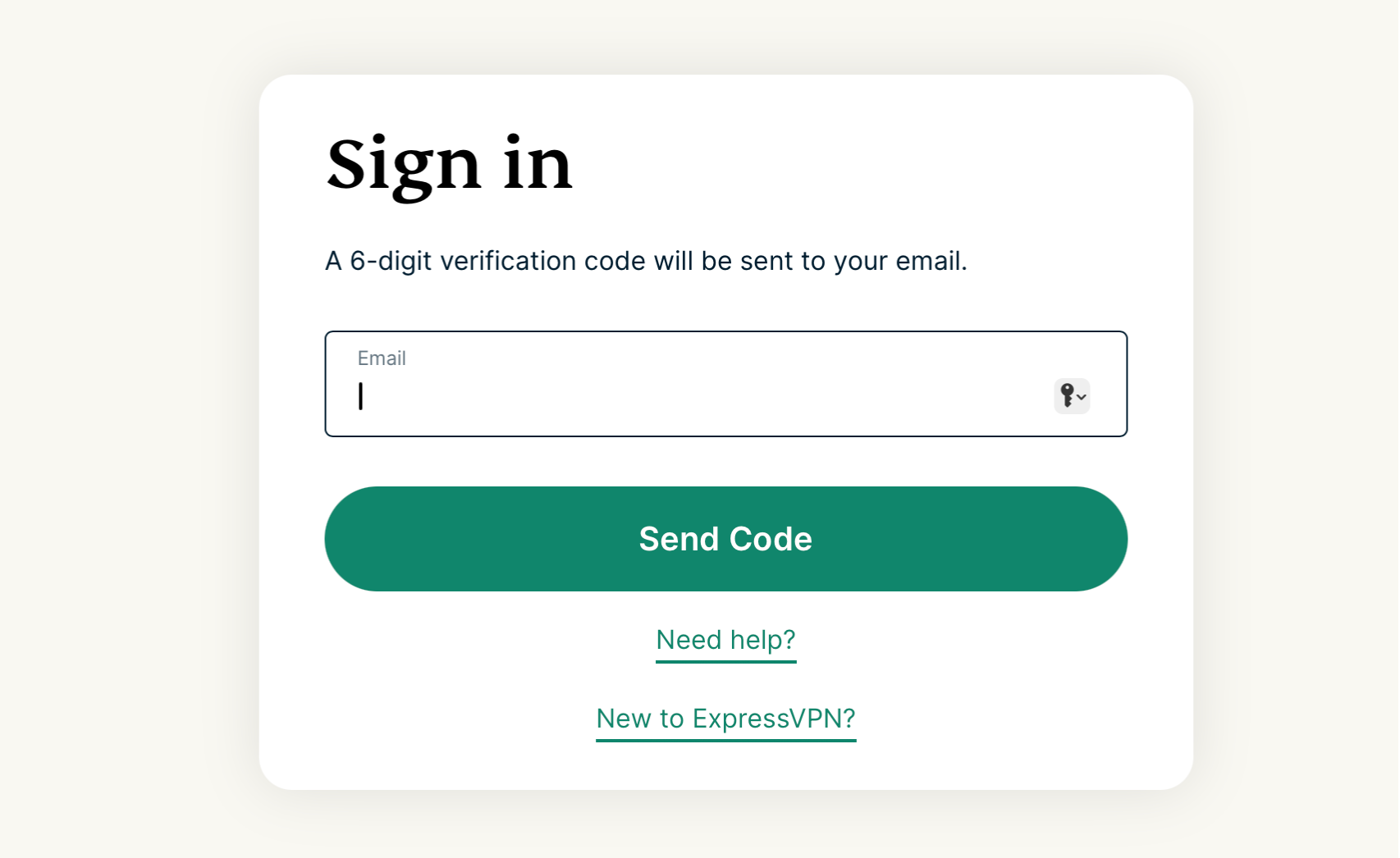
- Connectez-vous au portail ExpressVPN+. Si vous y êtes invité, saisissez votre adresse e-mail et sélectionnez Send Code (Envoyer le code).
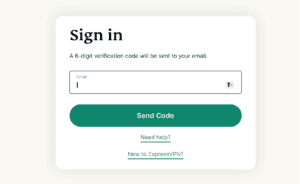

- Renseignez le code de vérification reçu par courriel.
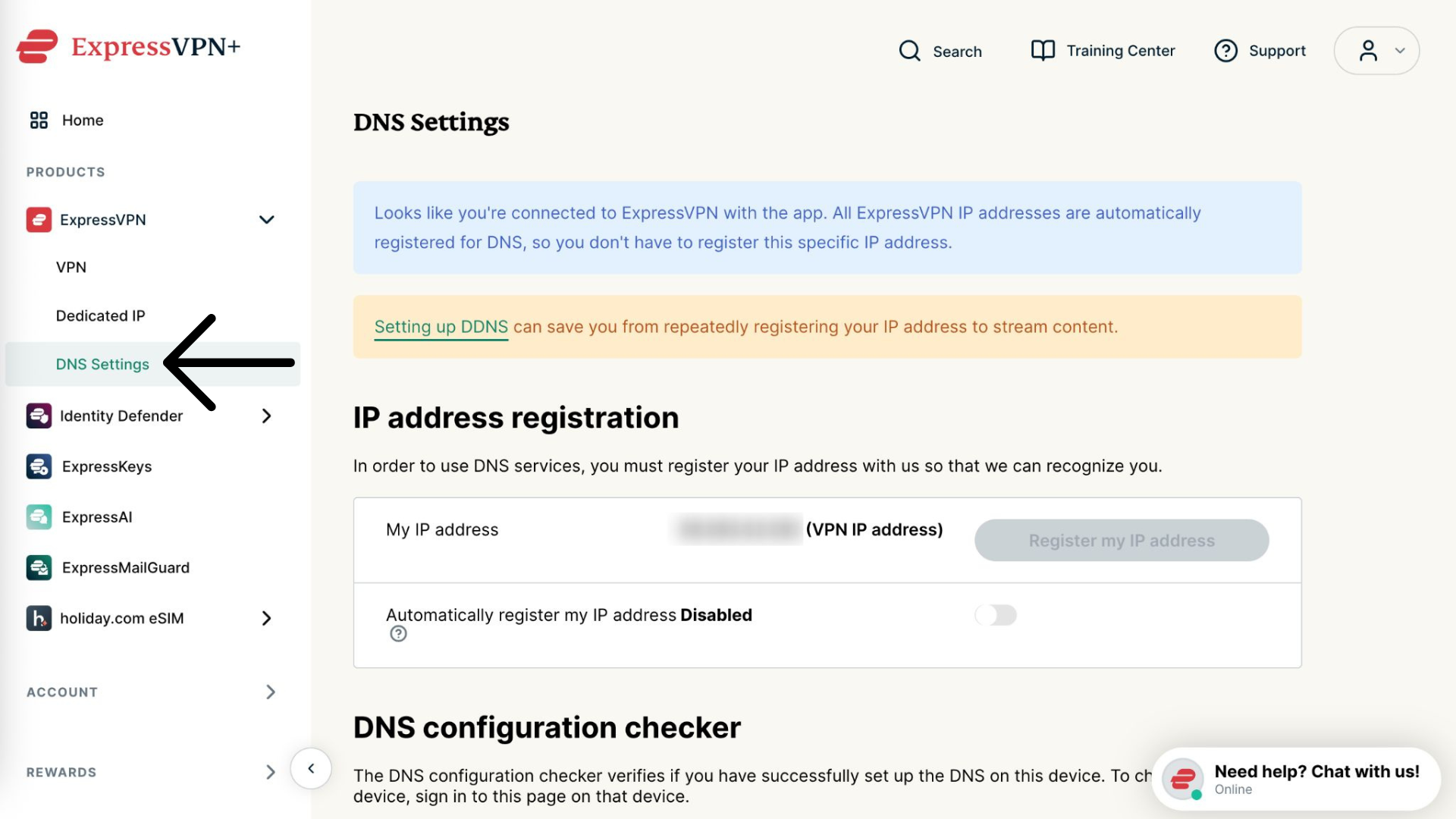
- Sélectionnez ExpressVPN > DNS Settings (Paramètres DNS) dans la barre latérale de gauche.


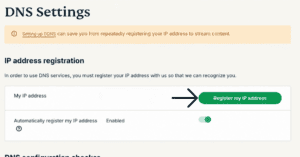
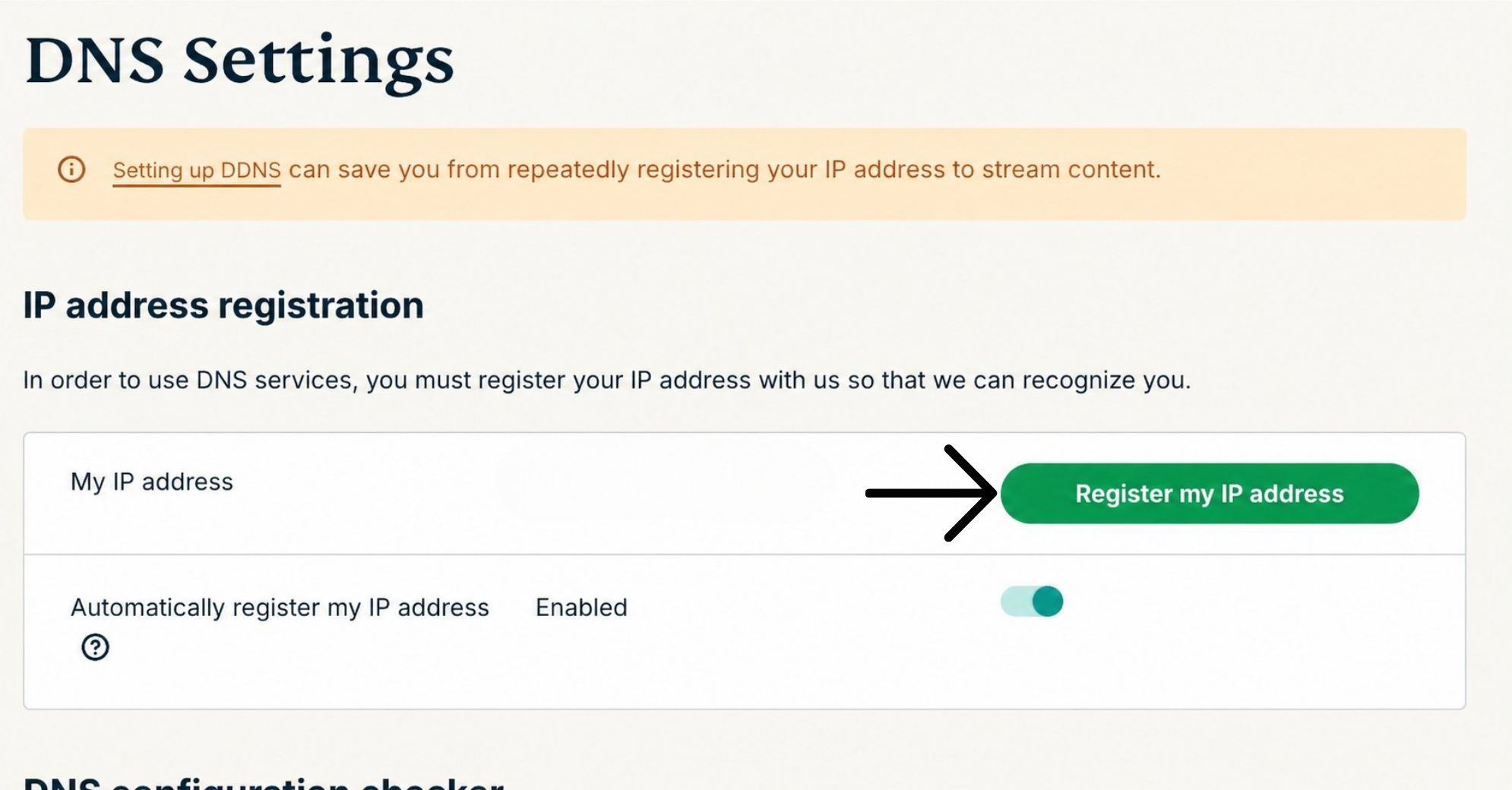
- Sous Enregistrement d’adresse IP, cliquez sur Register my IP address (Enregistrer mon adresse IP). Si la mention « Enregistrée » apparaît déjà à côté de votre adresse IP, il n’est pas nécessaire de sélectionner à nouveau cette option.

- Activez l’option Automatically register my IP address (Enregistrer automatiquement mon adresse IP). Cette action est recommandée, car elle permet de suivre automatiquement les changements d’adresse IP.
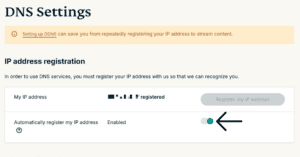
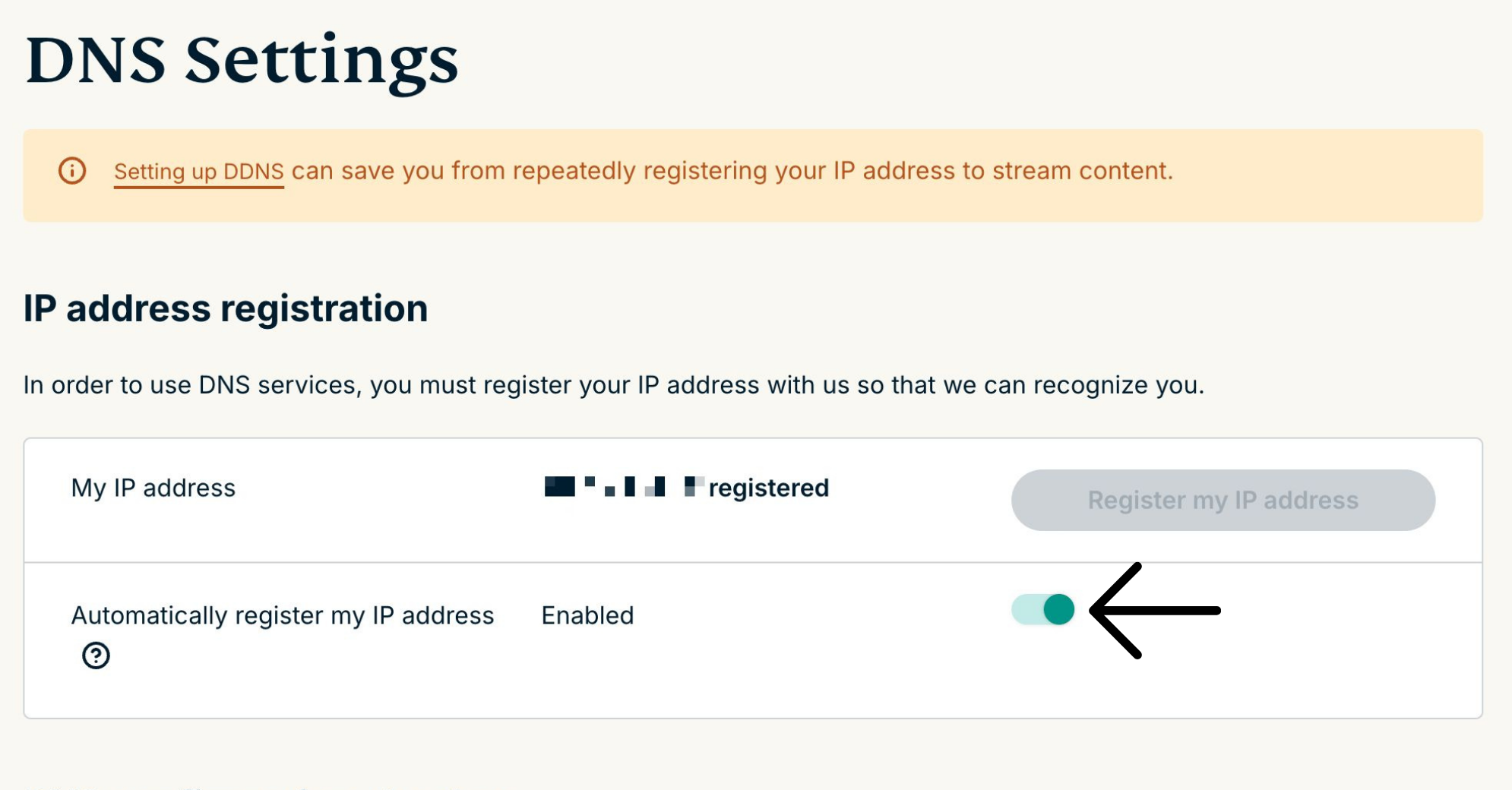
Si vous avez activé l’enregistrement automatique de votre adresse IP, vous pouvez la maintenir à jour en utilisant l’application ExpressVPN sur votre appareil ou en vous connectant occasionnellement à votre compte ExpressVPN.
Besoin d’aide ? Contactez l’équipe d’assistance d’ExpressVPN pour obtenir une aide immédiate.
2. Obtenez vos adresses IP MediaStreamer
- Rendez-vous sur la page de configuration d’ExpressVPN.
- Sous Applications, sélectionnez Network & smart home (Réseau et maison connectée) pour ouvrir le menu déroulant. Cliquez ensuite sur MediaStreamer.
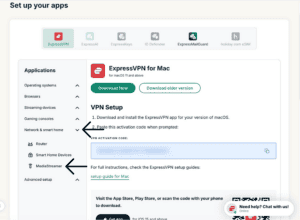

- Vous trouverez les adresses IP de vos serveurs DNS à droite, sous MediaStreamer IP#1 et MediaStreamer IP #2.


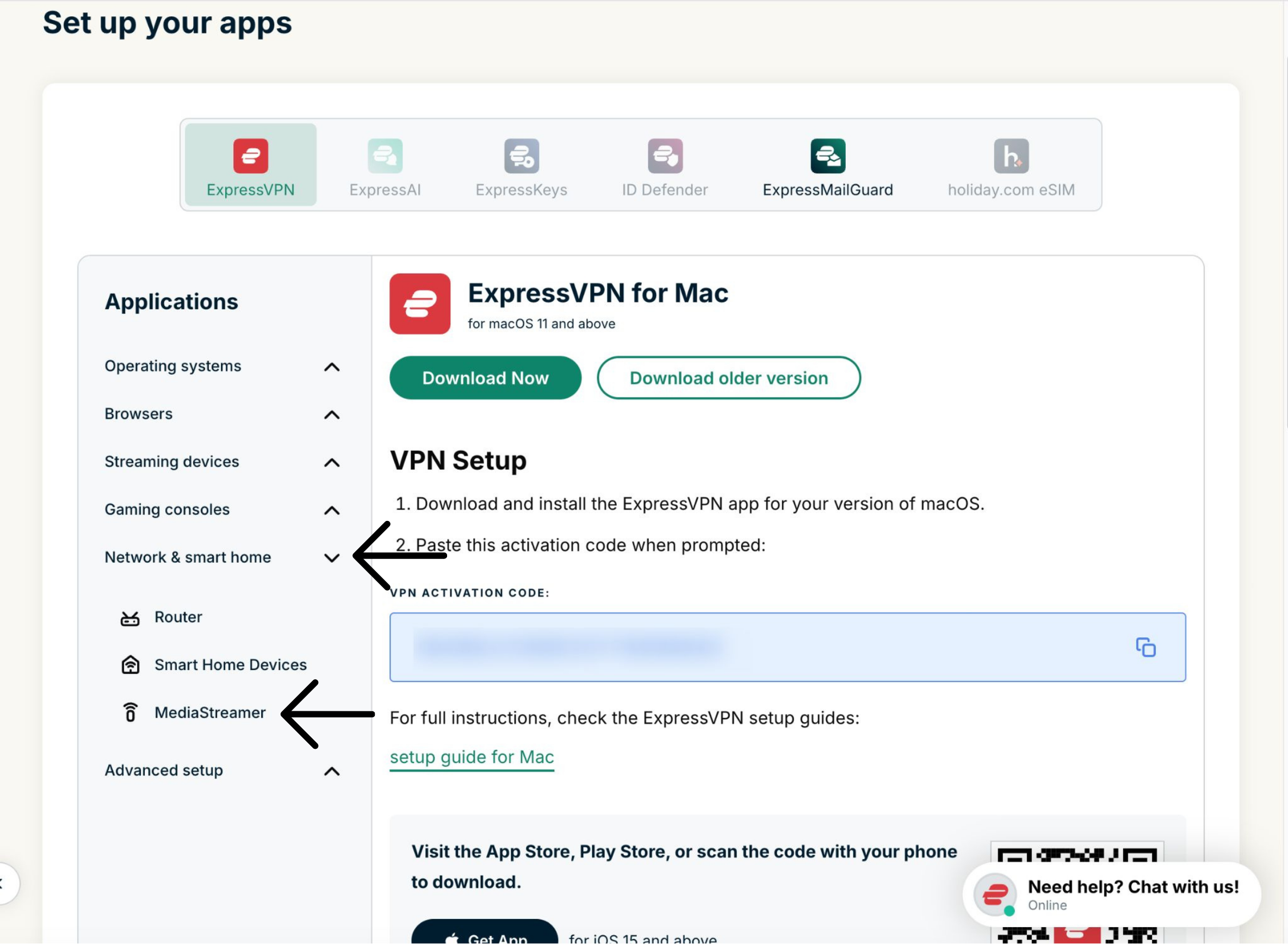
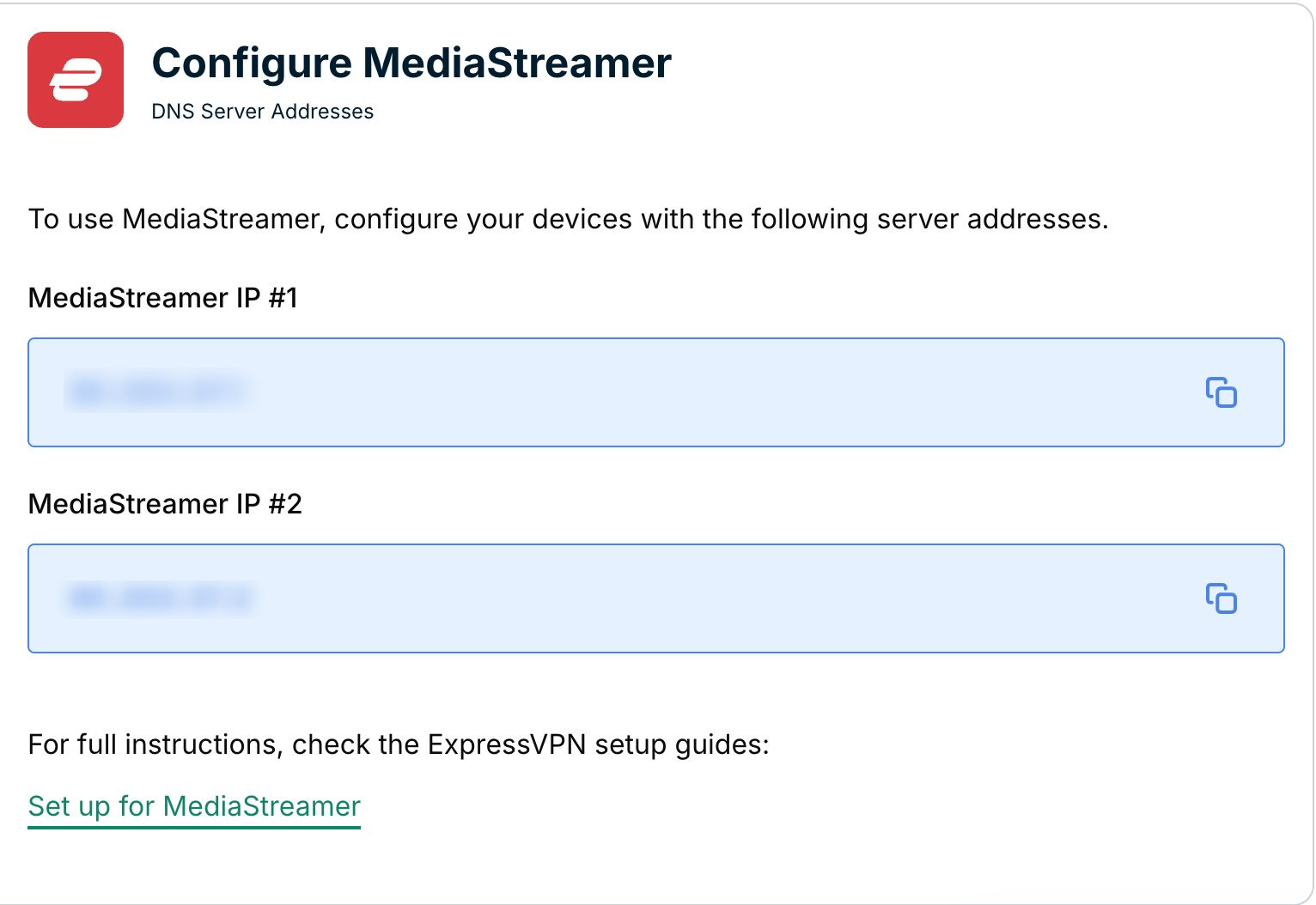
Conservez cette fenêtre de navigateur ouverte. Vous aurez besoin de ces informations lors de la configuration.
Besoin d’aide ? Contactez l’équipe d’assistance d’ExpressVPN pour obtenir une aide immédiate.
3. Configurez MediaStreamer sur votre routeur DD-WRT
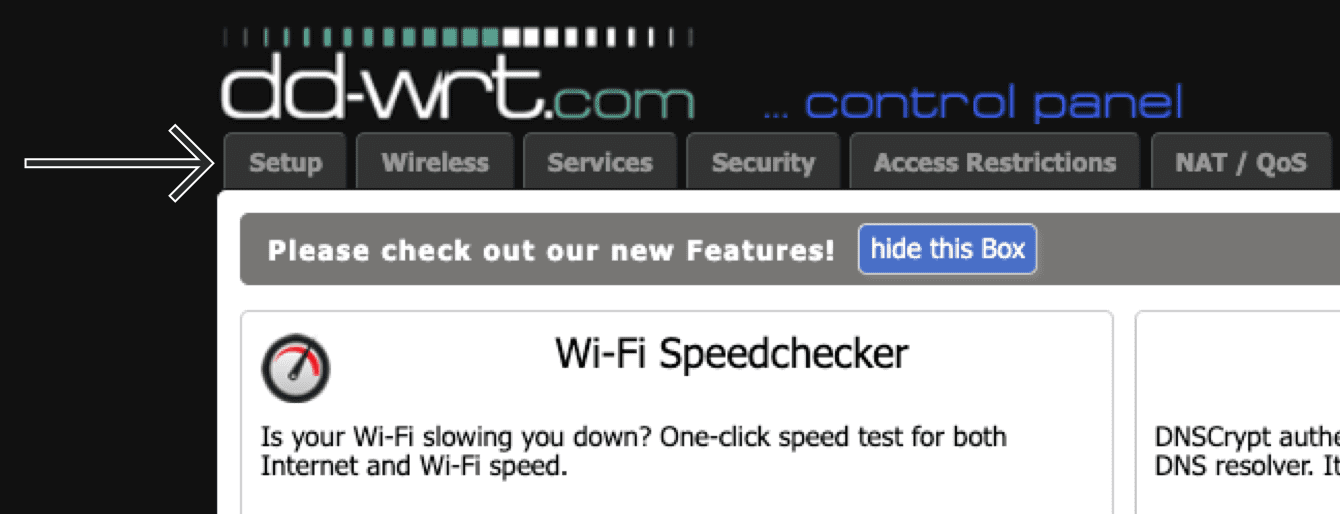
- Pour accéder au panneau d’administration du routeur DD-WRT, trouvez son adresse IP. Saisissez-la dans la barre d’adresse de votre navigateur Web.
- Dans les paramètres d’administration, dans la barre de navigation située en haut de la fenêtre, cliquez sur Setup (Configuration).


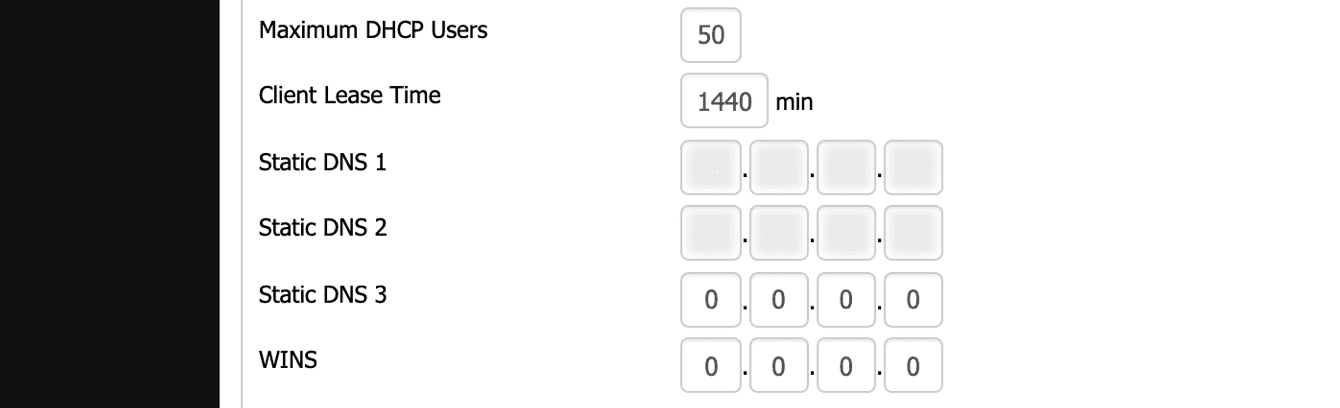
- Dans l’onglet Basic Setup (Configuration basique), sous Network Address Server Settings (DHCP) (Paramètres du serveur d’adresses réseau (DHCP)), saisissez les informations suivantes :
- Cliquez sur Save (Enregistrer) > Apply Settings (Appliquer les paramètres).
Besoin d’aide ? Contactez l’équipe d’assistance d’ExpressVPN pour obtenir une aide immédiate.