




Sie möchten ein VPN / DNS für Ihr Gerät?
Jetzt ExpressVPN nutzenEin ExpressVPN-Konto. Alle Geräte.
Apps kostenlos nutzenDer folgen Leitfaden zeigt Ihnen, wie Sie MediaStreamer auf DD-WRT-Routern einrichten.
MediaStreamer ist ein DNS-Service, der Ihr Streaming-Erlebnis verbessern soll. Unterstützt Ihr Gerät VPN nicht nativ, ist MediaStreamer eine hervorragende Alternative für Streaming.
Um MediaStreamer reibungslos nutzen zu können, müssen Sie Ihre IP-Adresse auf der ExpressVPN-Website registrieren. Dann kann ExpressVPN Ihre IP-Adresse erkennen und Ihrem Gerät Zugriff auf MediaStreamer bieten.
Hinweis: MediaStreamer ist kein VPN und bietet weder den Datenschutz noch die Sicherheitsvorteile eines VPNs. Mit MediaStreamer können Sie auch den Standort nicht wechseln.
Weiter zu …
1. Registrieren Sie Ihre IP-Adresse auf der Website von ExpressVPN
2. Erhalten Sie Ihre MediaStreamer-IP-Adressen
3. Konfigurieren Sie MediaStreamer auf Ihrem DD-WRT-Router
1. Registrieren Sie Ihre IP-Adresse auf der Website von ExpressVPN
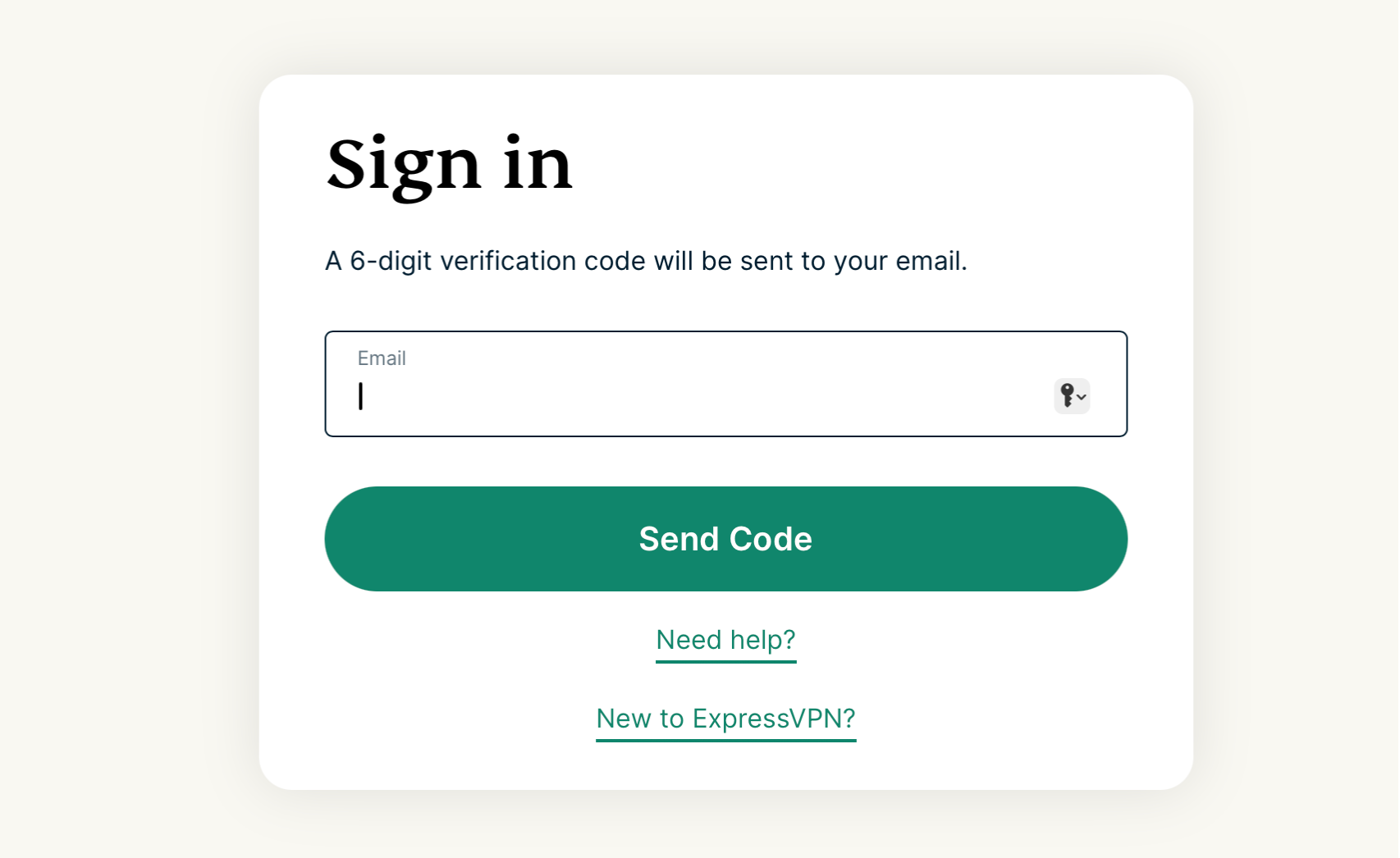
- Melden Sie sich am ExpressVPN+-Portal an.Werden Sie dazu aufgefordert, geben Sie Ihre E-Mail-Adresse ein und klicken Sie auf Send Code (Code schicken).
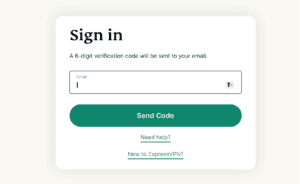

- Geben Sie den Verifizierungs-Code ein, der an Ihre E-Mail-Adresse geschickt wurde.
- Wählen Sie in der Seitenleiste links ExpressVPN > DNS Settings (DNS-Einstellungen).


- Klicken Sie unter IP-Adress-Registrierung auf Register my IP address (Meine IP-Adresse registrieren). Steht neben Ihrer IP-Adresse bereits „registriert“, müssen Sie die Option nicht noch einmal auswählen.
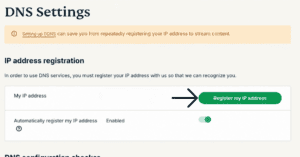

- Schalten Sie Automatically register my IP address (Meine IP-Adresse automatisch registrieren) ein. Das wird empfohlen, da es Änderungen bei der IP-Adresse automatisch verfolgt.
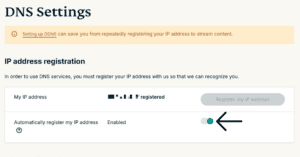
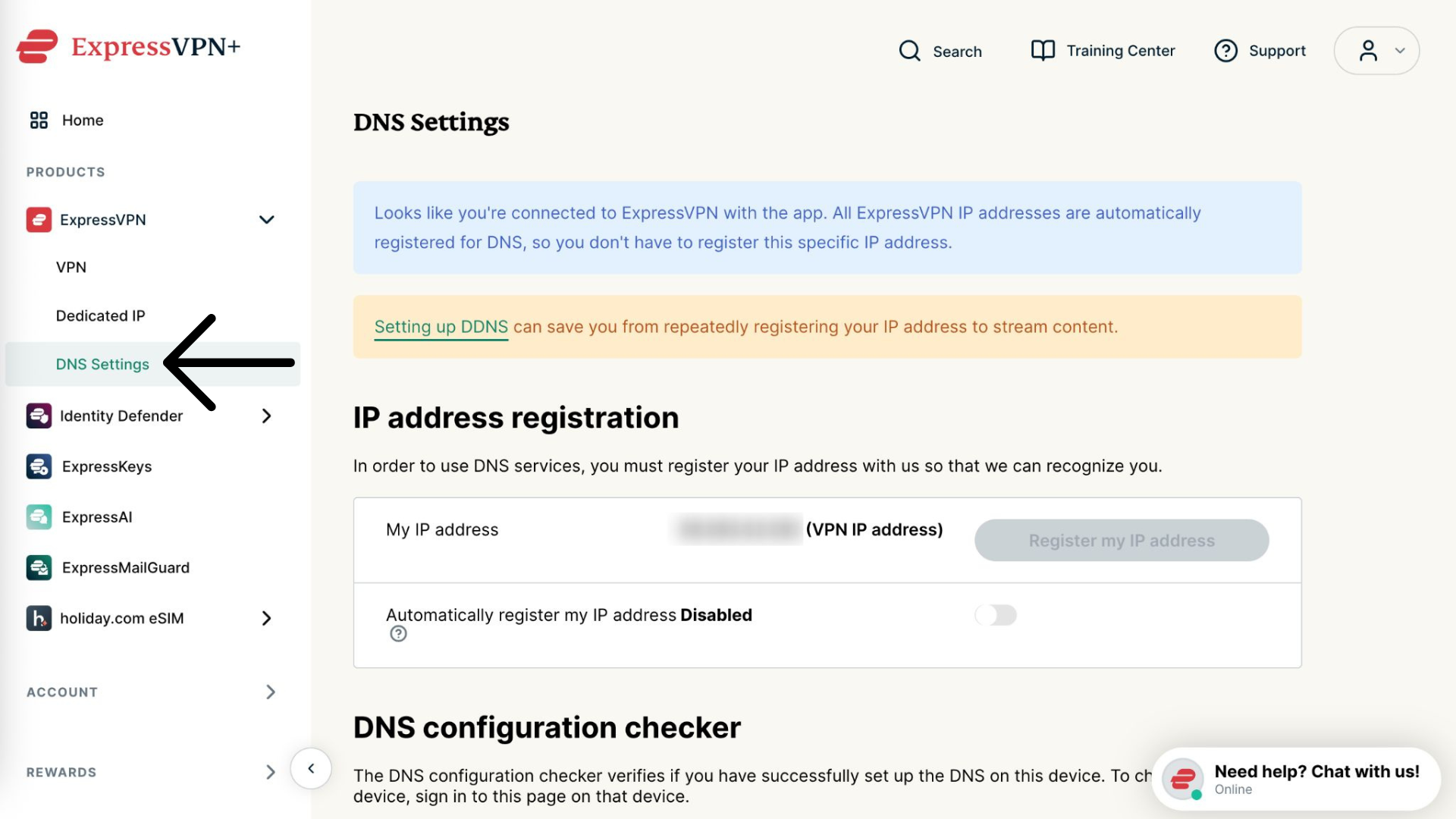
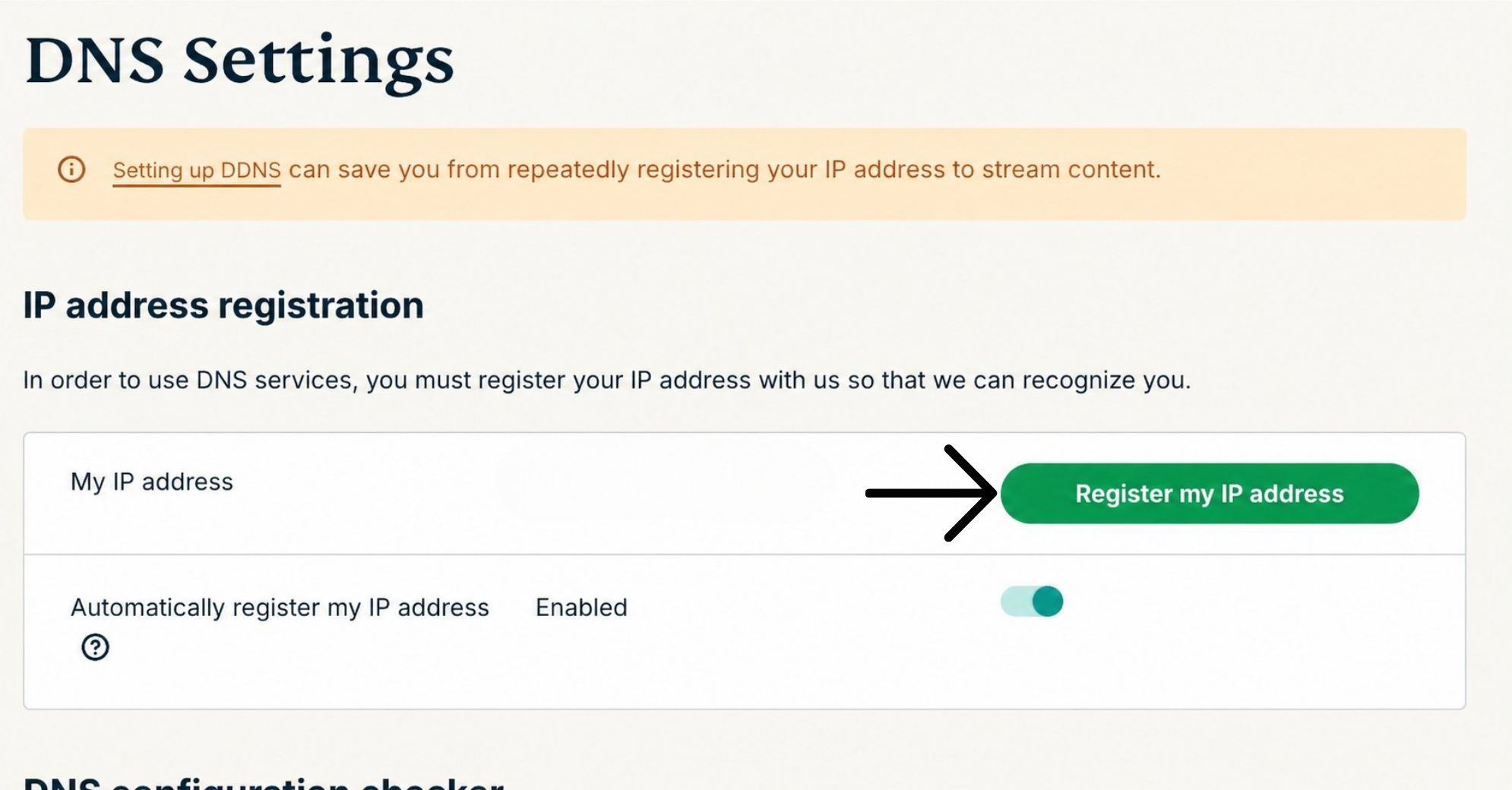
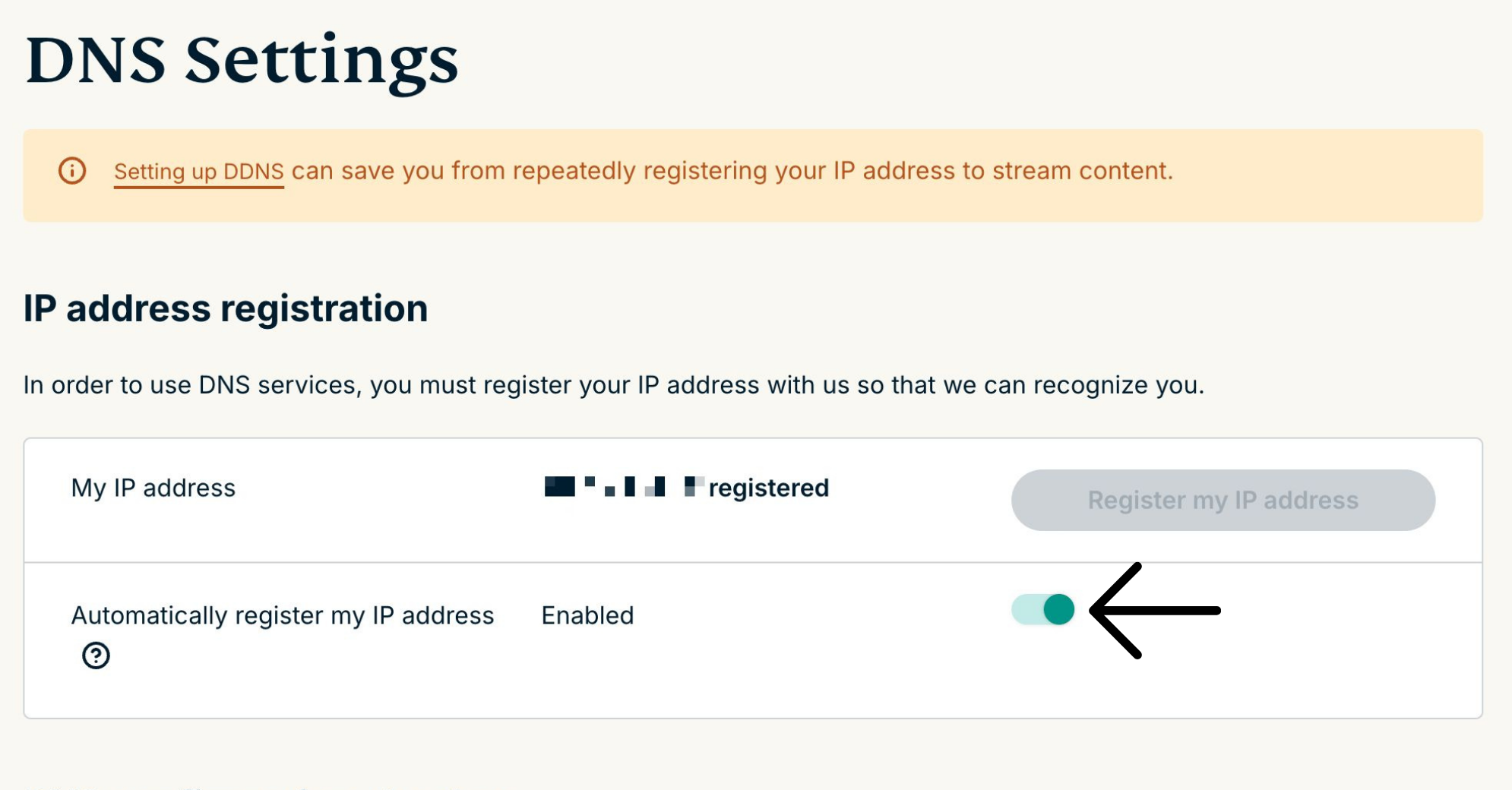
Haben Sie die Option IP-Adresse automatisch registrieren aktiviert, können Sie Ihre IP-Adresse aktuell halten, indem Sie die ExpressVPN-App auf Ihrem Gerät verwenden oder sich gelegentlich an Ihrem ExpressVPN-Konto anmelden.
Hilfe benötigt? Kontaktieren Sie das Support-Team von ExpressVPN, um sofort Hilfe zu erhalten.
2. Erhalten Sie Ihre MediaStreamer-IP-Adressen
- Öffnen Sie die Einrichtungsseite von ExpressVPN.
- Wählen Sie unter den Anwendungen Network & smart home (Netzwerk & Smart Home), um das Auswahlmenü zu öffnen. Klicken Sie dort auf MediaStreamer.
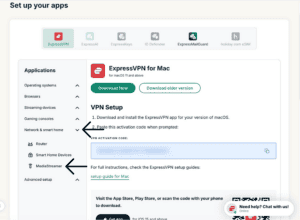

- Auf der rechten Seite finden Sie Ihre DNS-Server-IP-Adresse. Sie stehen unter MediaStreamer IP#1 und MediaStreamer IP #2.


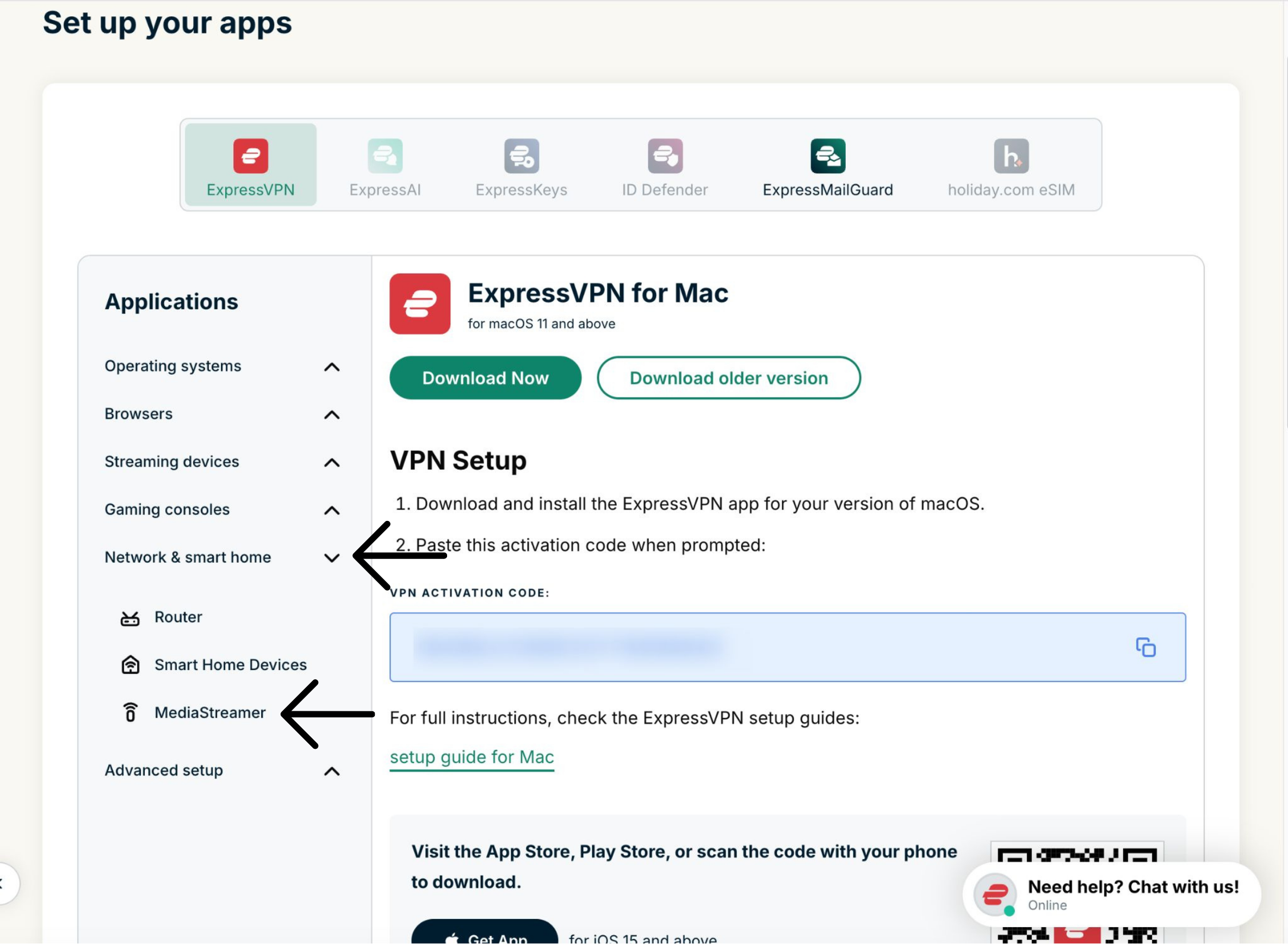
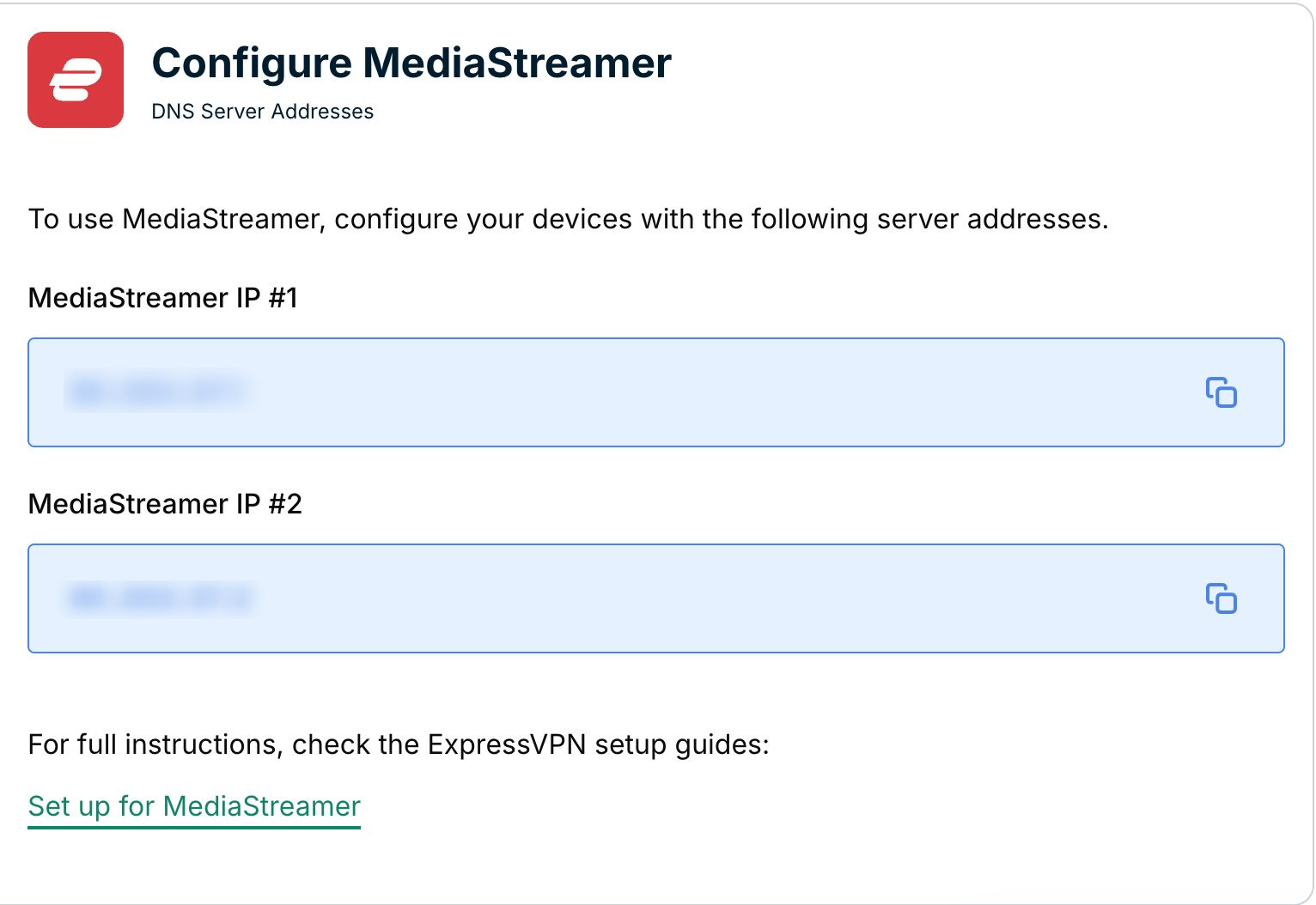
Lassen Sie dieses Browser-Fenster offen. Sie benötigen die Daten später bei der Konfiguration.
Hilfe benötigt? Kontaktieren Sie das Support-Team von ExpressVPN, um sofort Hilfe zu erhalten.
3. Konfigurieren Sie MediaStreamer auf Ihrem DD-WRT-Router
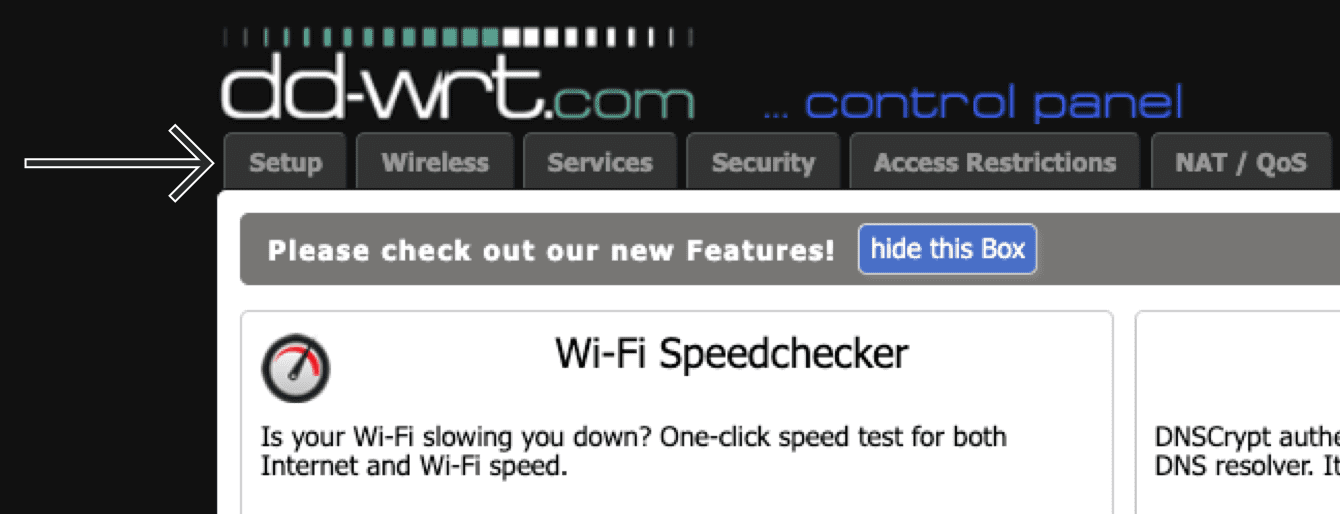
- Um Zugang zum Admin-Panel Ihres DD-WRT-Routers zu erhalten, suchen Sie die IP-Adresse Ihres Routers. Geben Sie die IP-Adresse in der Adresszeile Ihres Webbrowsers ein.
- Sobald Sie im Admin-Bereich sind, klicken Sie in der oberen Navigationsleiste auf Setup (Einrichtung).


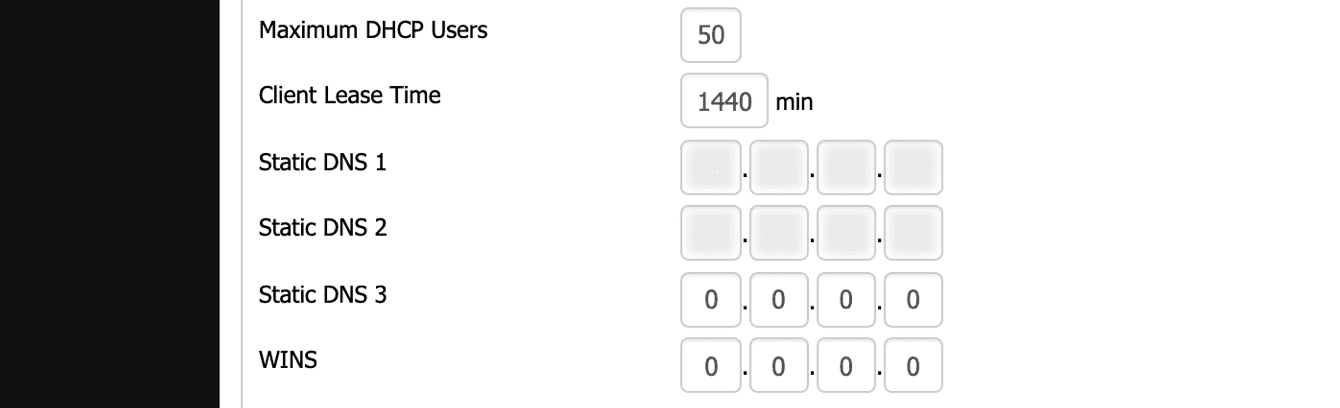
- Im Tab Basic Setup (Grunlegende Konfiguration) geben Sie unter Network Address Server Settings (DHCP) (Netzwerk-Adressen-Server-Einstellungen (DHCP)) Nachfolgendes ein:
- Klicken Sie auf Save (Speichern) > Apply Settings (Konfiguration anwenden).
Hilfe benötigt? Kontaktieren Sie das Support-Team von ExpressVPN, um sofort Hilfe zu erhalten.