






In ExpressKeys, the Recently Deleted folder acts as a recovery bin for entries you delete within the app. It retains your trashed items for 30 days before deleting them permanently.
Jump To:
Recover an item in ExpressKeys on iOS, Android, or in the browser extension
Recover an item in ExpressKeys for macOS
Recover an item in ExpressKeys on iOS, Android, or in the browser extension
To recover an item from the Recently Deleted folder:
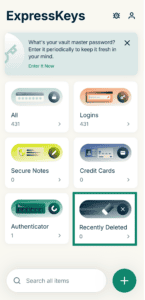
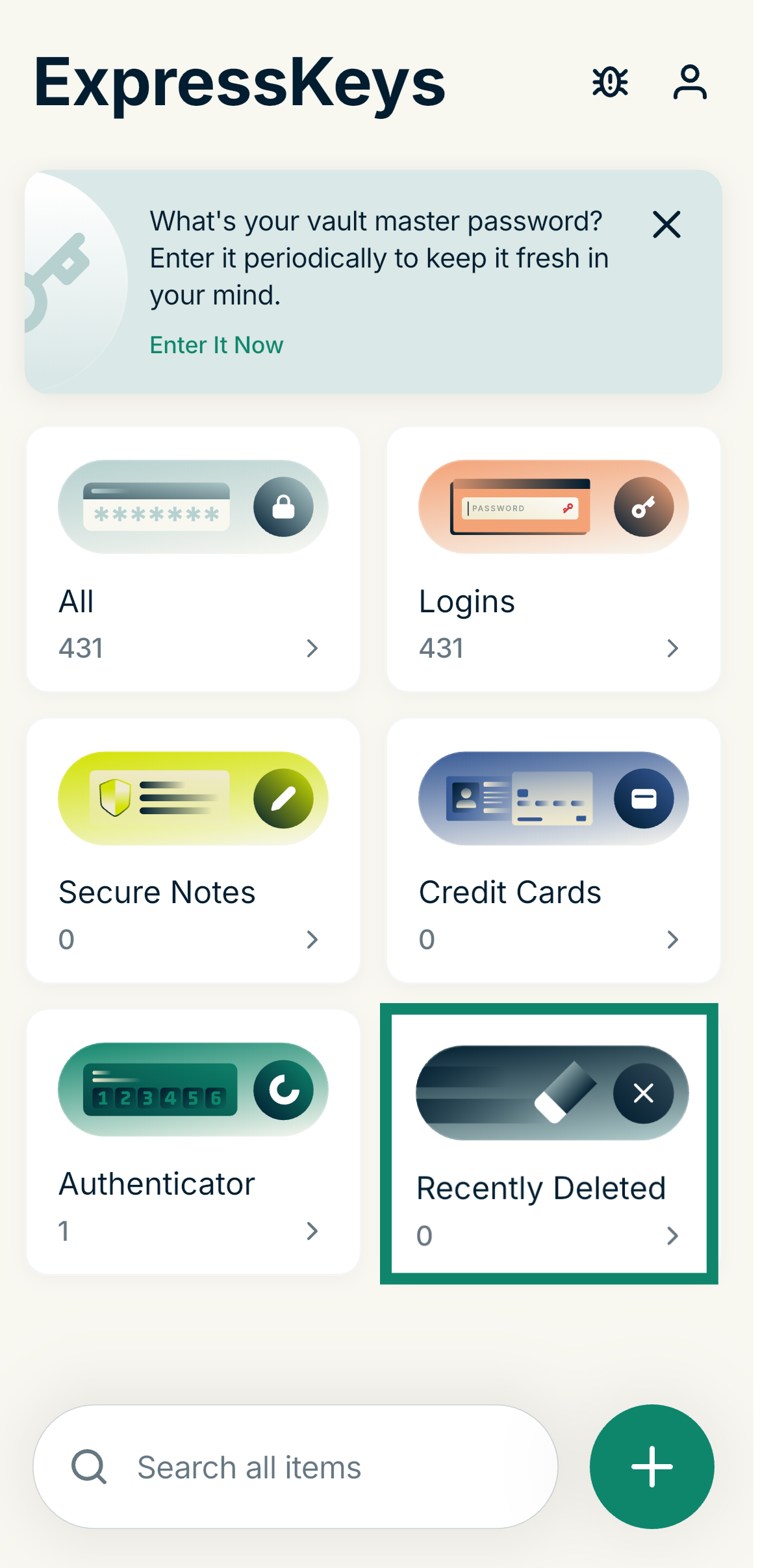
- From the main menu, select Recently Deleted.

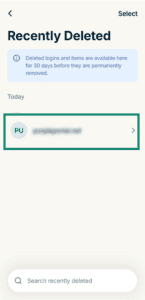
- Select the entry you want to recover.
- Select Recover.
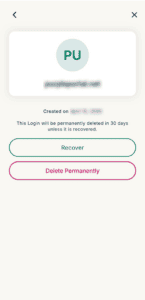
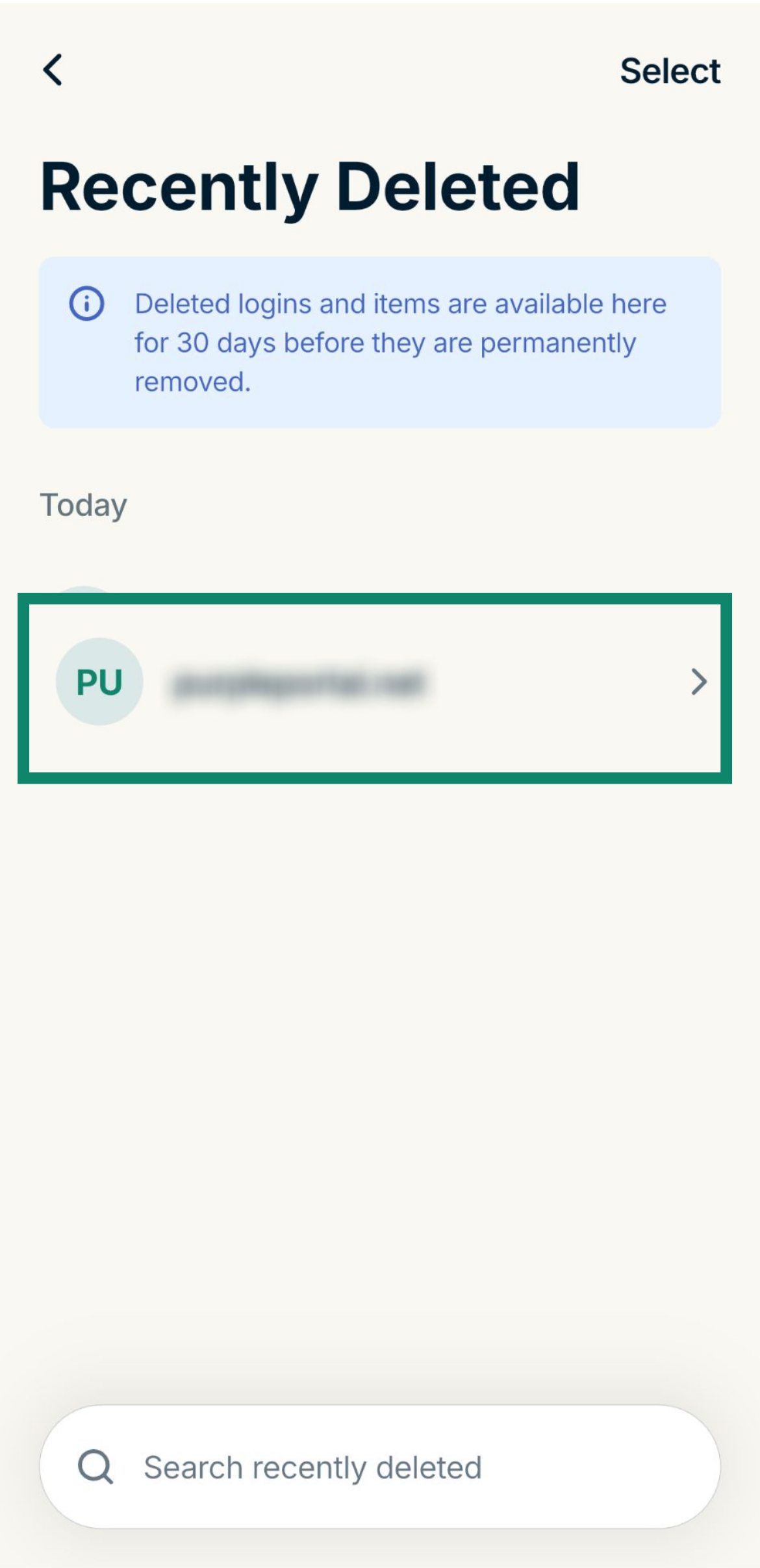
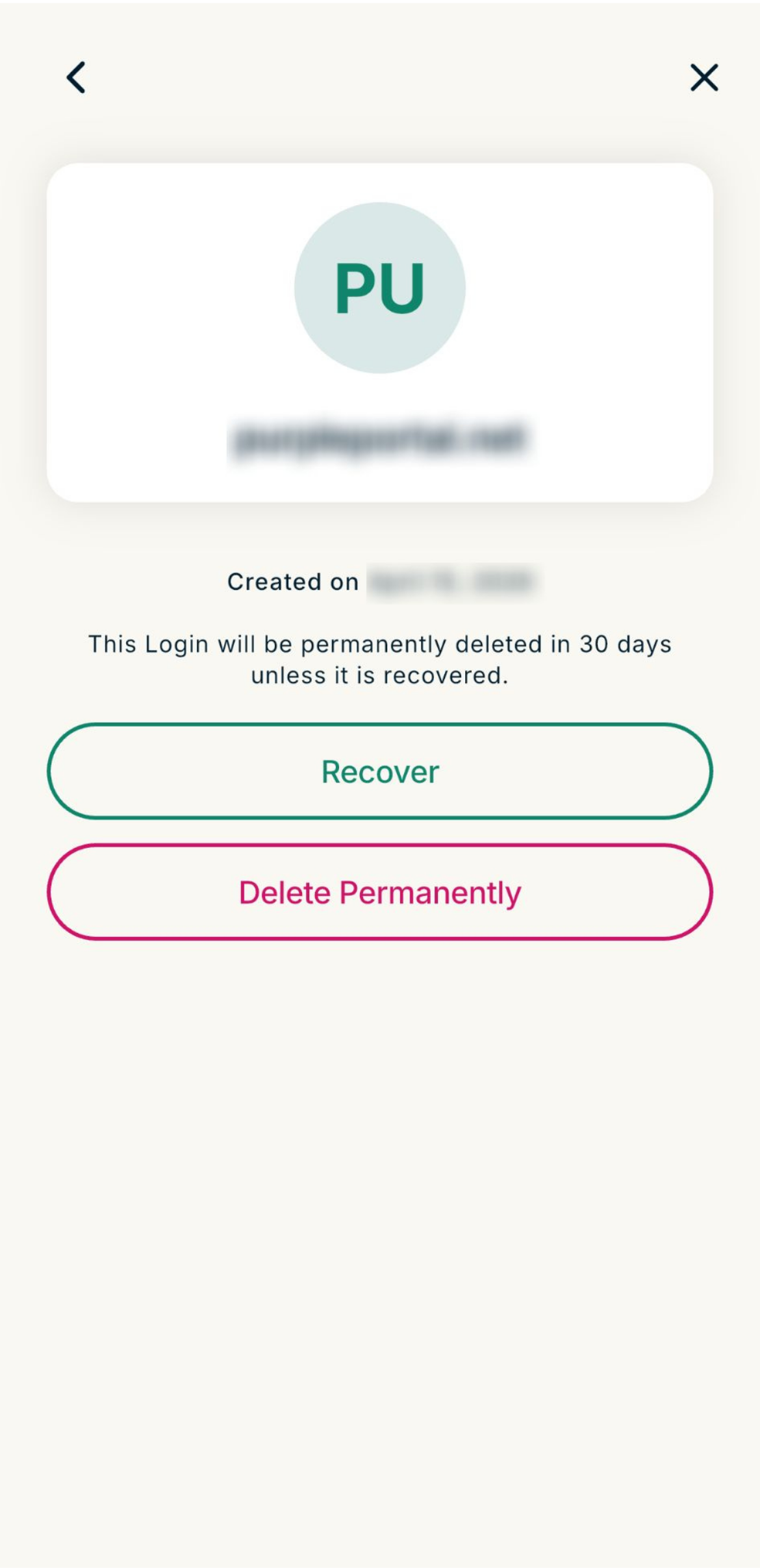
The entry will automatically move back to your main vault in the relevant folder. For example, a recovered login item will appear in your Logins folder, or a recovered note will appear in your Secure Notes folder.
Need help? Contact the ExpressVPN Support Team for immediate assistance.
Recover an item in ExpressKeys for macOS
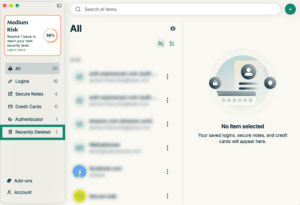
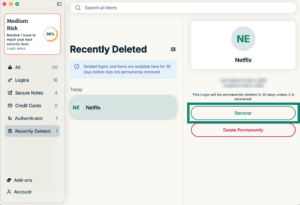
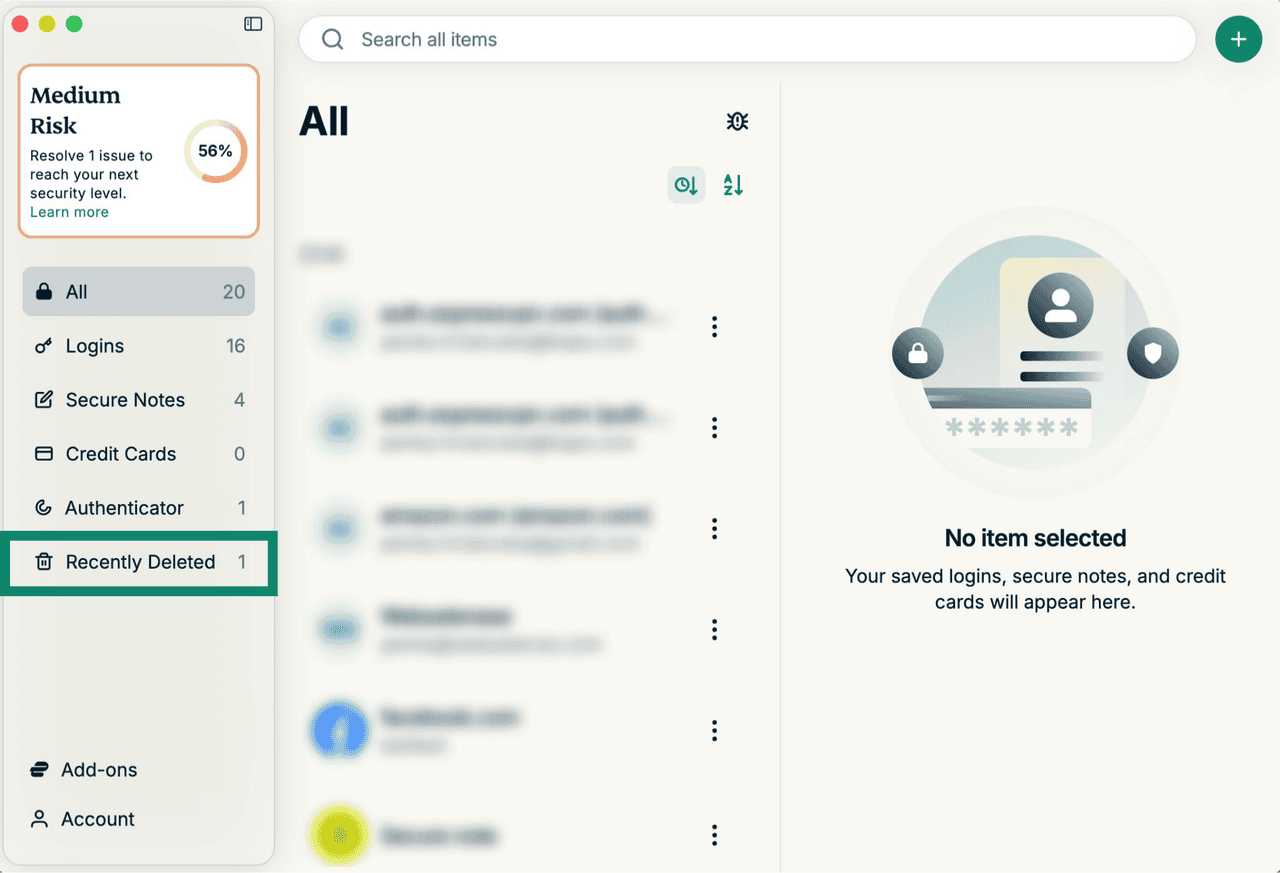
- Go to the Recently Deleted tab.

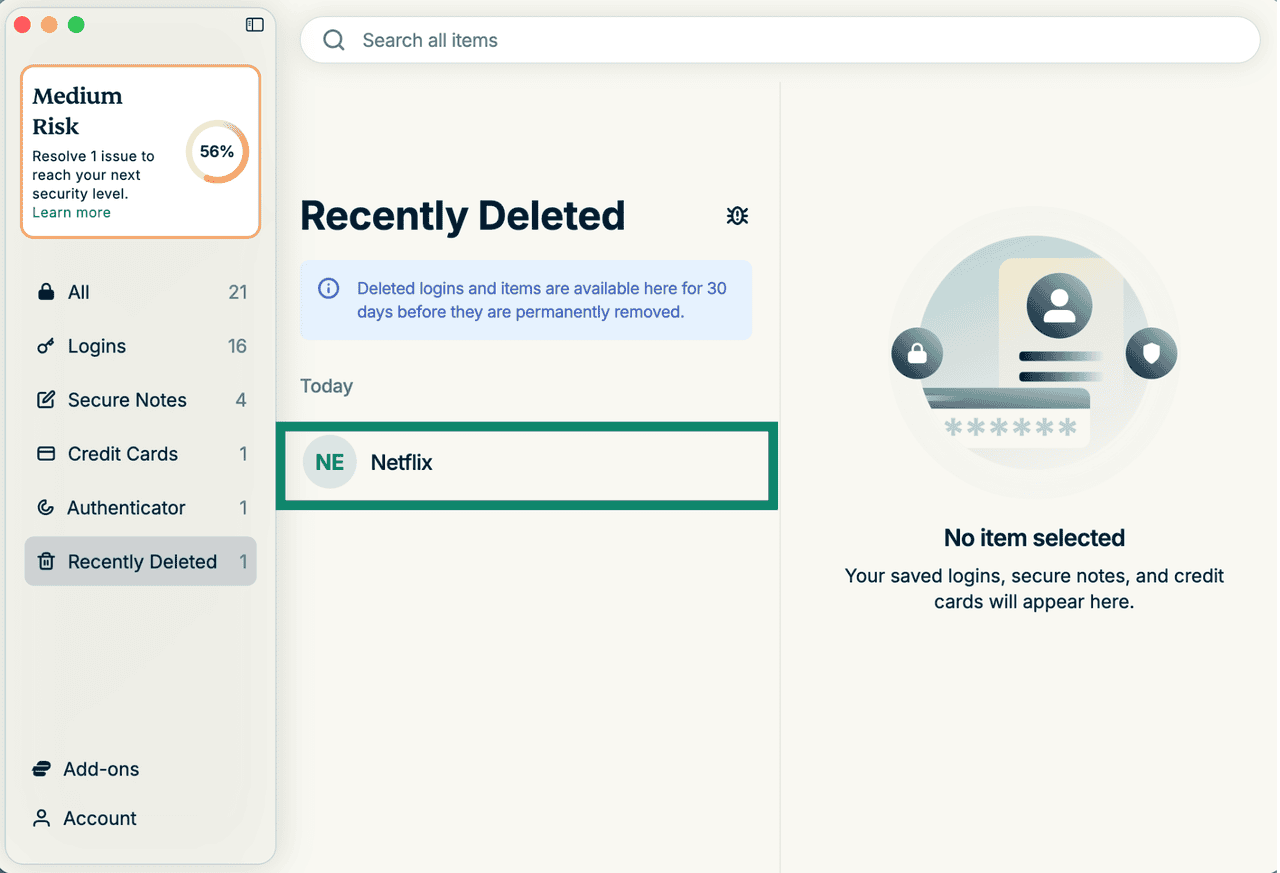
- Select the entry you want to recover.
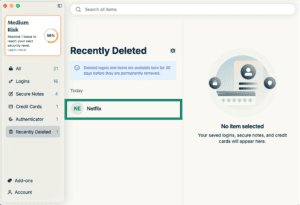
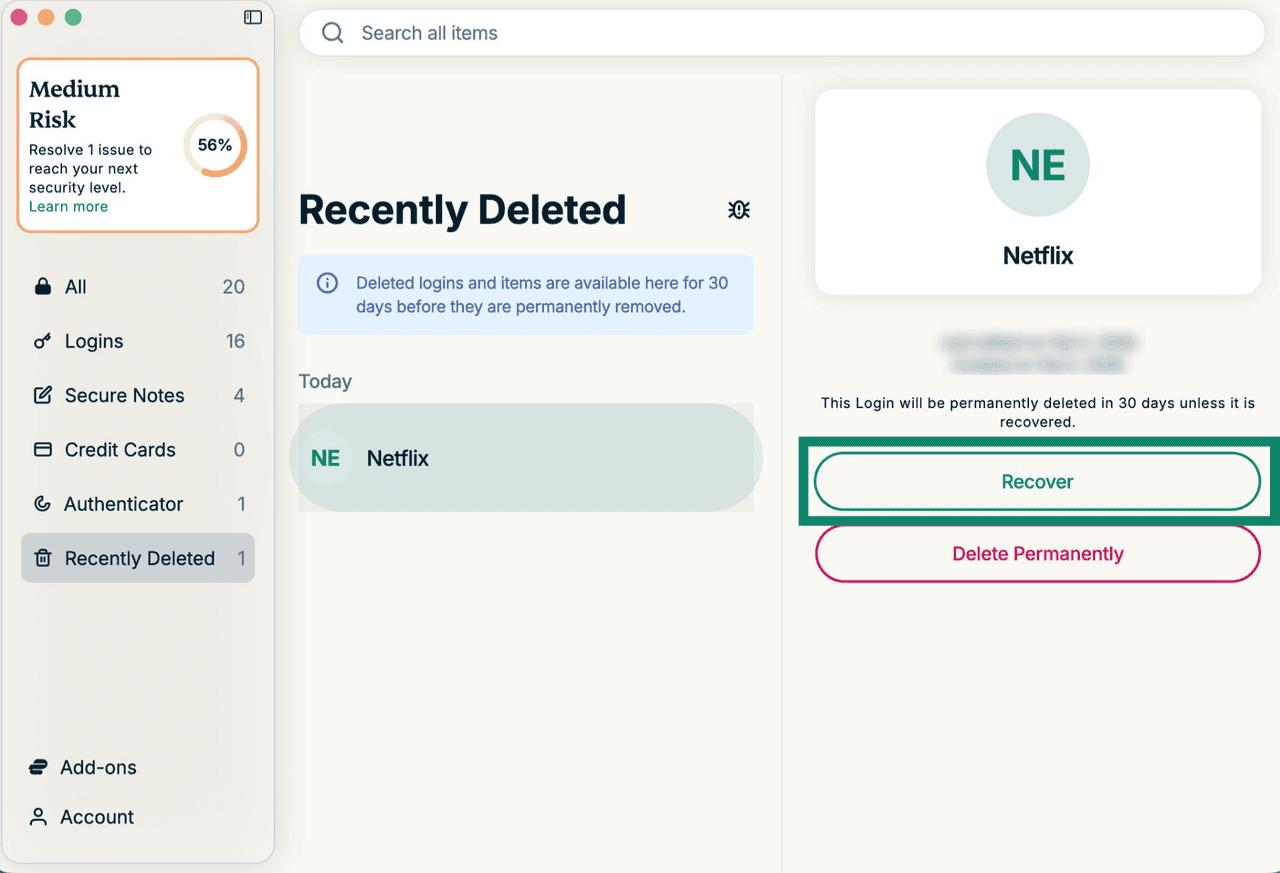
- Click Recover, and the entry will automatically move back to the relevant folder.
Need help? Contact the ExpressVPN Support Team for immediate assistance.