






Want to make sure your VPN app is functioning as expected? Need proof that you are protected? This guide will show you how to know if you have connected to the VPN successfully.
Jump to…
1. Check your IP address
Use ExpressVPN’s IP Address Checker to look up your IP address. If you have connected successfully, the IP address shown will correlate to the location you are connected to via the VPN. You will also see a message confirming “Your IP address is secured.”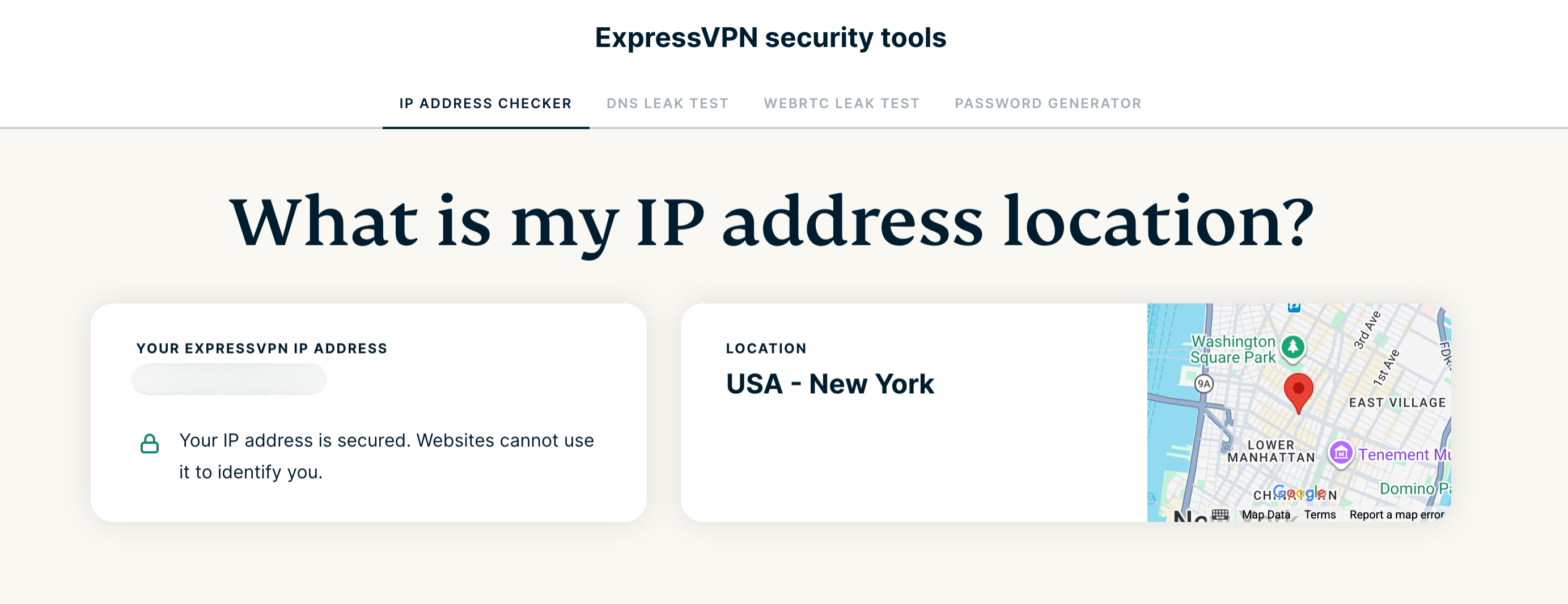 Need help? Contact the ExpressVPN Support Team for immediate assistance.
2. Run a DNS leak test
Run a DNS leak test to see if you have connected to the VPN successfully. If you have connected successfully, you will see “No DNS leaks detected. You are using ExpressVPN’s secure DNS servers.”
If a DNS leak is detected even though the VPN is connected successfully, contact the ExpressVPN Support Team.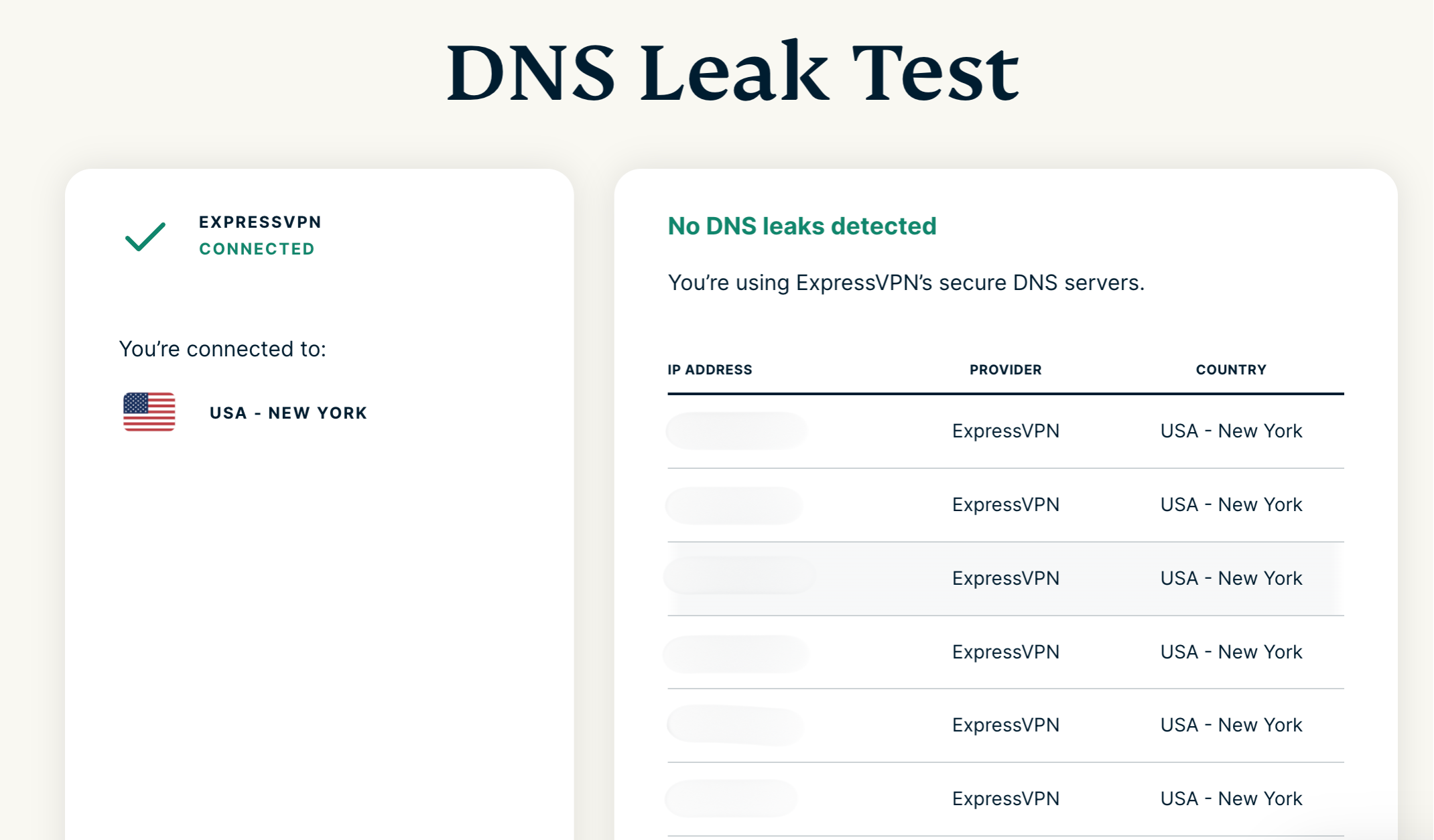 Need help? Contact the ExpressVPN Support Team for immediate assistance.