



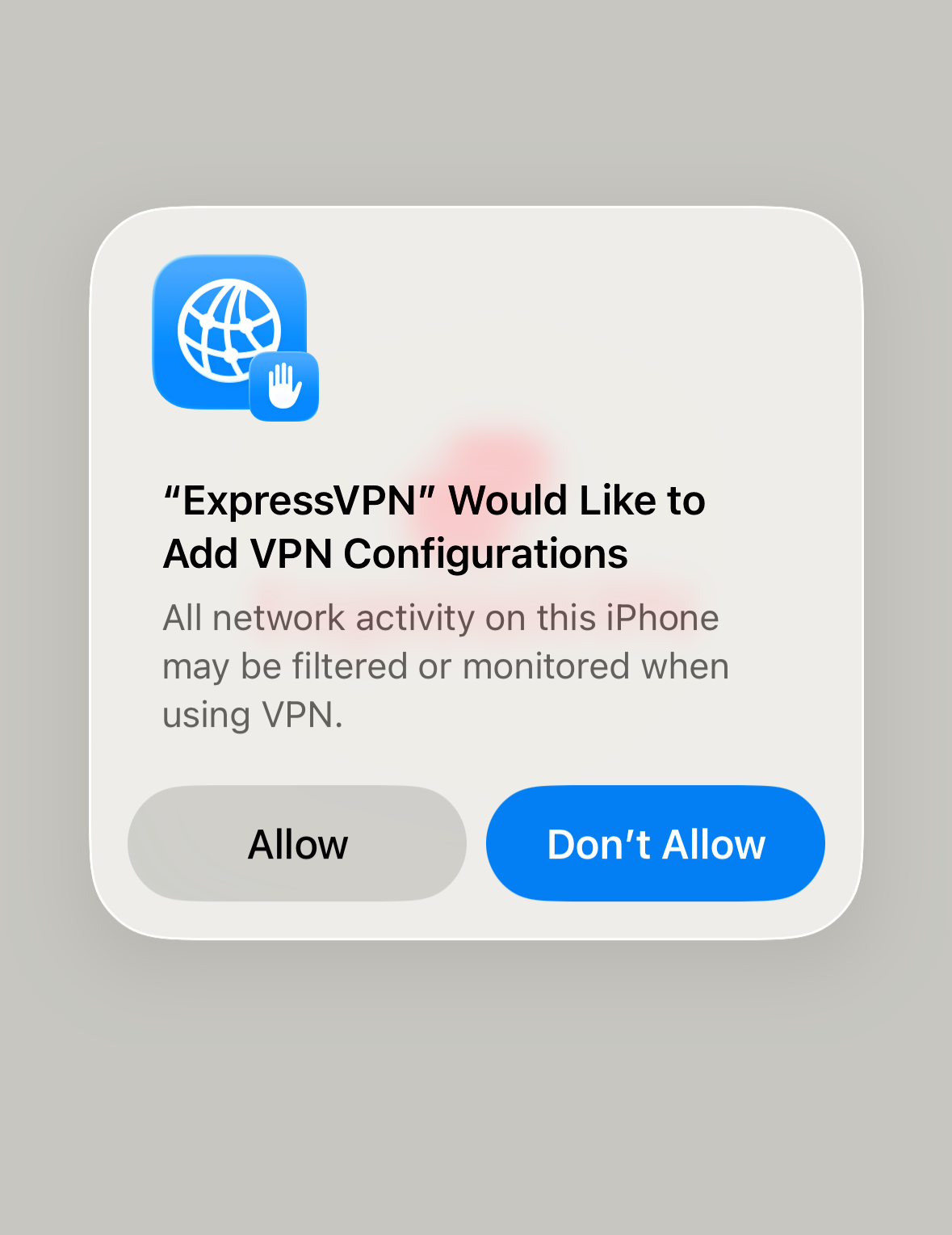
When setting up the ExpressVPN app on iOS, Mac, or Android, you will see a message indicating your VPN could be filtering or monitoring your network activity or traffic, plus a prompt to allow or not allow.
iOS and Mac
All network activity on this [iPhone, iPad, or Mac] may be filtered or monitored when using VPN.
Android
ExpressVPN wants to set up a VPN connection that allows it to monitor network traffic.
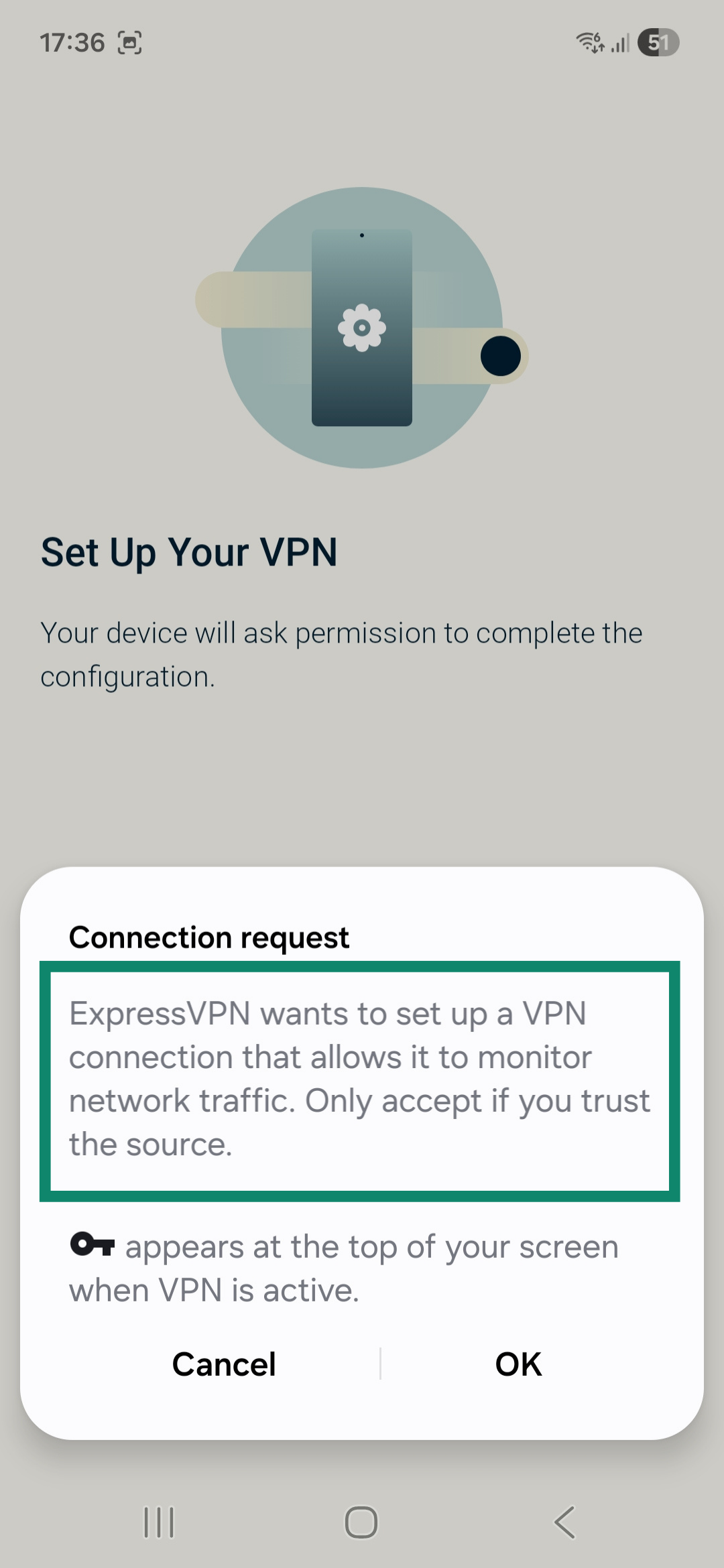 This is a default message that your device automatically displays the first time any VPN app tries to establish a connection. It is a standard security measure to confirm that you trust the VPN app before allowing it to form a connection.
This does not mean your network traffic or activity is being monitored by ExpressVPN. ExpressVPN has no control over this message; it cannot modify the content of the message nor prevent it from showing on the ExpressVPN app. When you see this prompt when installing the ExpressVPN app, it is safe to select Allow or OK.
If you select Don’t Allow or Cancel, the device will block the VPN configuration, and ExpressVPN will not be able to connect. If you selected it by mistake, you can simply reopen the ExpressVPN app to be prompted again.
ExpressVPN is committed to protecting your privacy and respecting your privacy rights. ExpressVPN does not and will never keep:
- Activity logs: ExpressVPN does not see, record, or store which websites you visit.
- Connection logs: ExpressVPN never logs connection timestamps, session duration, or the ExpressVPN IP address your device uses.
For more details, learn about ExpressVPN’s no-logs policy and privacy policy.
Need help? Contact the ExpressVPN Support Team for immediate assistance.