



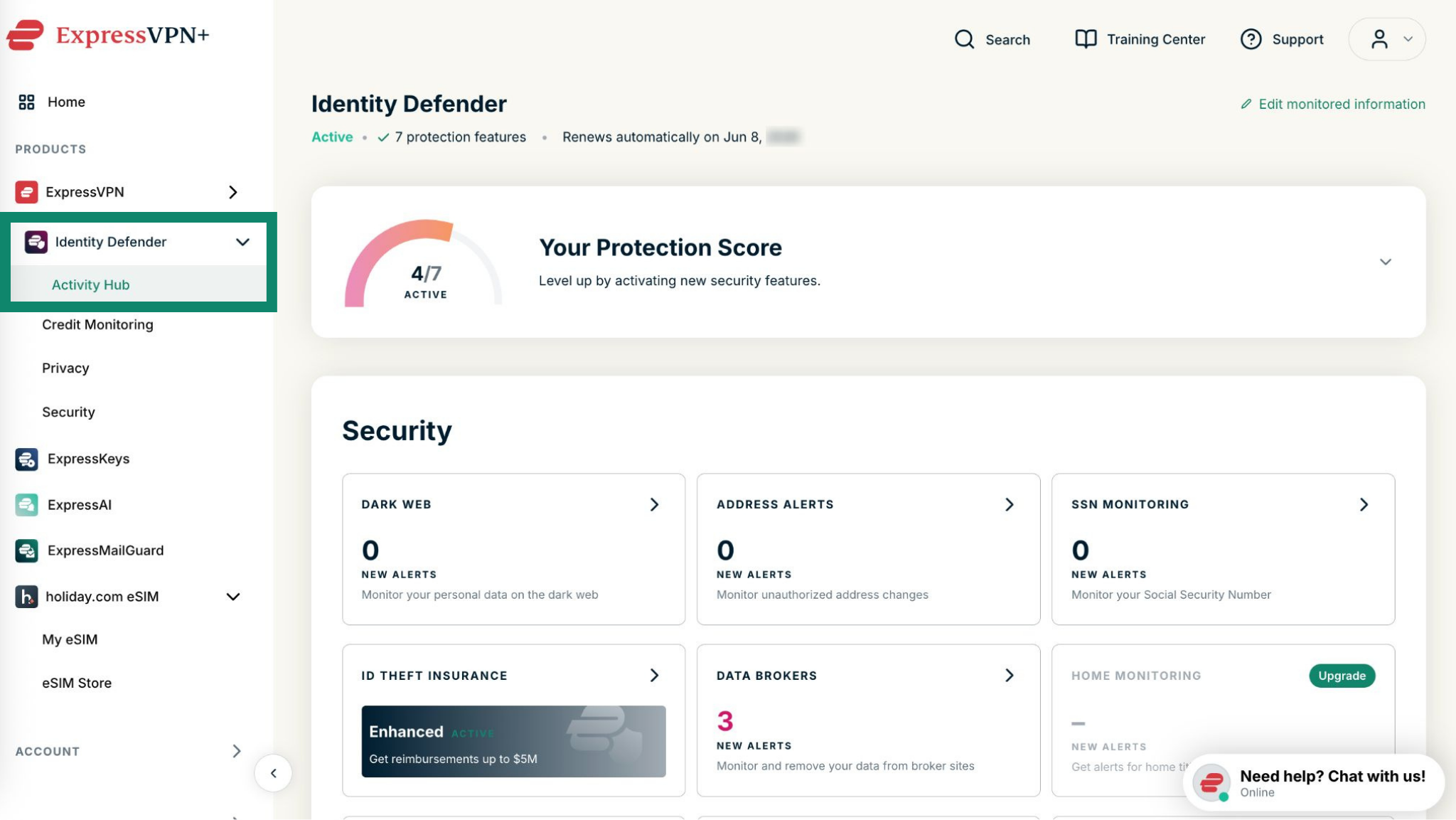
Your Protection Score is a handy indicator on the Identity Defender app and in the ExpressVPN+ web dashboard that lets you know how many Identity Defender features you have activated.
The more Identity Defender features you activate, the higher your Protection Score will be.
Jump to…
How to check your Protection Score in the Identity Defender app
How to check your Protection Score in your ExpressVPN+ dashboard
How to check your Protection Score in the Identity Defender app
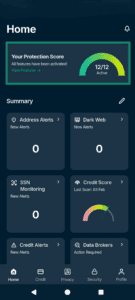
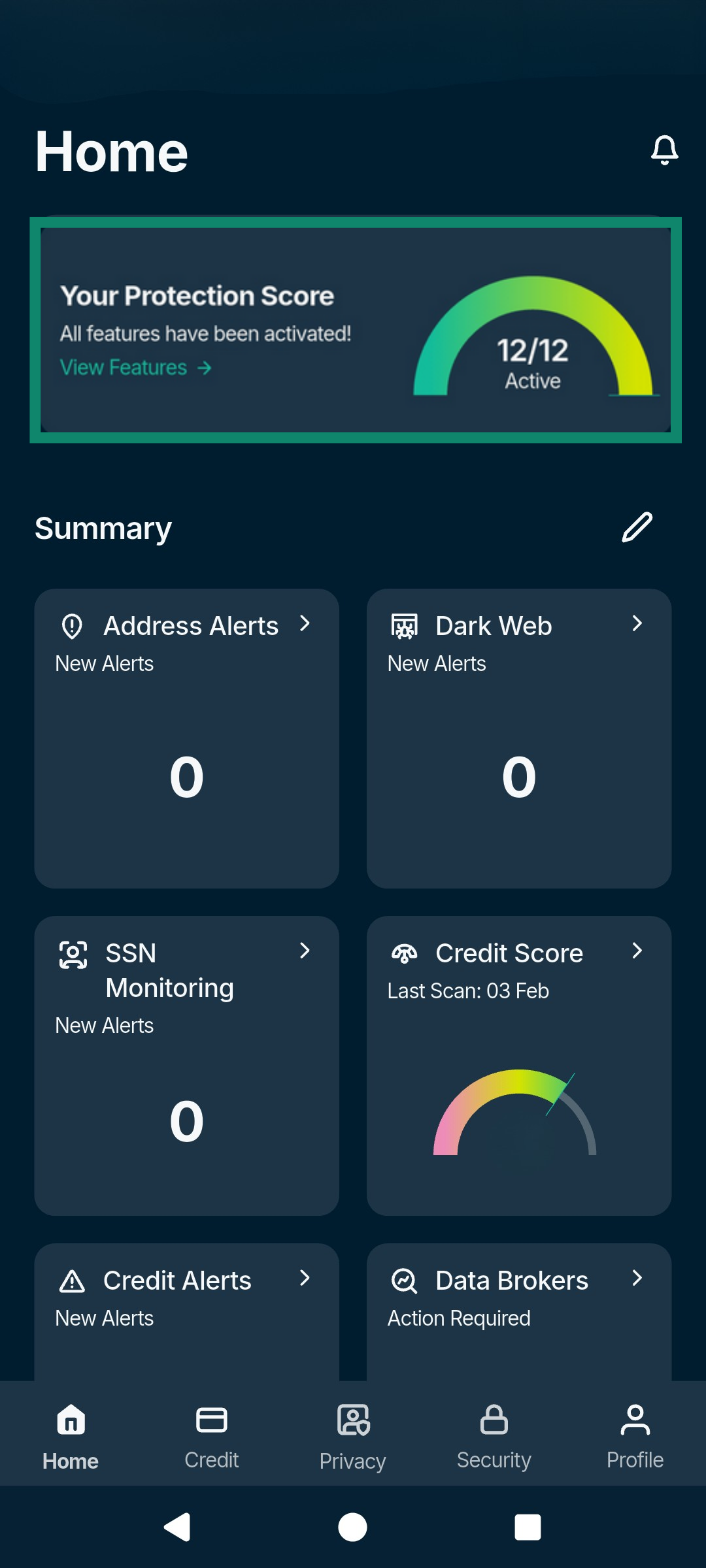
You can check your Protection Score at any time at the top of the Home tab of the Identity Defender apps for Android and iOS.
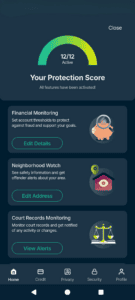
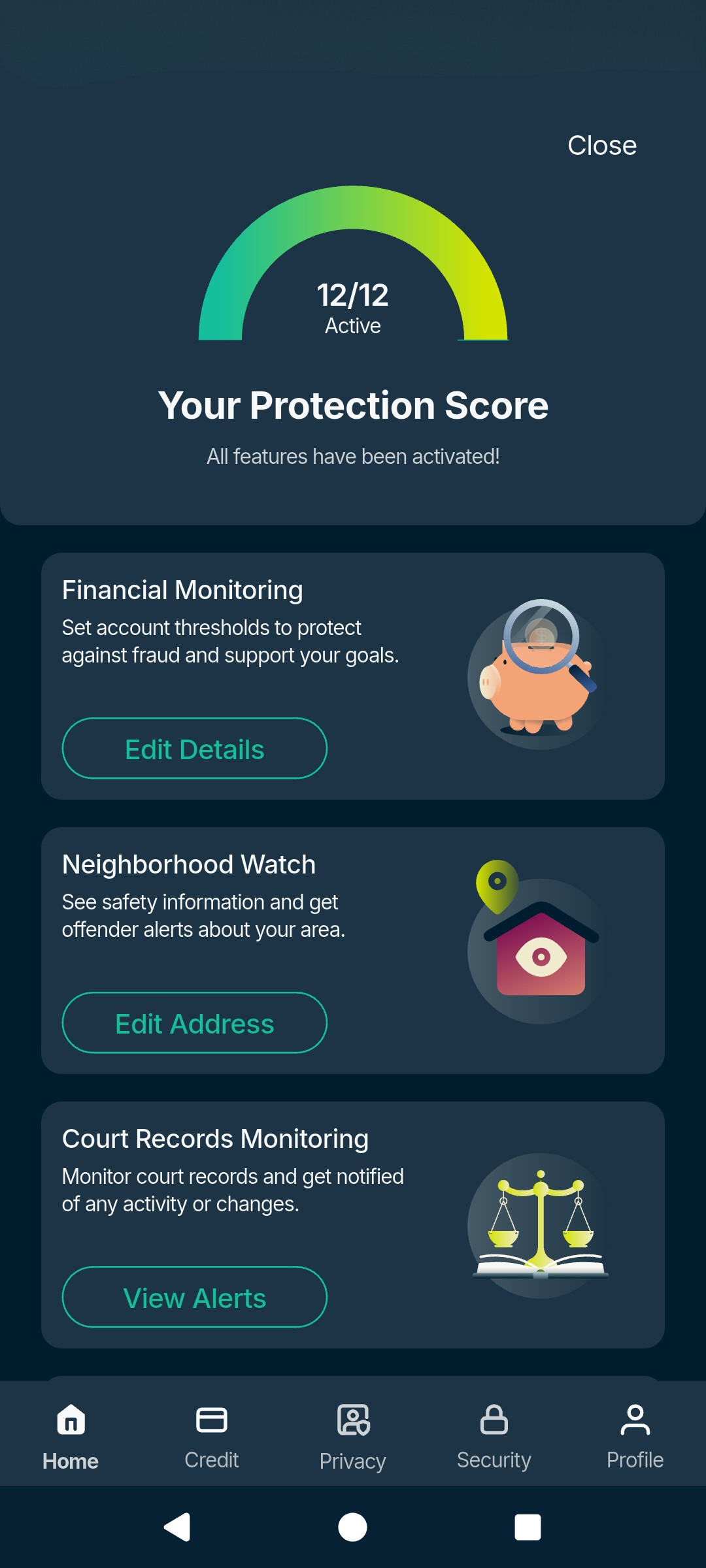
To get a more detailed breakdown of your Protection Score and the features you have yet to activate:
- Tap the Your Protection Score widget at the top of the Home tab.

- From here, you can:
- Activate missing protections: Quickly see which monitoring tools are turned off and tap Set Up next to any inactive feature (like Home Title, 401(k), or Court Records) to maximize your coverage.
- Expand your monitored data: Review and add personal details across all monitoring services to ensure that the tool is scanning for your passport, bank accounts, secondary emails, and property titles.
- Review your financial health: Check your current credit score, view active credit alerts, and monitor high-risk transactions.
- Resolve active threats: See any outstanding alerts (such as Dark Web findings or unauthorized address changes) dragging down your score, and take immediate action to secure your identity.
Need help? Contact the ExpressVPN Support Team for immediate assistance.
How to check your Protection Score in your ExpressVPN+ dashboard
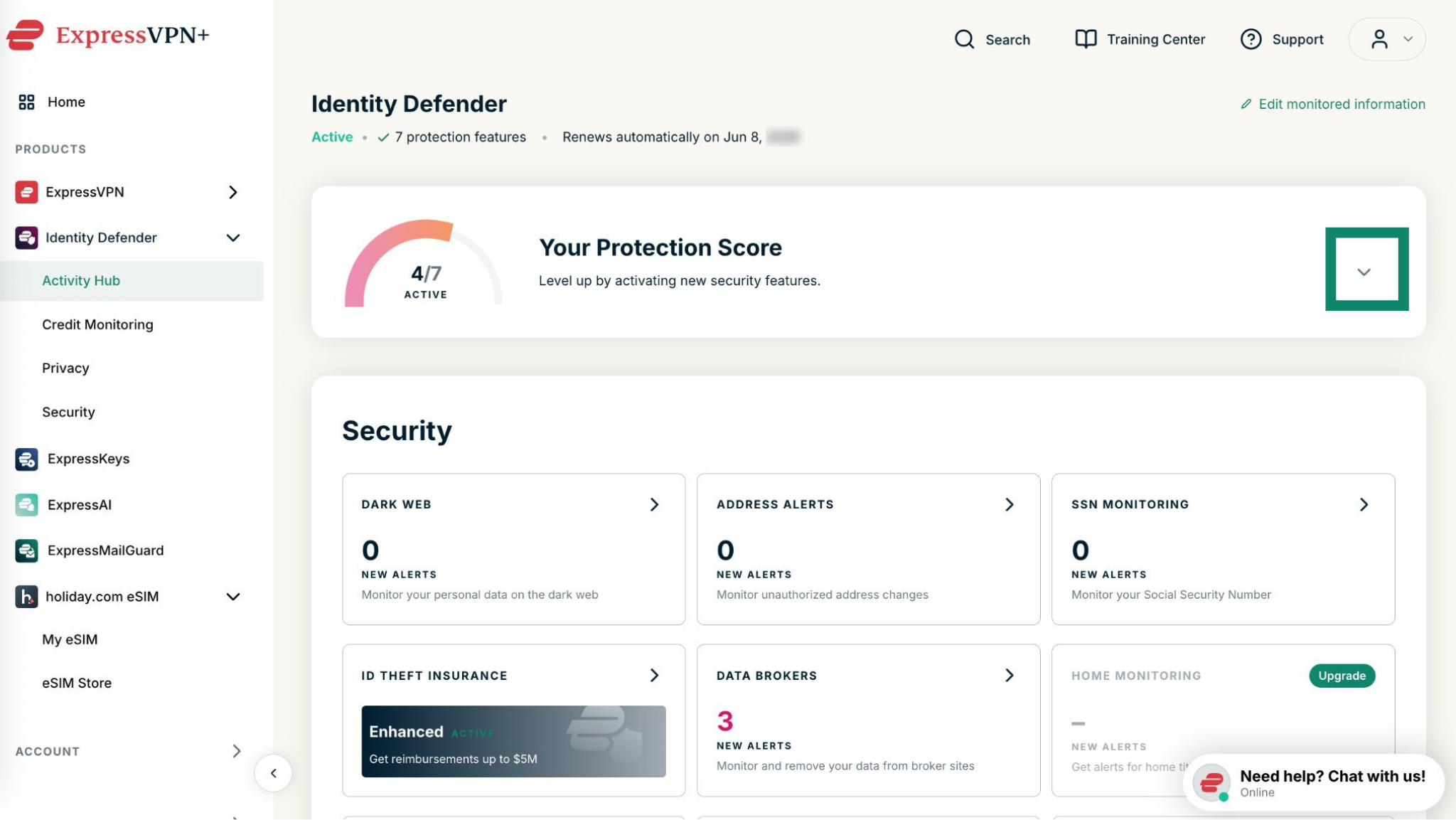
You can also check your Identity Defender protection score on the ExpressVPN+ portal.
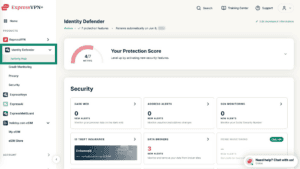
- Click Identity Defender in the left sidebar and select Activity Hub. You’ll find your protection score at the top of the dashboard.

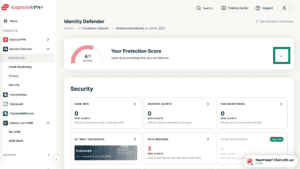
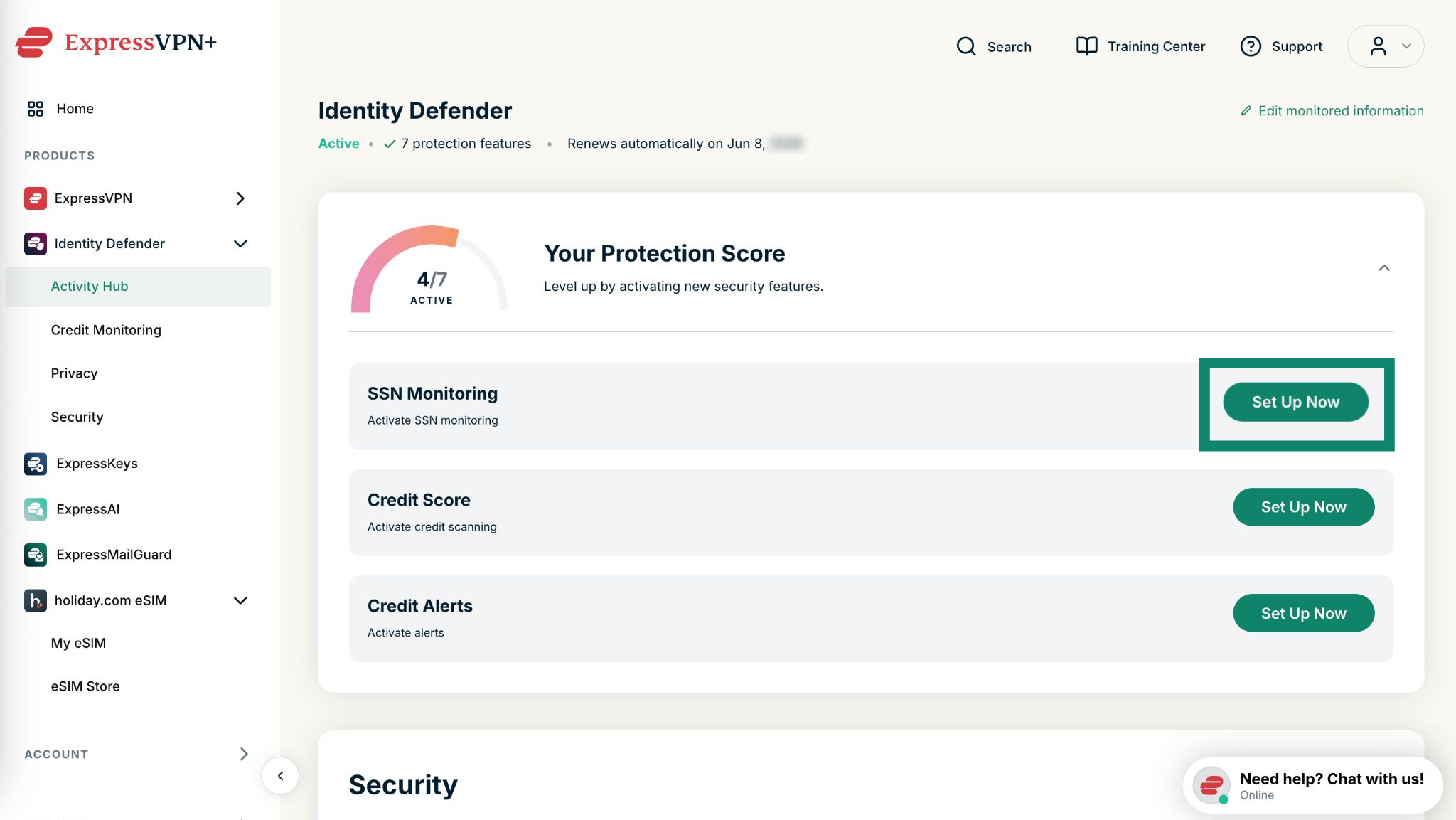
- Click the arrow to expand the section and see what other features you can set up.
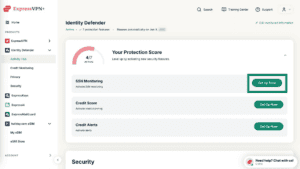
- Select Set Up Now next to any feature to enable it.
Need help? Contact the ExpressVPN Support Team for immediate assistance.