



To use our apps and configurations, please sign up for an ExpressVPN account first.
There are two setup methods for connecting to ExpressVPN: app setup and manual setup. This guide will explain the differences between the two setup methods and which method you should use.
Jump to…
ExpressVPN app setup
The ExpressVPN app setup is the recommended method for users, offering fast, secure connections in an easy-to-use application interface.
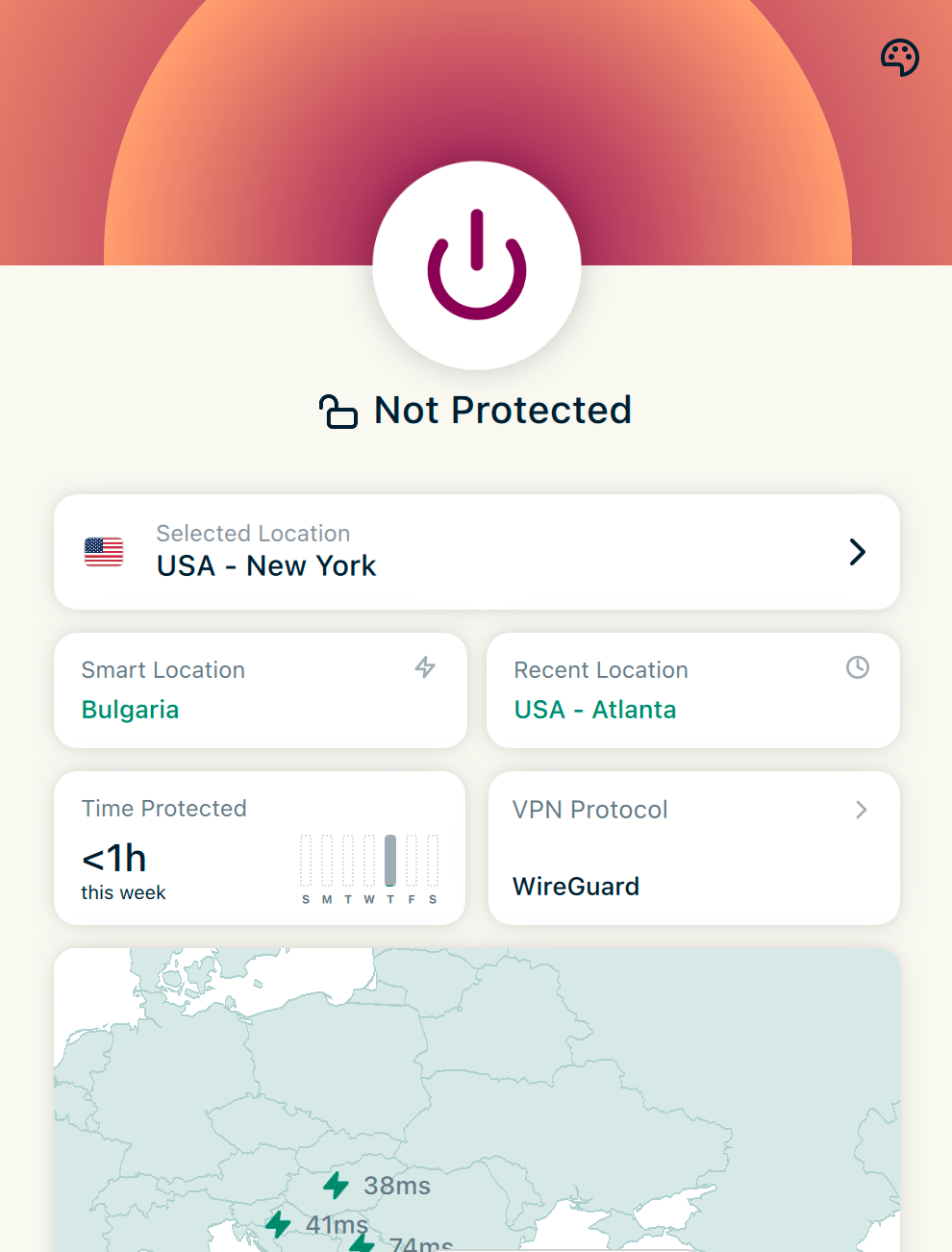
Why use ExpressVPN app setup?
The app setup offers the following benefits:
- Connect and disconnect with one click or tap.
- Browse and change VPN servers in 113 countries.
- Protect your connections from DNS leaks.
- Protect your privacy when your VPN unexpectedly disconnects with Internet Kill Switch.
- Use Lightway, a next-generation VPN protocol for a faster, more secure, and more reliable VPN experience.
- Choose which apps use the VPN and which don’t with split tunneling.
- Block ads, trackers, malicious sites, and adult content.
- Automatically connect to the VPN on launch or when joining untrusted networks.
- Measure your VPN performance with a built-in speed test.
- Command-line interface (CLI) for advanced users on Windows and Linux.
- View and download VPN diagnostics with ease.
How to connect to the VPN using the ExpressVPN app
Instructions on using the ExpressVPN app:
- ExpressVPN app for Windows
- ExpressVPN app for Mac
- ExpressVPN app for Android
- ExpressVPN app for iOS
- ExpressVPN app for Linux
- ExpressVPN for routers
Need help? Contact the ExpressVPN Support Team for immediate assistance.
ExpressVPN manual setup
Manual setup (or manual configuration) is for devices that cannot run the ExpressVPN apps. It is recommended only for users who have relatively more technical experience.
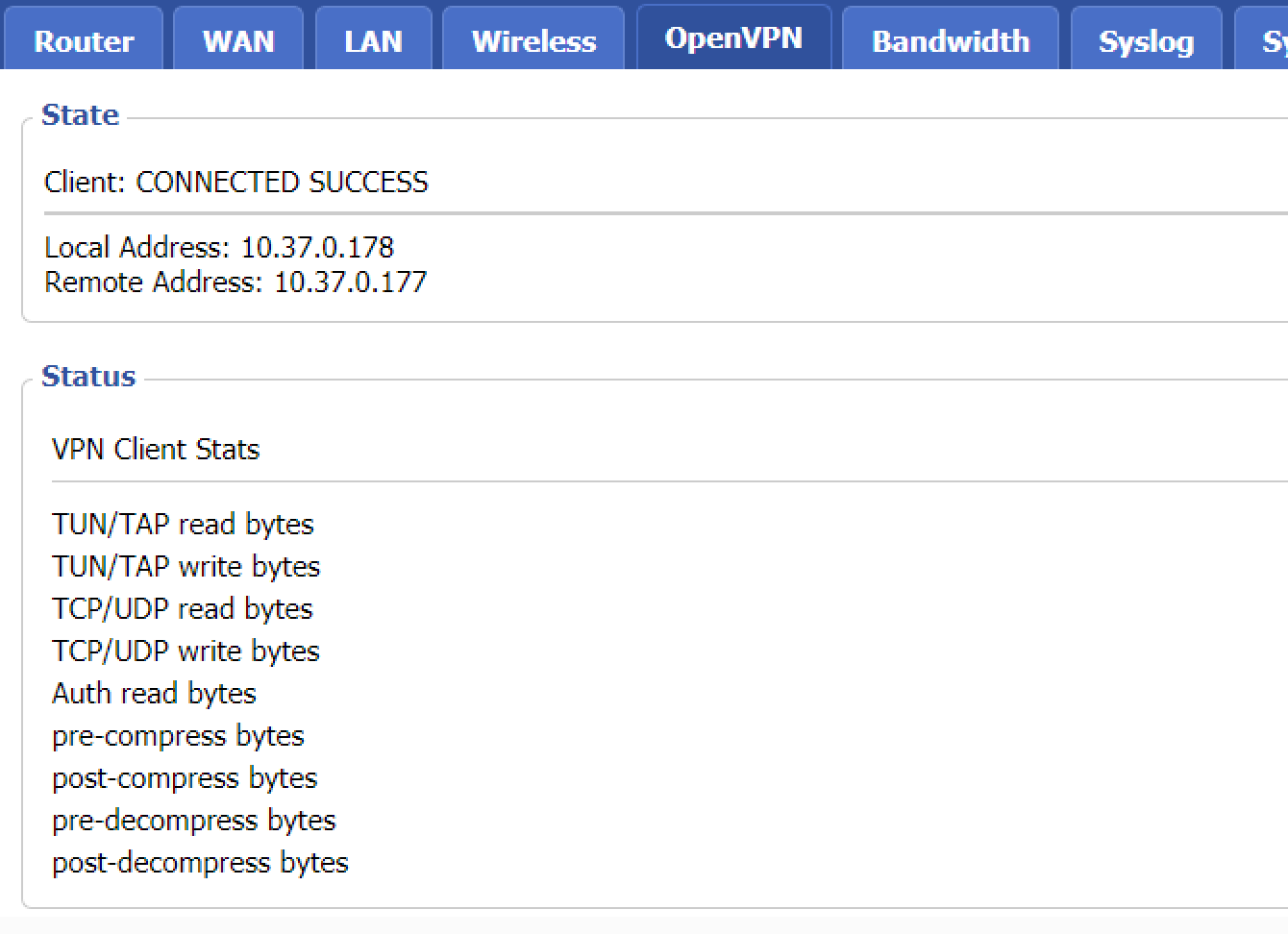
Why use ExpressVPN manual configurations?
Manual configuration offers the following benefits:
- Enjoy VPN protection even when you cannot download or connect to the ExpressVPN app
- Enjoy VPN protection on devices that do not natively support VPN applications
How to connect to the VPN using ExpressVPN manual setup
Manual setup is performed through your device’s network settings or preferences screen.
For instructions on using ExpressVPN manual setup:
- Manual setup for Windows
- Manual setup for Mac
- Manual setup for Linux
- Manual setup for routers
- Manual setup for streaming media consoles
Need help? Contact the ExpressVPN Support Team for immediate assistance.