



This guide will show you how to save your encrypted chats.
ExpressAI securely syncs your chat history so you can pick up your conversations on any device. Your history is protected with zero-access, end-to-end encryption, ensuring only you—not ExpressVPN, not cloud providers—can decrypt or view it.
Jump to…
How to save encrypted chats on desktop
How to save encrypted chats on mobile
How to save encrypted chats on desktop
To save your encrypted chats on desktop:
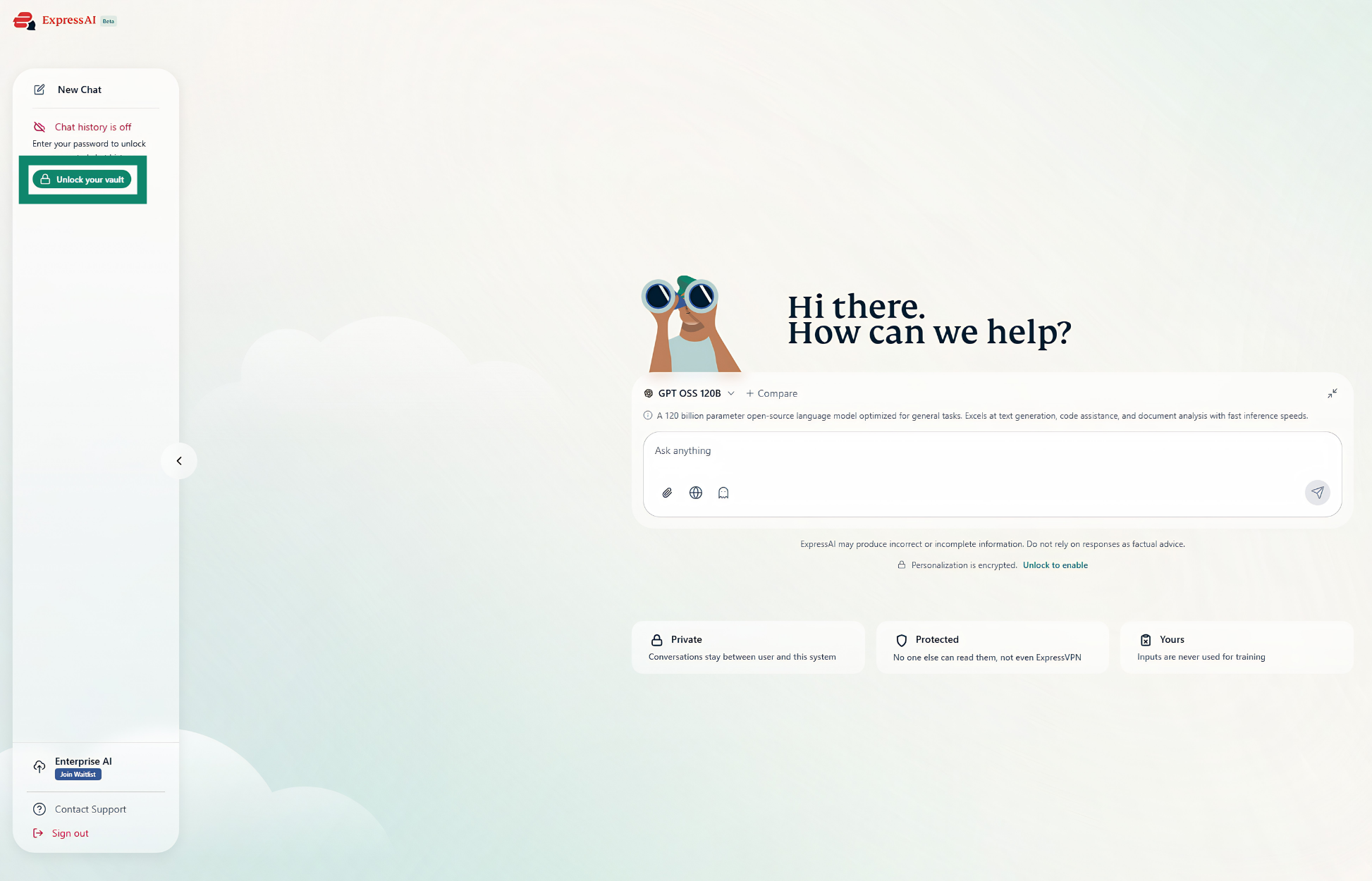
- Click Unlock your vault.


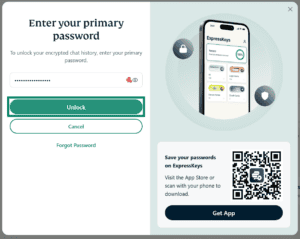
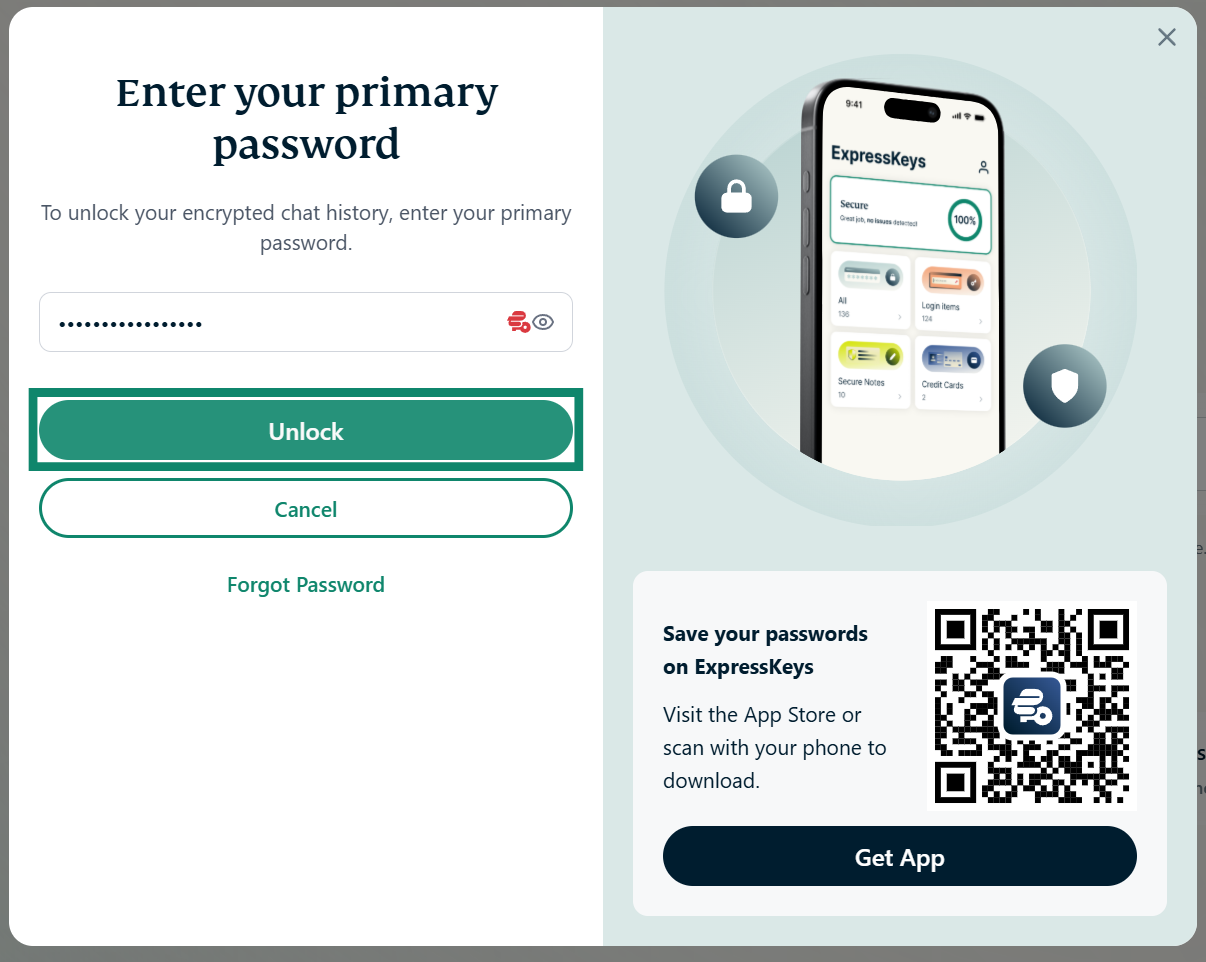
- Enter your primary password, then click Unlock.

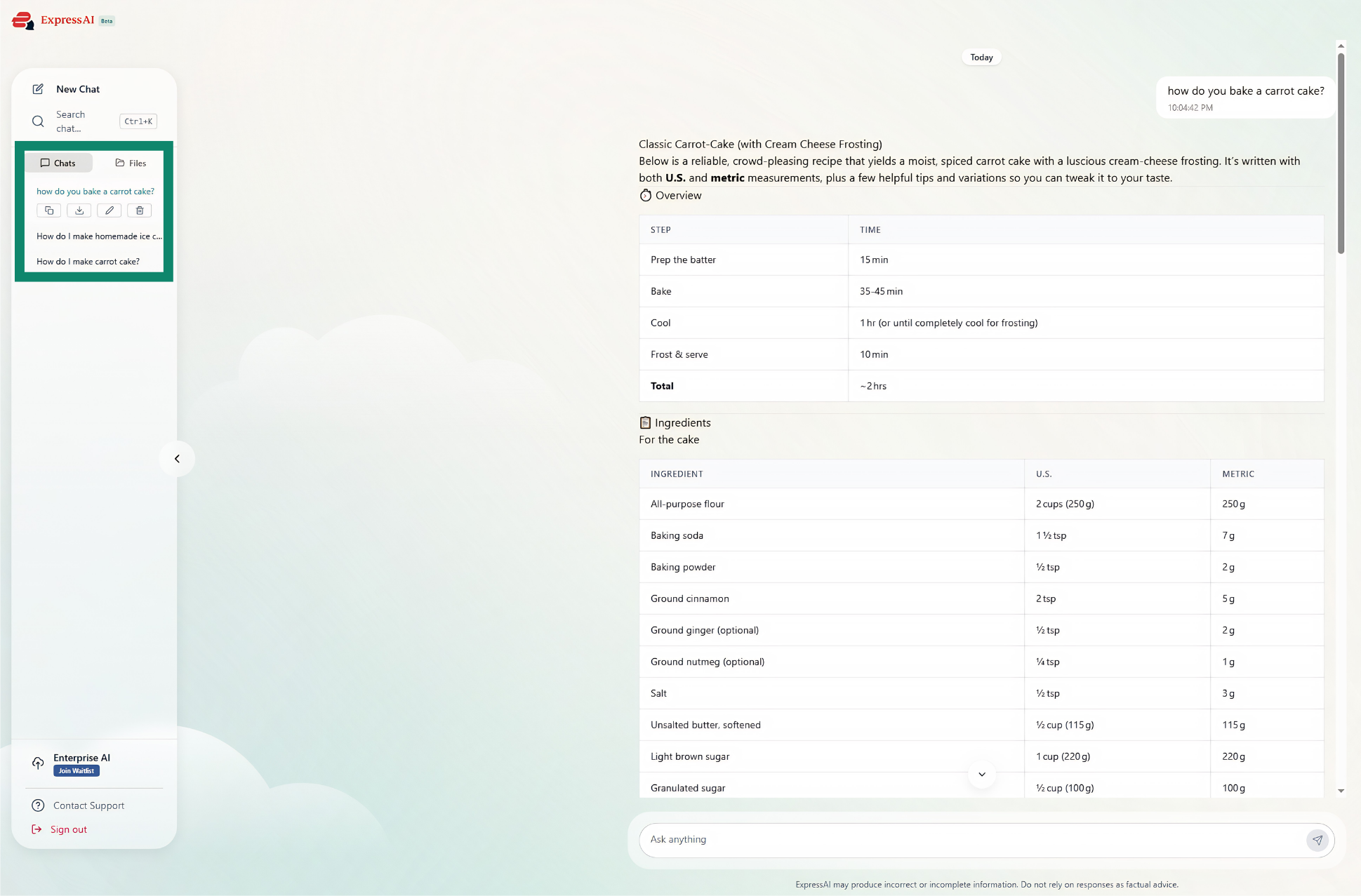
Once you have unlocked your vault, any conversations you start will be saved. You can view your saved chats and files in the sidebar on the left.
Need help? Contact the ExpressAI Support Team for immediate assistance.
How to save encrypted chats on mobile
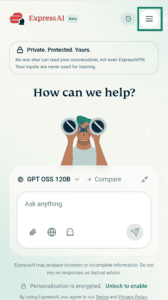
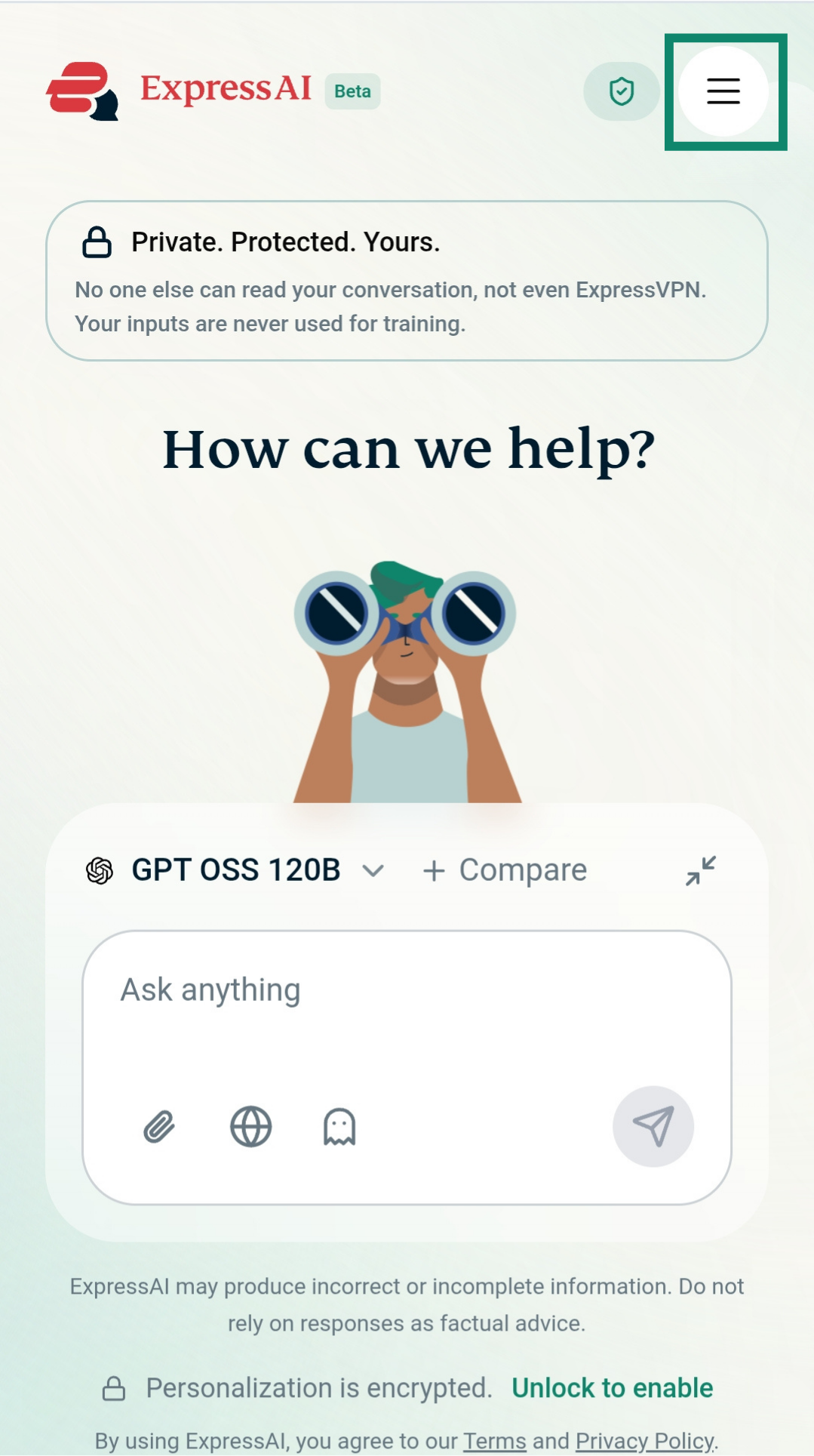
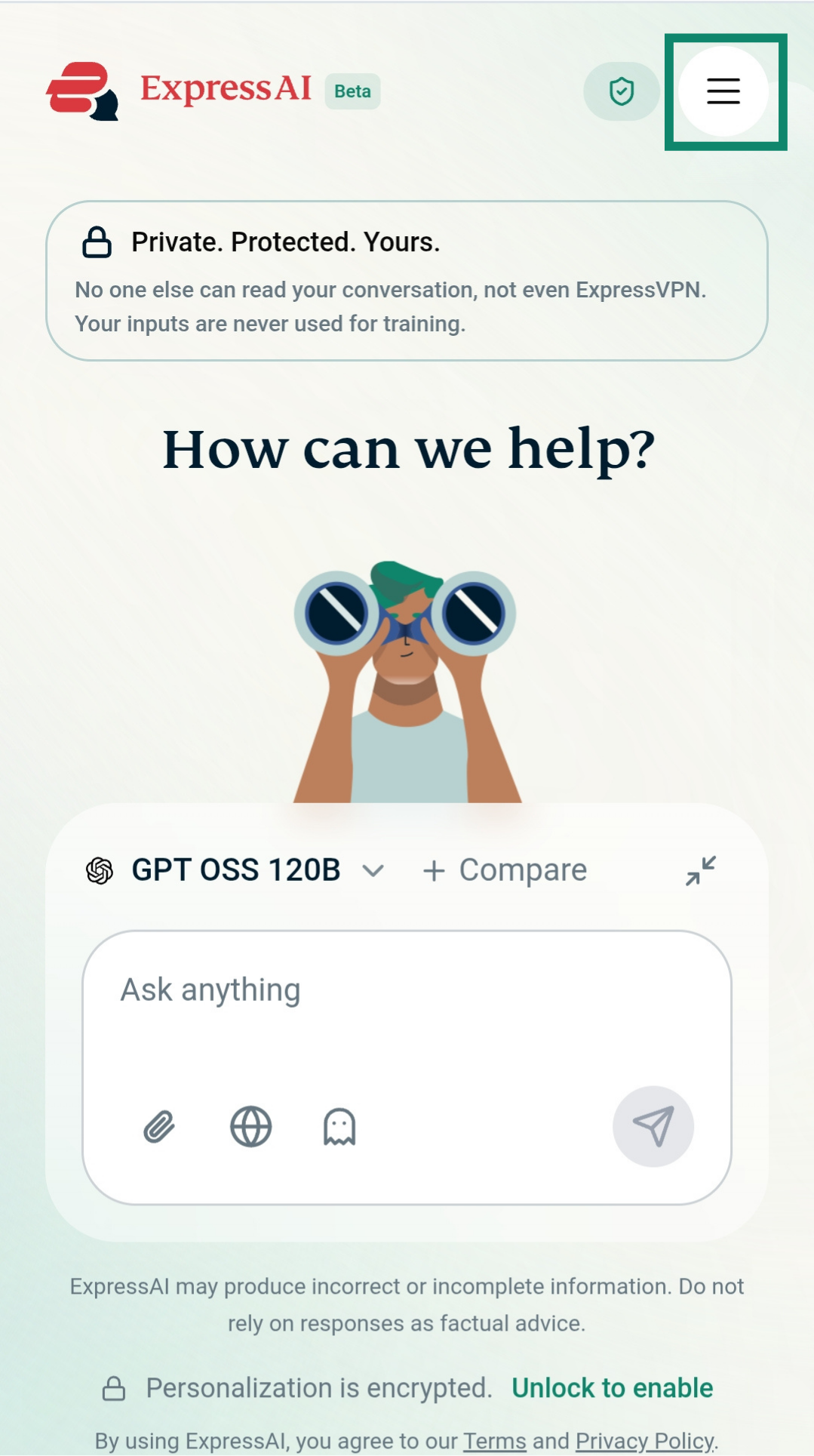
To save your encrypted chats on mobile:
- Tap

 .
.

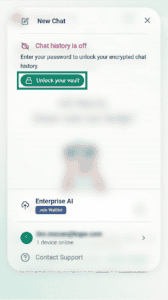
- Tap Unlock your vault.

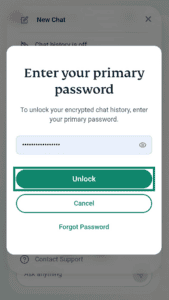
- Enter your primary password, then tap Unlock.

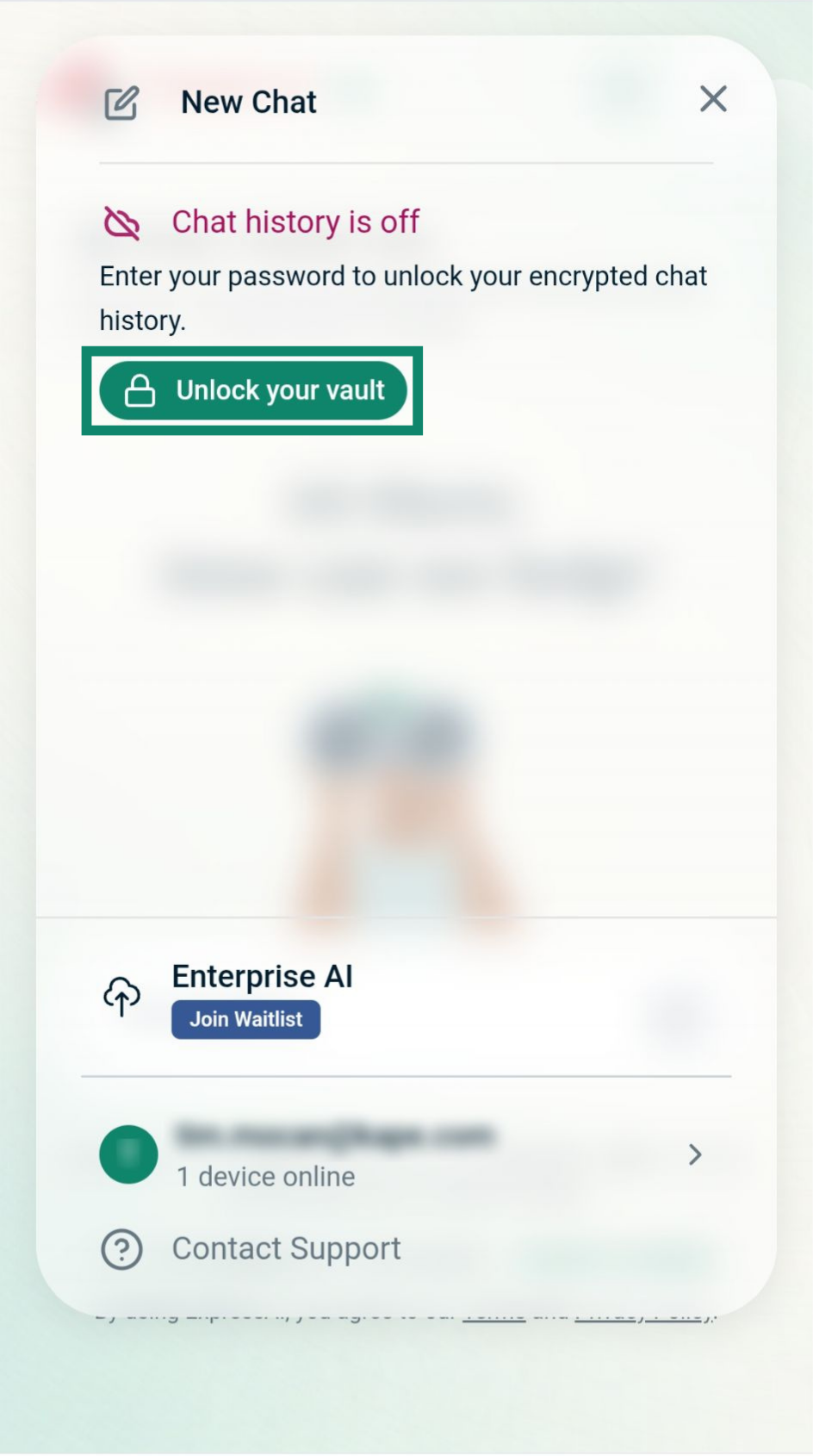
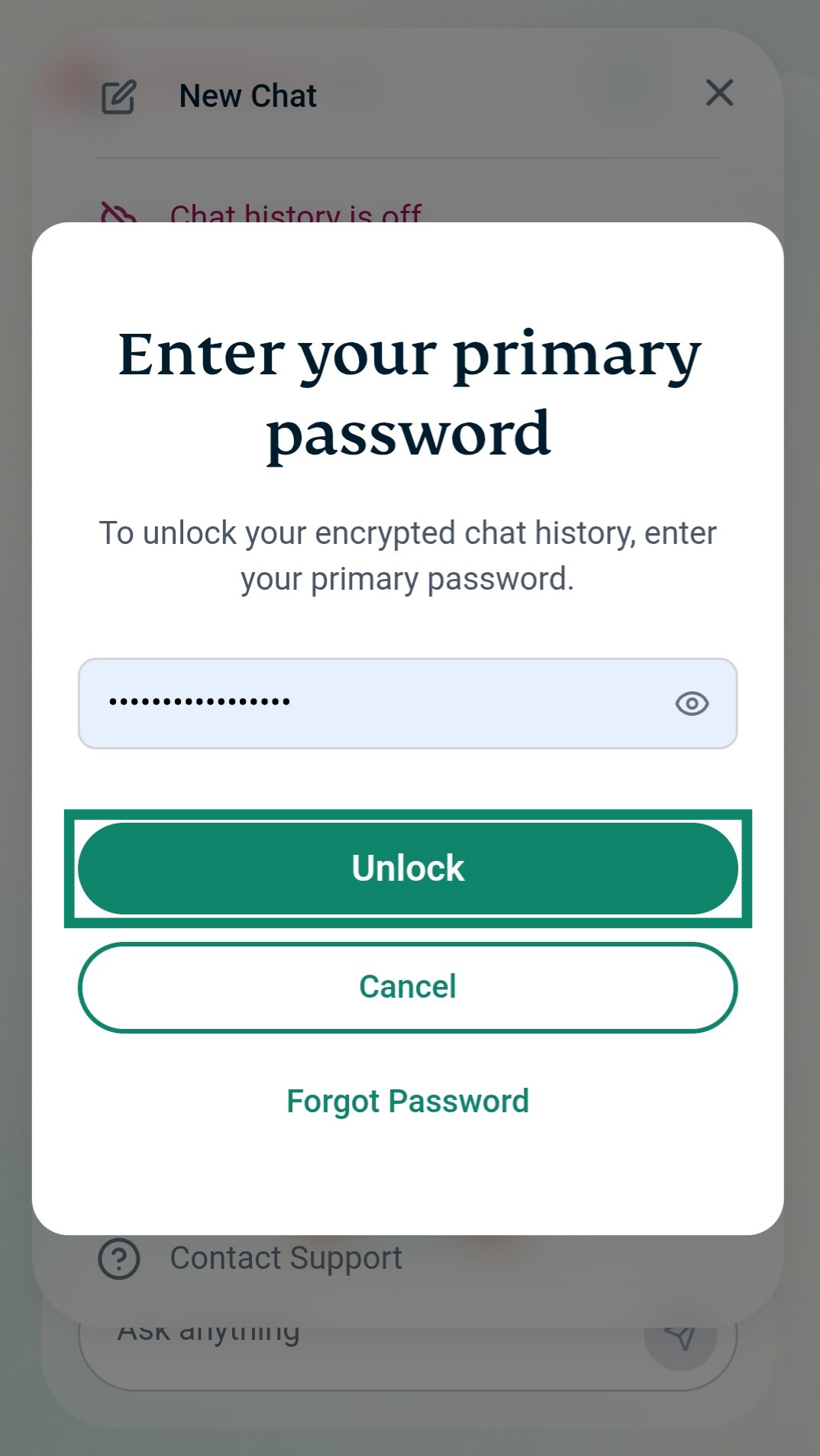
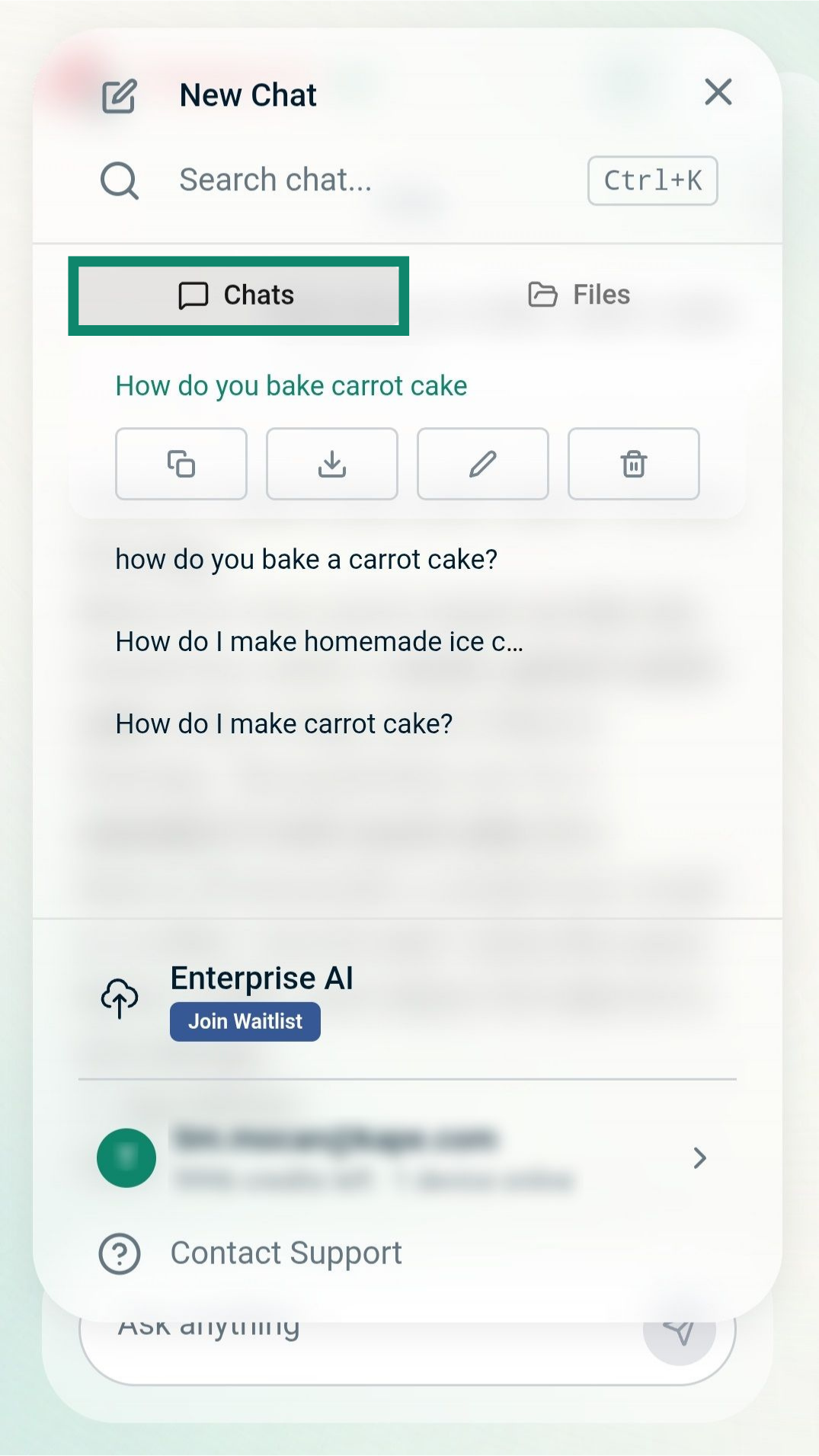
Once you have unlocked your vault, any chats you start will be saved. To view your saved chats on mobile:
- Tap .
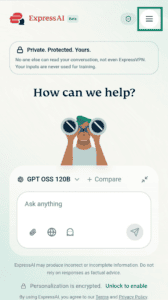
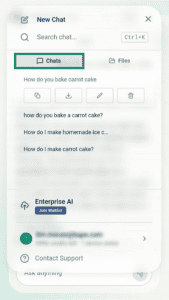
- Tap the Chats tab to view your saved encrypted chats.
Need help? Contact the ExpressAI Support Team for immediate assistance.