



To use our apps and configurations, please sign up for an ExpressVPN account first.
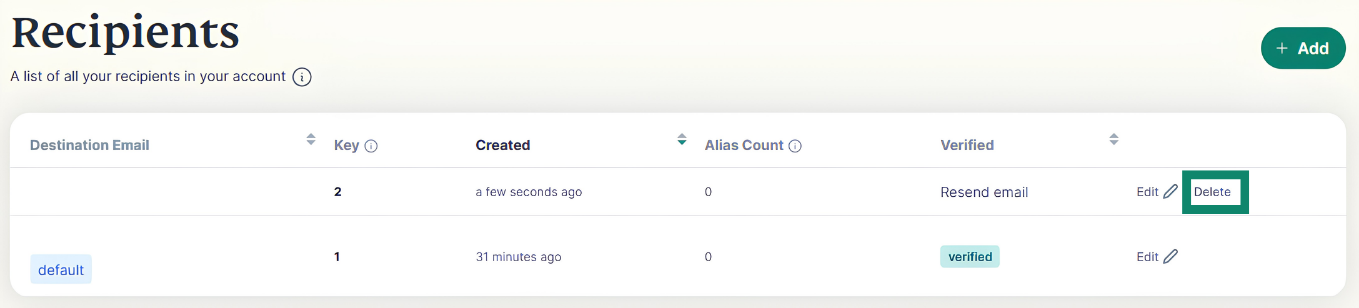
Note: You cannot delete your account’s default recipient email address.
To delete a recipient:
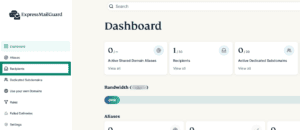
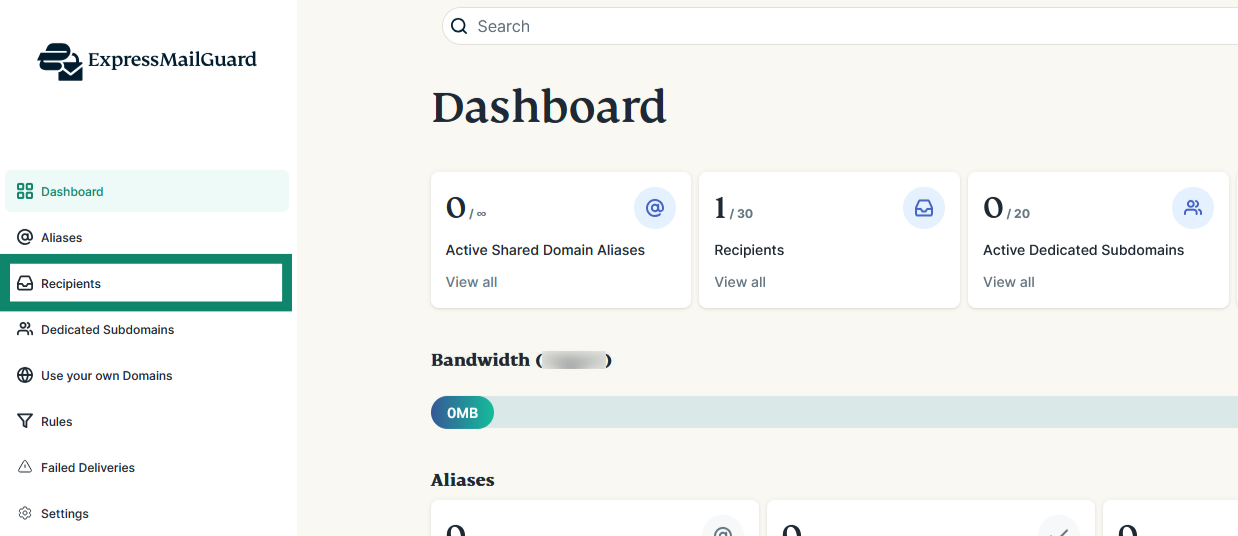
- On the ExpressMailGuard dashboard, click Recipients.

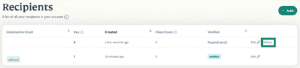
- Find the recipient you want to delete and click Delete.

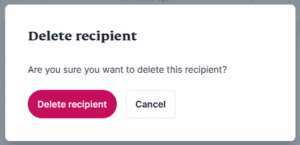
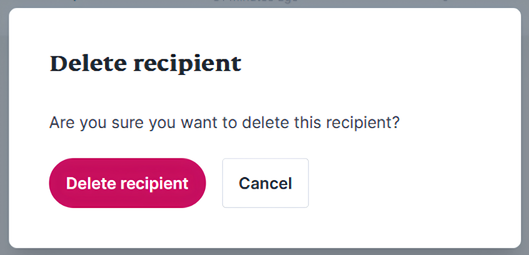
- Click Delete recipient.

Need help? Contact the ExpressVPN Support Team for immediate assistance.