



When an alias is deactivated, any messages sent to it will be silently discarded. The sender will not be notified of the unsuccessful delivery.
To deactivate an email alias:
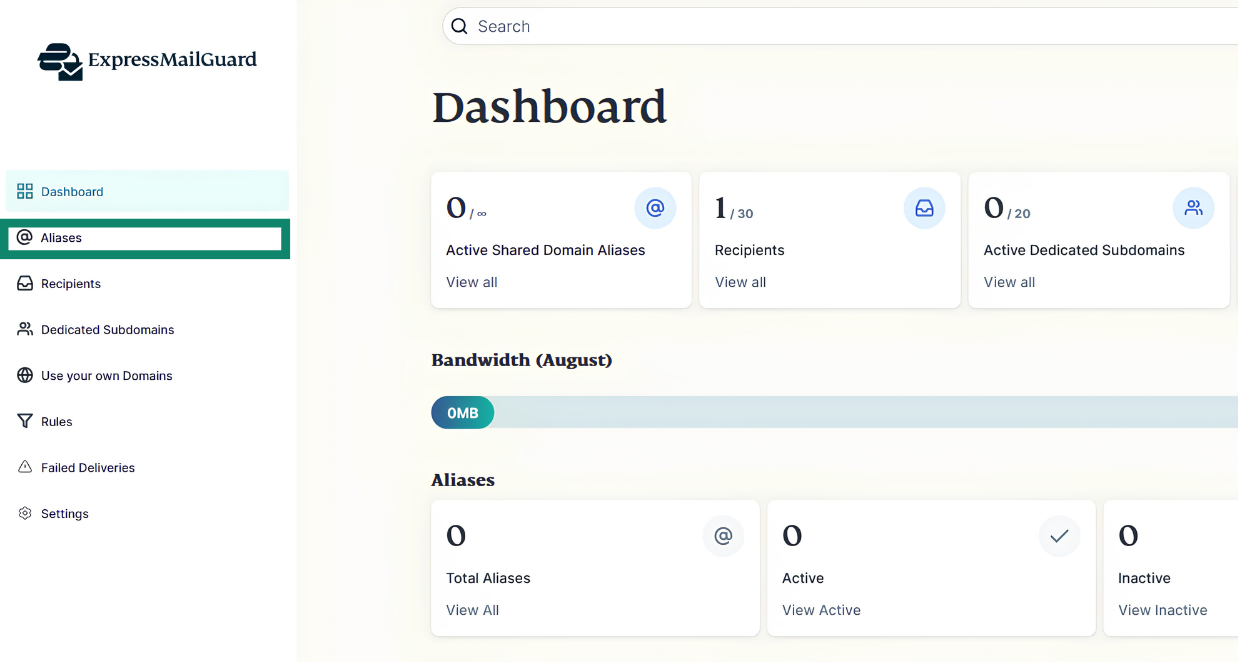
- On the ExpressMailGuard dashboard, click Aliases.


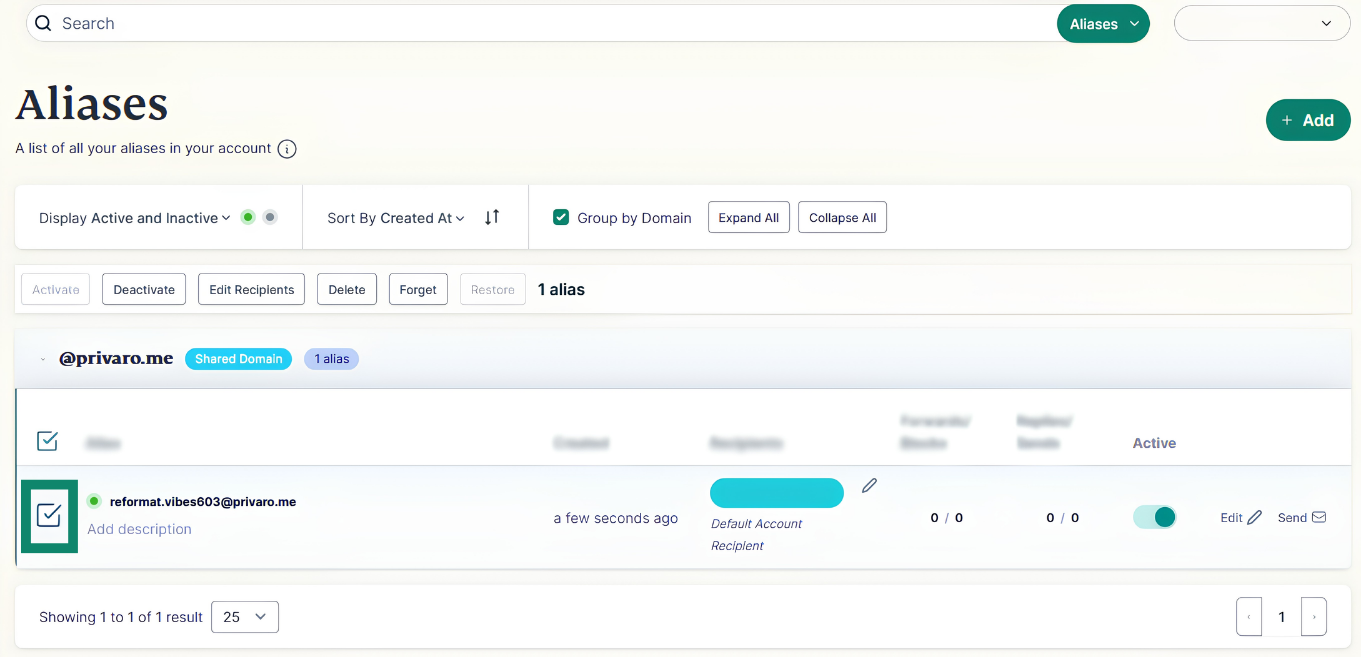
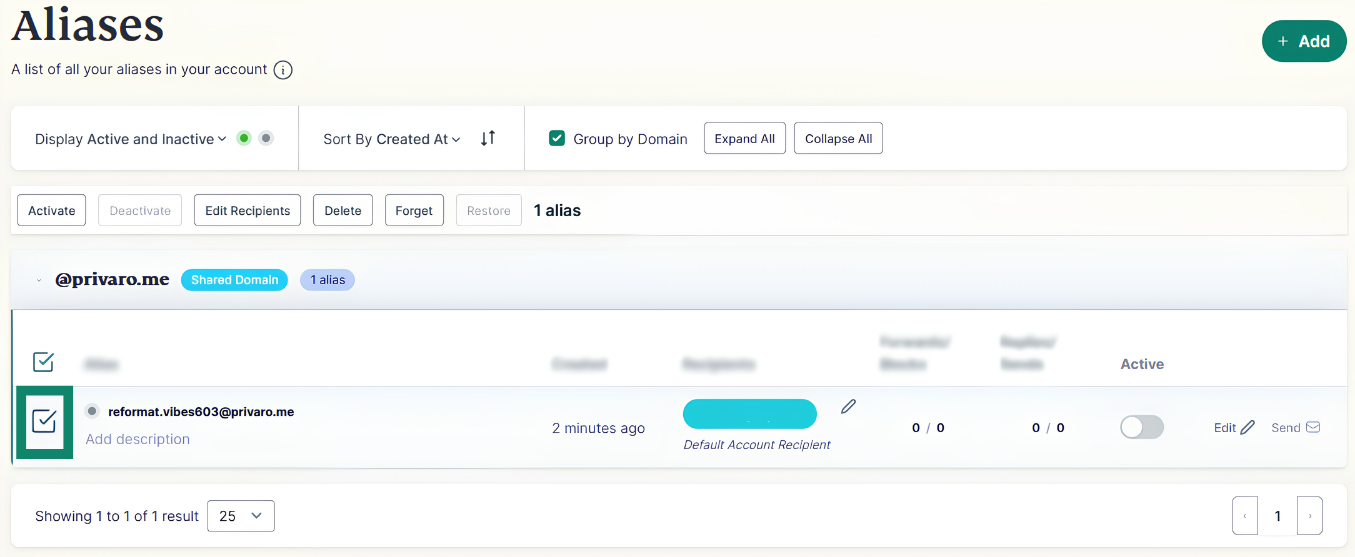
- Find the alias you want to deactivate and click the checkbox.


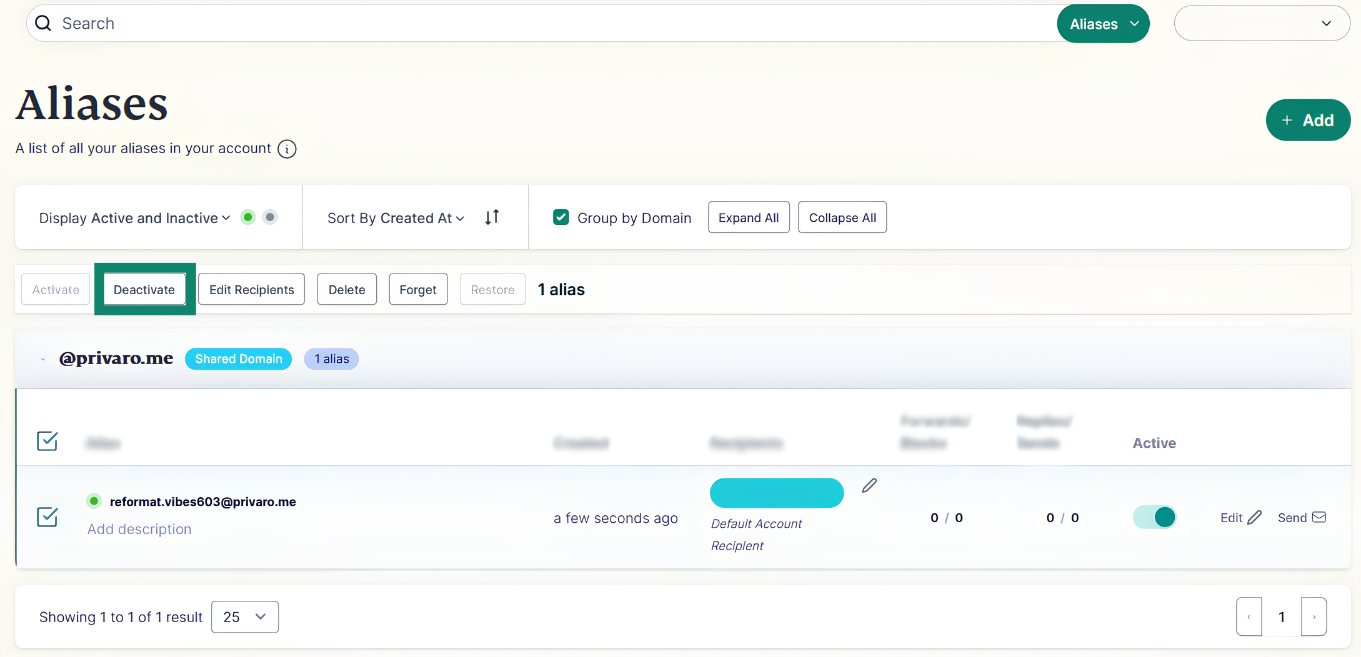
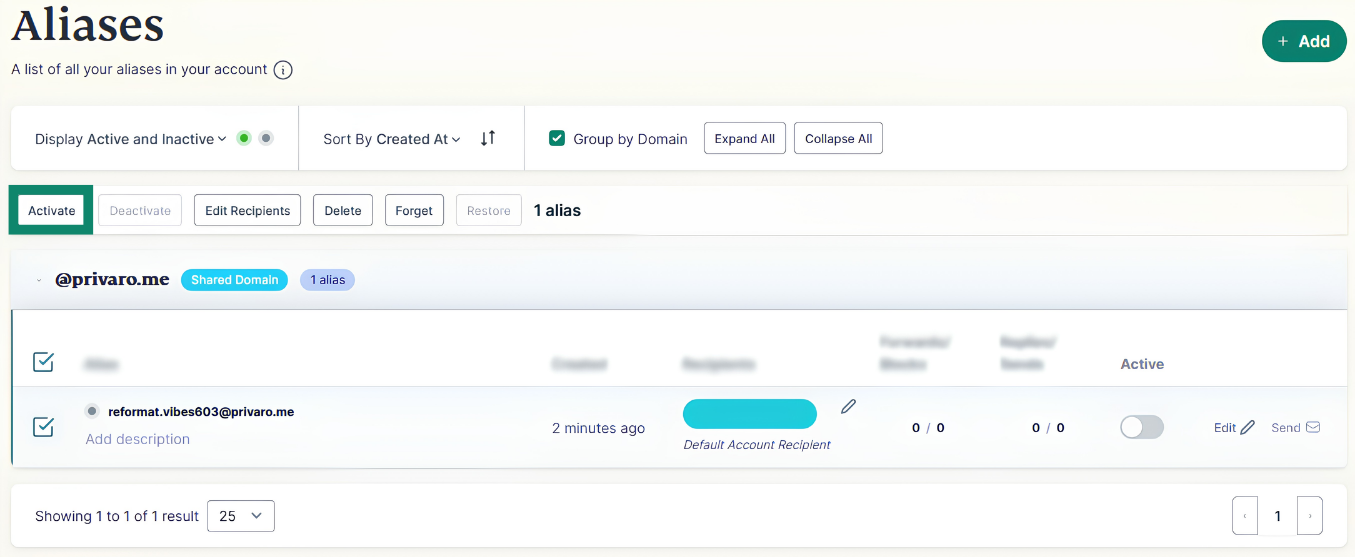
- Click Deactivate.

If you want to reactivate an alias:
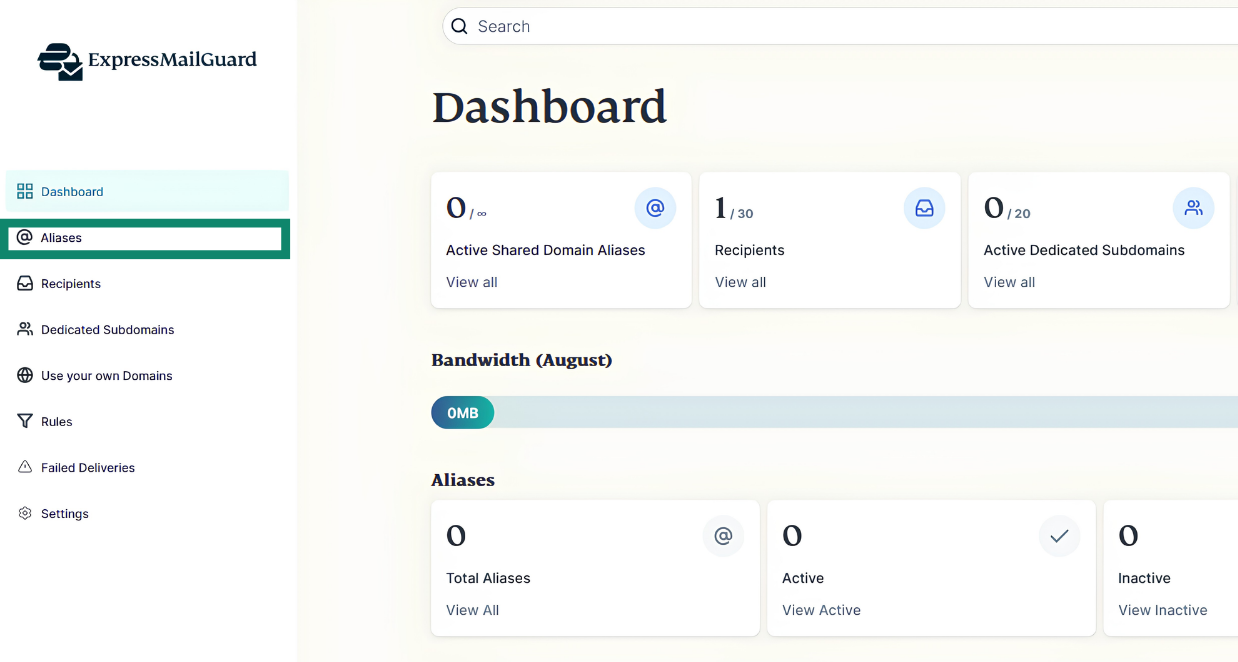
- On the ExpressMailGuard dashboard, click Aliases.

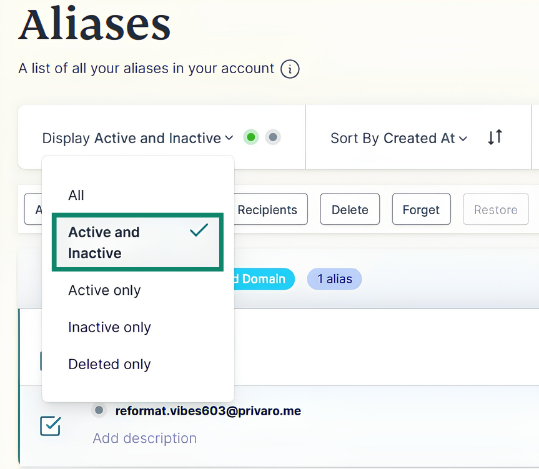
- Under Display, make sure you select All, Active and Inactive, or Inactive Only to show inactive aliases.


- Find the alias you want to reactivate and click the checkbox.


- Click Activate.

Need help? Contact the ExpressVPN Support Team for immediate assistance.